Skip to content

Navigation Menu

Sign in
Sign up

Latest commit

History

17 Commits

Folders and files

NameName
Last commit message
Last commit date

Repository files navigation

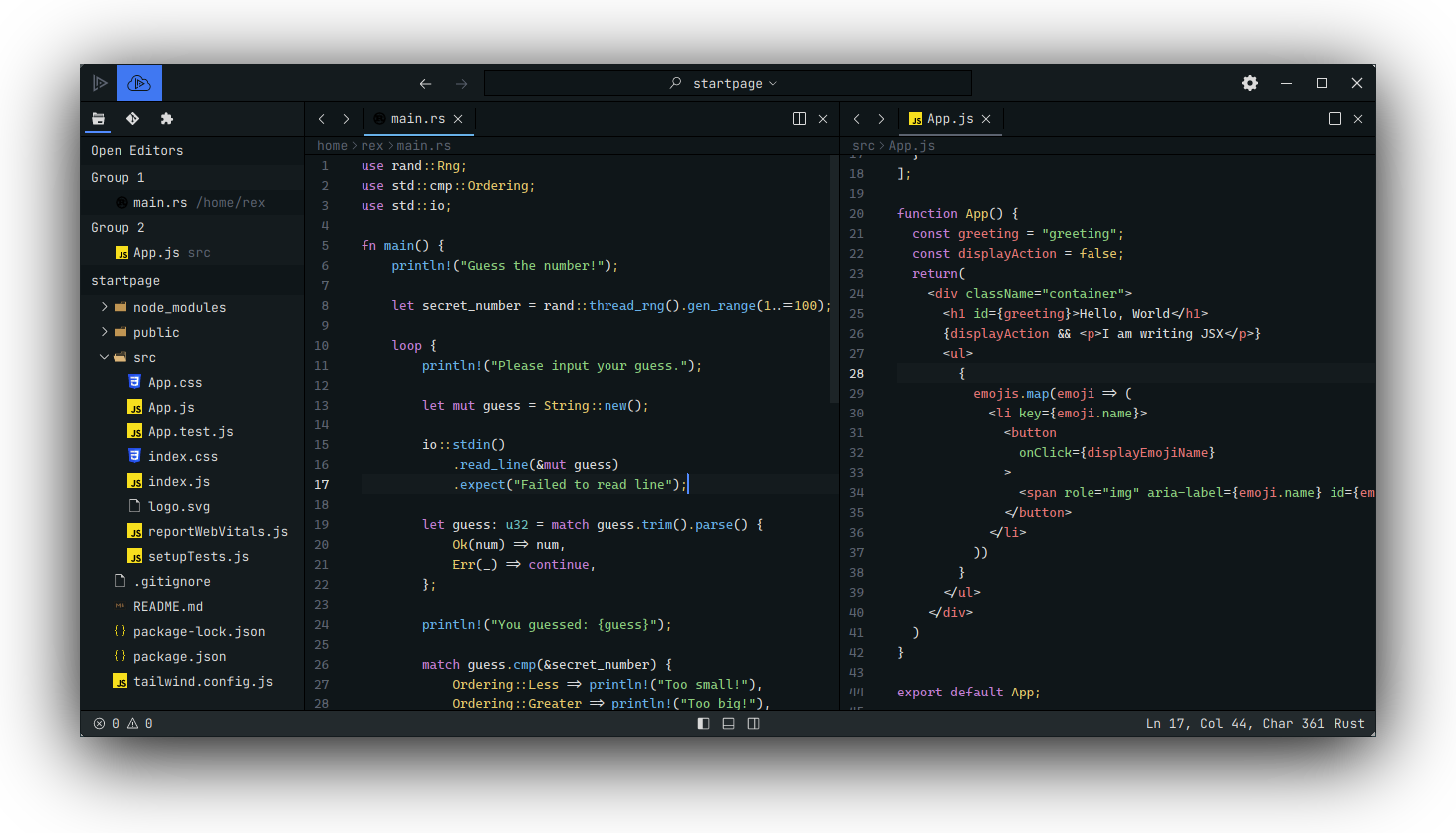
Lapce Everblush theme

Everblush theme for lapce

Installation

Manual

  • mkdir ~/.local/share/lapce-stable/Everblush
  • copy Everblush.toml and volt.toml into ~/.local/share/lapce-stable/Everblush
  • cp *.toml ~/.local/share/lapce-stable/Everblush/

Plugin

  • Go to plugins tab
  • Scroll down to Everblush -> Install
  • Open command pallet and type and select change theme.
  • select Everblush.

Credits πŸ’

About

Everblush theme for lapce text editor

Topics

Resources

Stars

4 stars

Watchers

0 watching

Forks

Releases

Packages

Contributors

AltStyle γ«γ‚ˆγ£γ¦ε€‰ζ›γ•γ‚ŒγŸγƒšγƒΌγ‚Έ (->γ‚ͺγƒͺγ‚ΈγƒŠγƒ«) /