类似于<即刻>应用的图片浏览器效果
- 支持 iOS 8 及以上
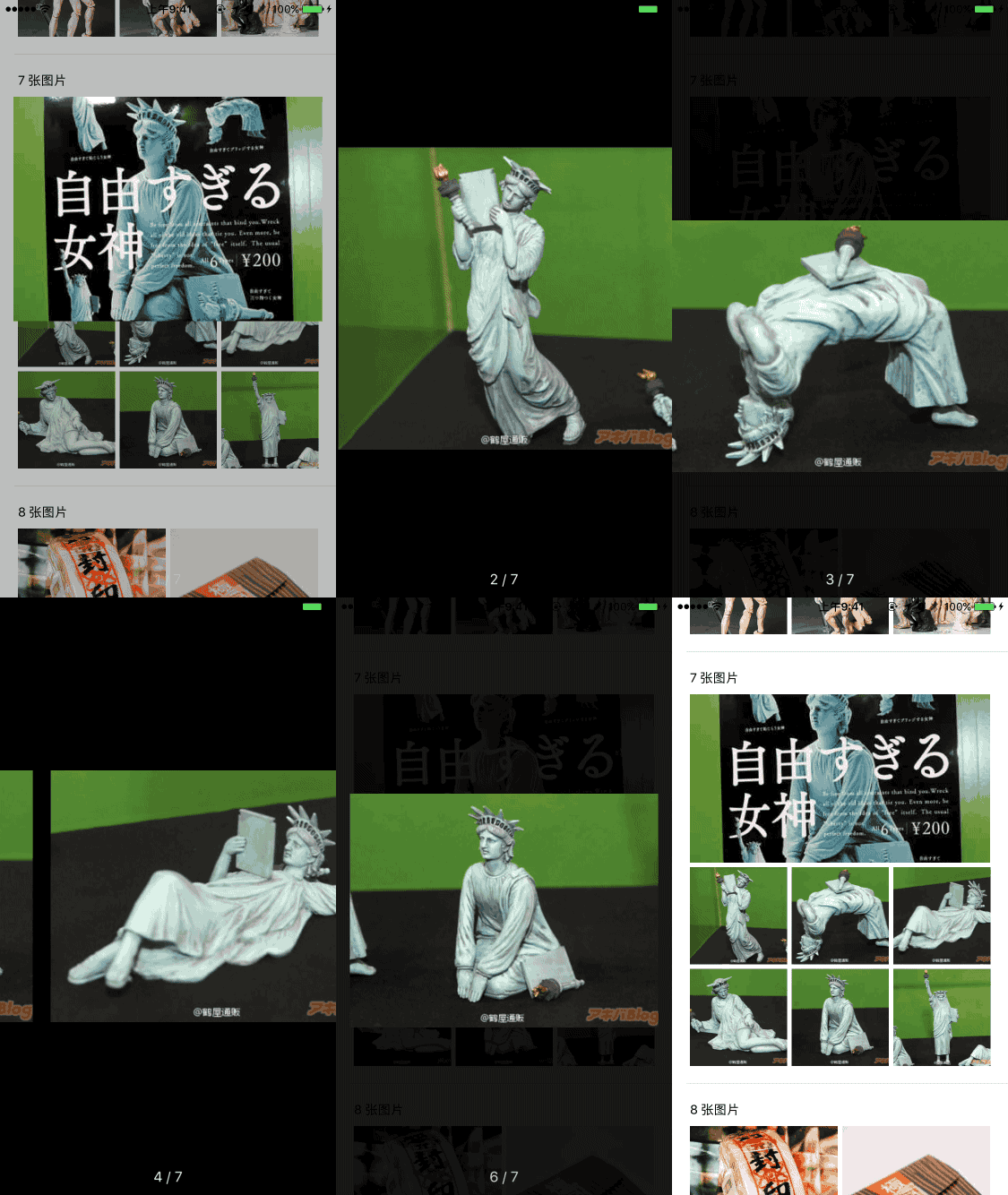

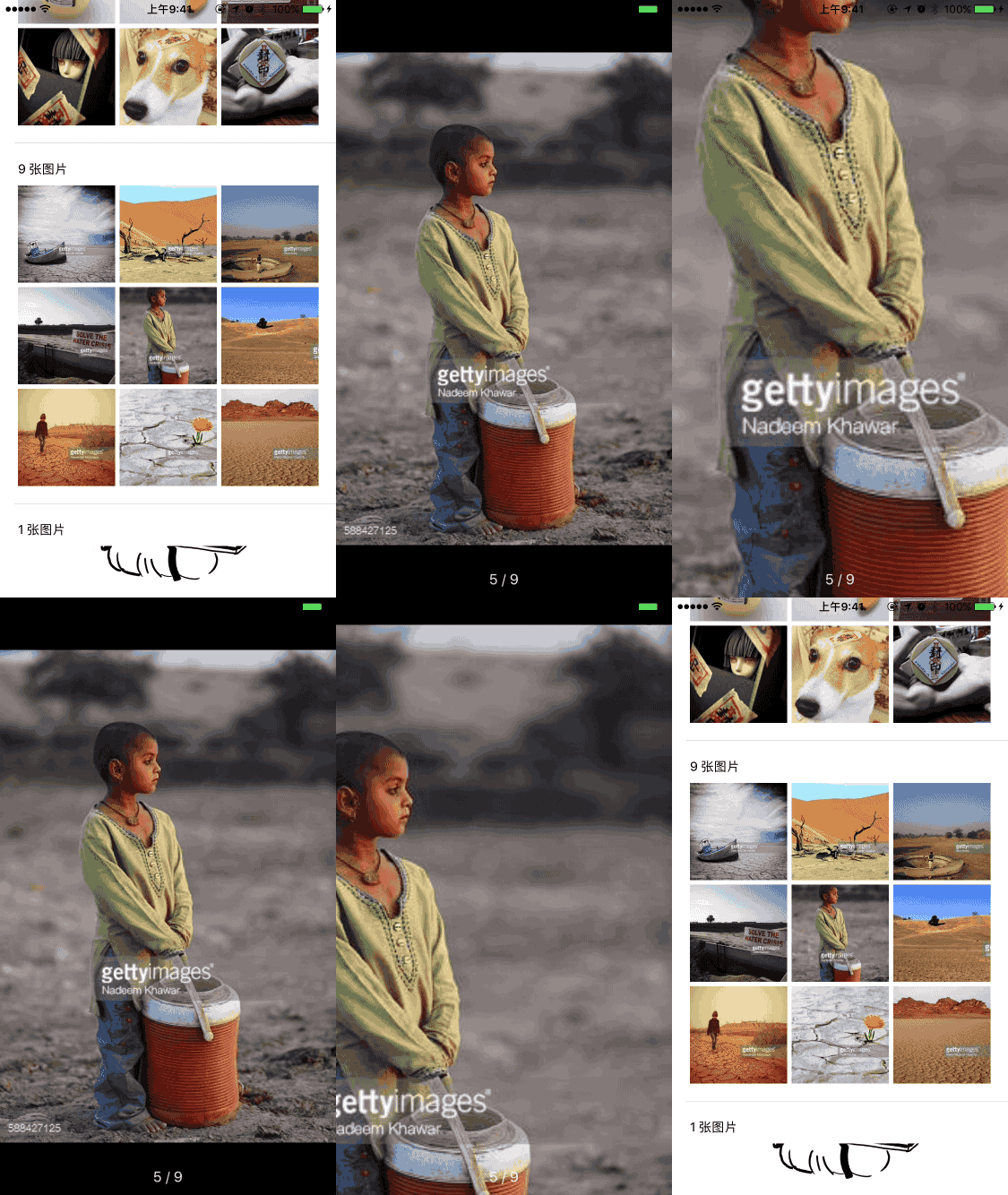
- cocoapod
pod 'ESPictureBrowser'
- 初始化并显示
/**
 显示图片浏览器

 @param fromView 用户点击的视图
 @param picturesCount 图片的张数
 @param currentPictureIndex 当前用户点击的图片索引
 */
- (void)showFromView:(UIView *)fromView picturesCount:(NSInteger)picturesCount currentPictureIndex:(NSInteger)currentPictureIndex
- 实现代理方法
/**
 获取对应索引的视图

 @param pictureBrowser 图片浏览器
 @param index 索引

 @return 视图
 */
- (UIView *)pictureView:(ESPictureBrowser *)pictureBrowser viewForIndex:(NSInteger)index {
 ...
}
/**
 获取对应索引的图片大小

 @param pictureBrowser 图片浏览器
 @param index 索引

 @return 图片大小
 */
- (CGSize)pictureView:(ESPictureBrowser *)pictureBrowser imageSizeForIndex:(NSInteger)index {
 ...
}
/**
 获取对应索引默认图片,可以是占位图片,可以是缩略图

 @param pictureBrowser 图片浏览器
 @param index 索引

 @return 图片
 */
- (UIImage *)pictureView:(ESPictureBrowser *)pictureBrowser defaultImageForIndex:(NSInteger)index {
 ...
}
/**
 获取对应索引的高质量图片地址字符串

 @param pictureBrowser 图片浏览器
 @param index 索引

 @return 图片的 url 字符串
 */
- (NSString *)pictureView:(ESPictureBrowser *)pictureBrowser highQualityUrlStringForIndex:(NSInteger)index {
 ...
}
- 其他配置
/**
 图片之间的间距,默认: 20
 */
@property (nonatomic, assign) CGFloat betweenImagesSpacing;
/**
 页数文字中心点,默认:居中,中心 y 距离底部 20
 */
@property (nonatomic, assign) CGPoint pageTextCenter;
/**
 页数文字字体,默认:系统字体,16号
 */
@property (nonatomic, strong) UIFont *pageTextFont;
/**
 页数文字颜色,默认:白色
 */
@property (nonatomic, strong) UIColor *pageTextColor;
/**
 长按图片要执行的事件,将长按的索引回调
 */
@property (nonatomic, copy) void(^longPressBlock)(NSInteger);
具体见上面 Demo
不存在<即刻 v2.7.0>中的图片放大之后,拖动消失的 Bug,具体 bug 见效果图:

- 加载图片进度效果(已搞定)
MIT