
CocoaPods Compatible Platform Twitter License


An iOS tabbed slide view.
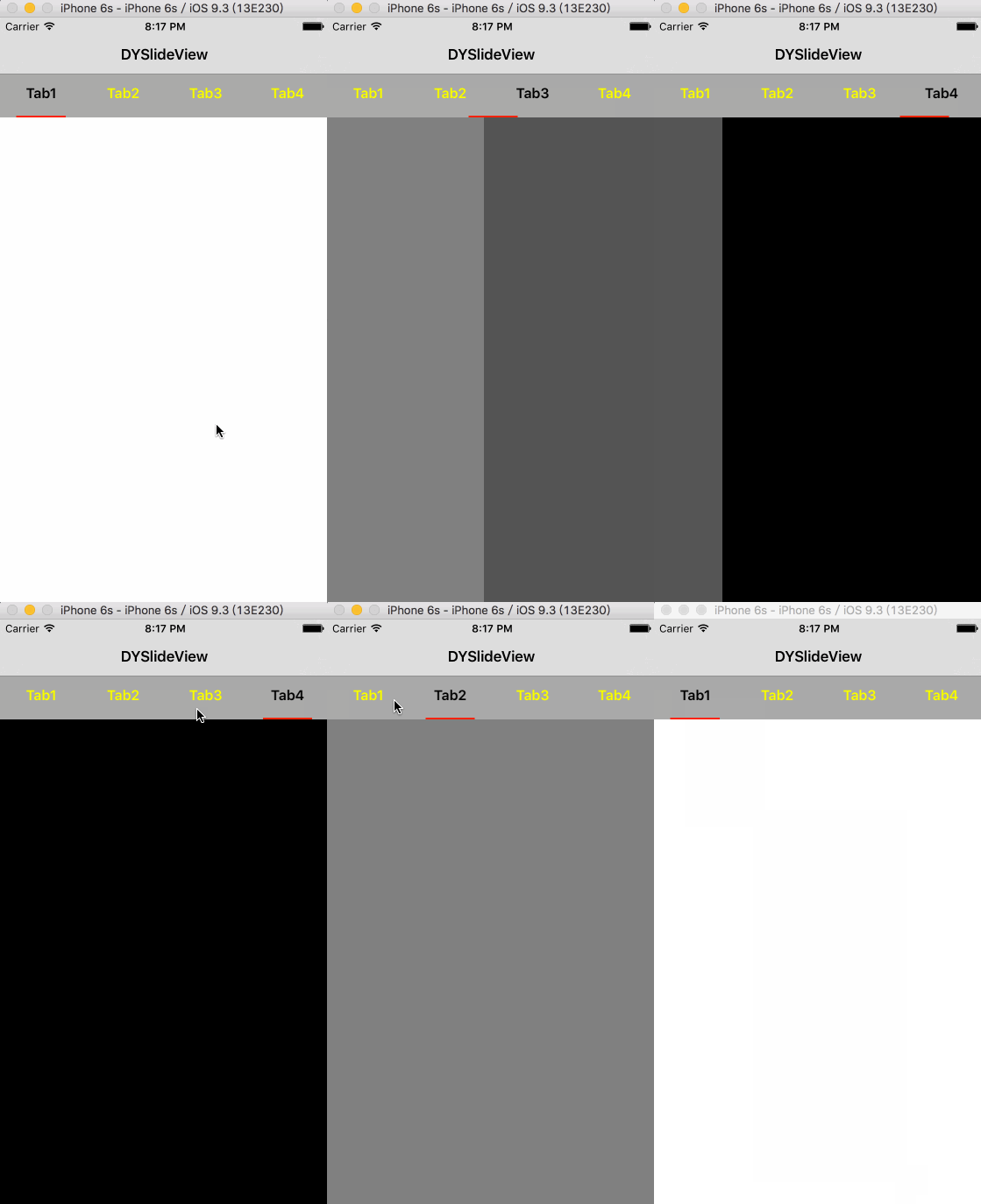
To integrate DYSlideView into your Xcode project using CocoaPods, specify it in your Podfile:
pod 'DYSlideView'
#import "DYSlideView.h"
//init and setup DYSlideView
DYSlideView *slideView = [[DYSlideView alloc] init];
[slideView setFrame:self.view.bounds];

slideView.slideBarColor = [UIColor lightGrayColor];
slideView.slideBarHeight = 50;

slideView.sliderColor = [UIColor redColor];
slideView.sliderHeight = 2;
slideView.sliderScale = 0.6;

slideView.buttonNormalColor = [UIColor yellowColor];
slideView.buttonSelectedColor = [UIColor blackColor];
slideView.buttonTitleFont = [UIFont boldSystemFontOfSize:16.f];

slideView.scrollViewBounces = YES;
slideView.scrollEnabled = YES;

slideView.delegate = self;
[self.view addSubview:slideView];
//add delegate
@interface YourViewController () <DYSlideViewDelegate>
@end
//implement delegate
@required
- (NSInteger)DY_numberOfViewControllersInSlideView;
- (nonnull NSString *)DY_titleForViewControllerAtIndex:(NSInteger)index;
//You need to add the ViewController to YourViewController's childViewControllers.
- (nonnull UIViewController *)DY_viewControllerAtIndex:(NSInteger)index;
@optional
- (void)DY_didSelectButtonAtIndex:(NSInteger)index;