Tensor-Network-Visualization logo

CI PyPI version Python versions License: MIT
Minimal Matplotlib visualizations for TensorKrowch, TensorNetwork, Quimb, TeNPy, and traced
PyTorch/NumPy einsum tensor networks.
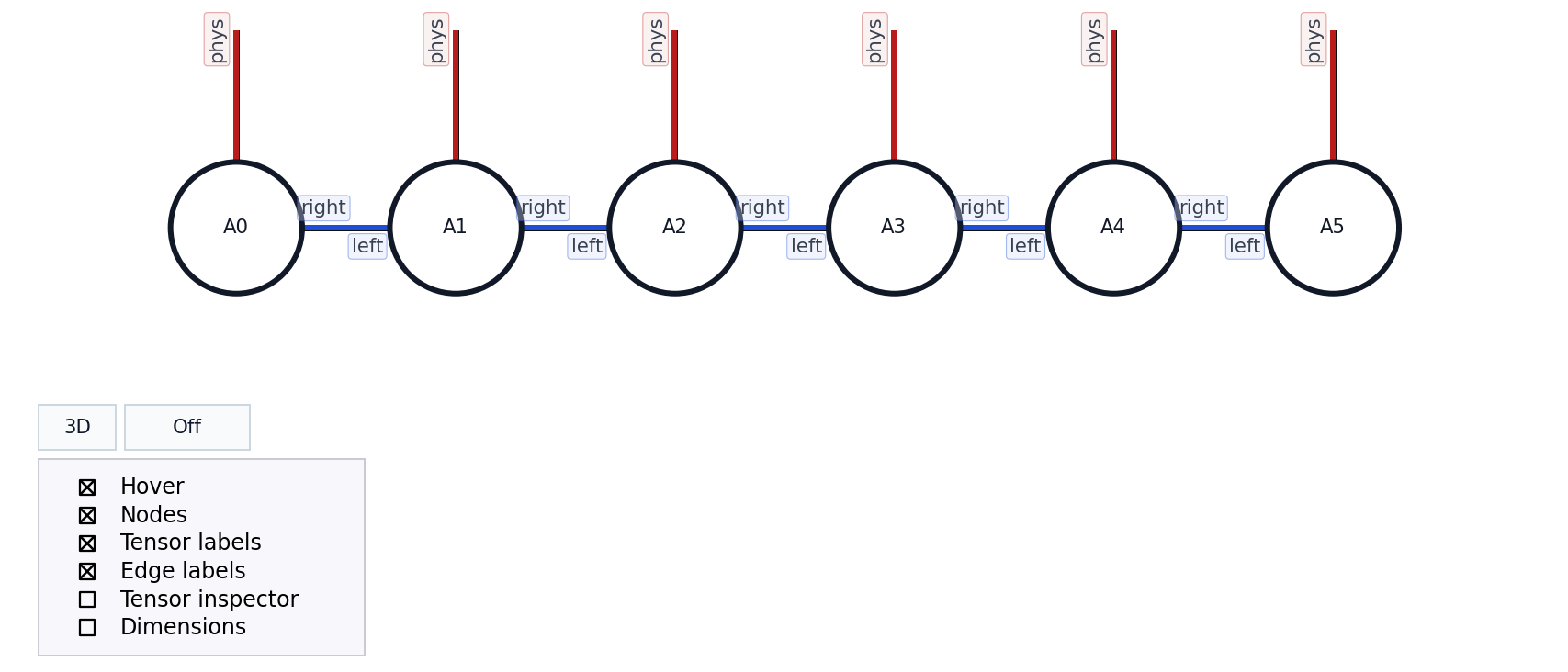
These are exports generated with the library and the repository demos.
Cubic PEPS 3D tensor network visualization MERA 2D tensor network visualization with labels Tubular 3D tensor network visualization
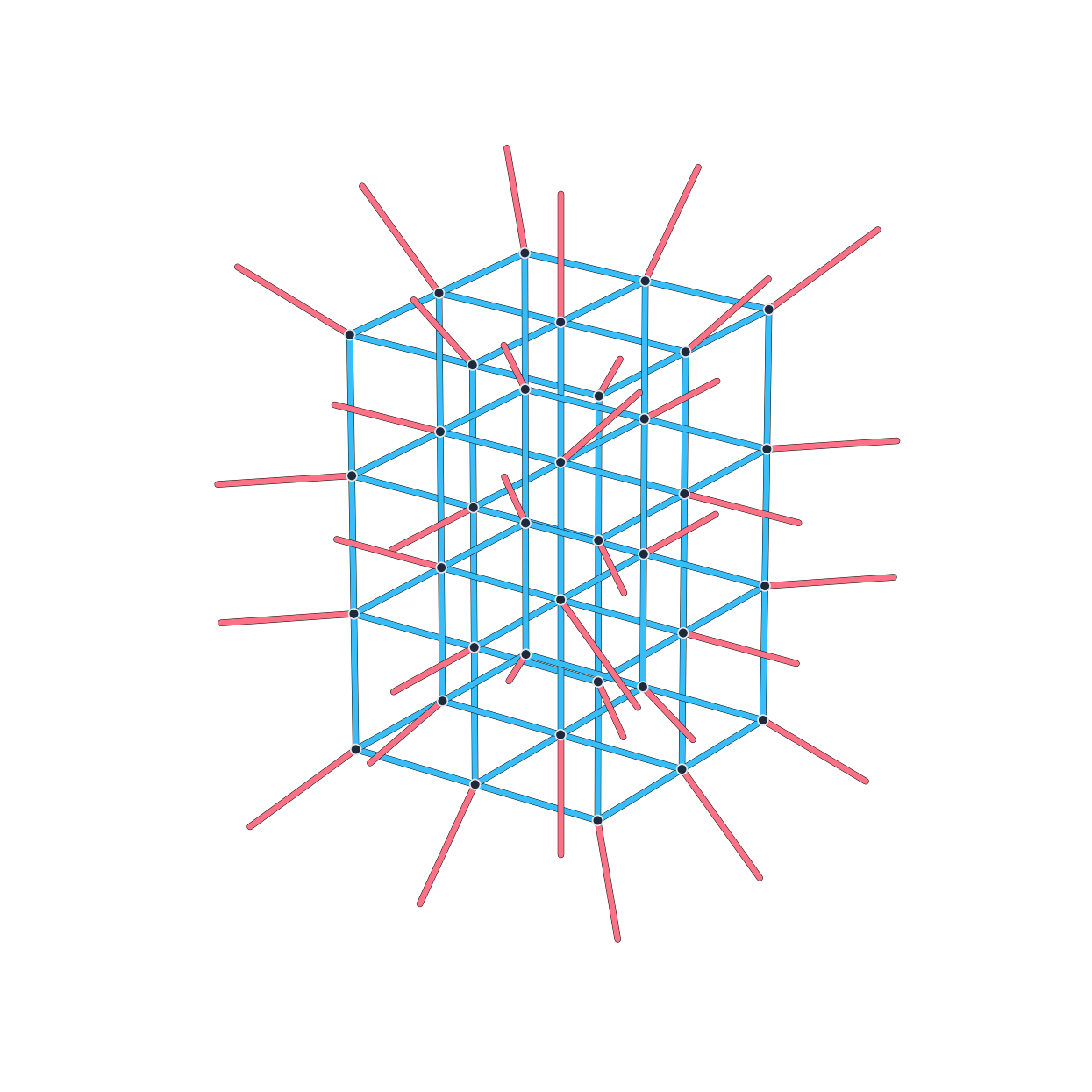
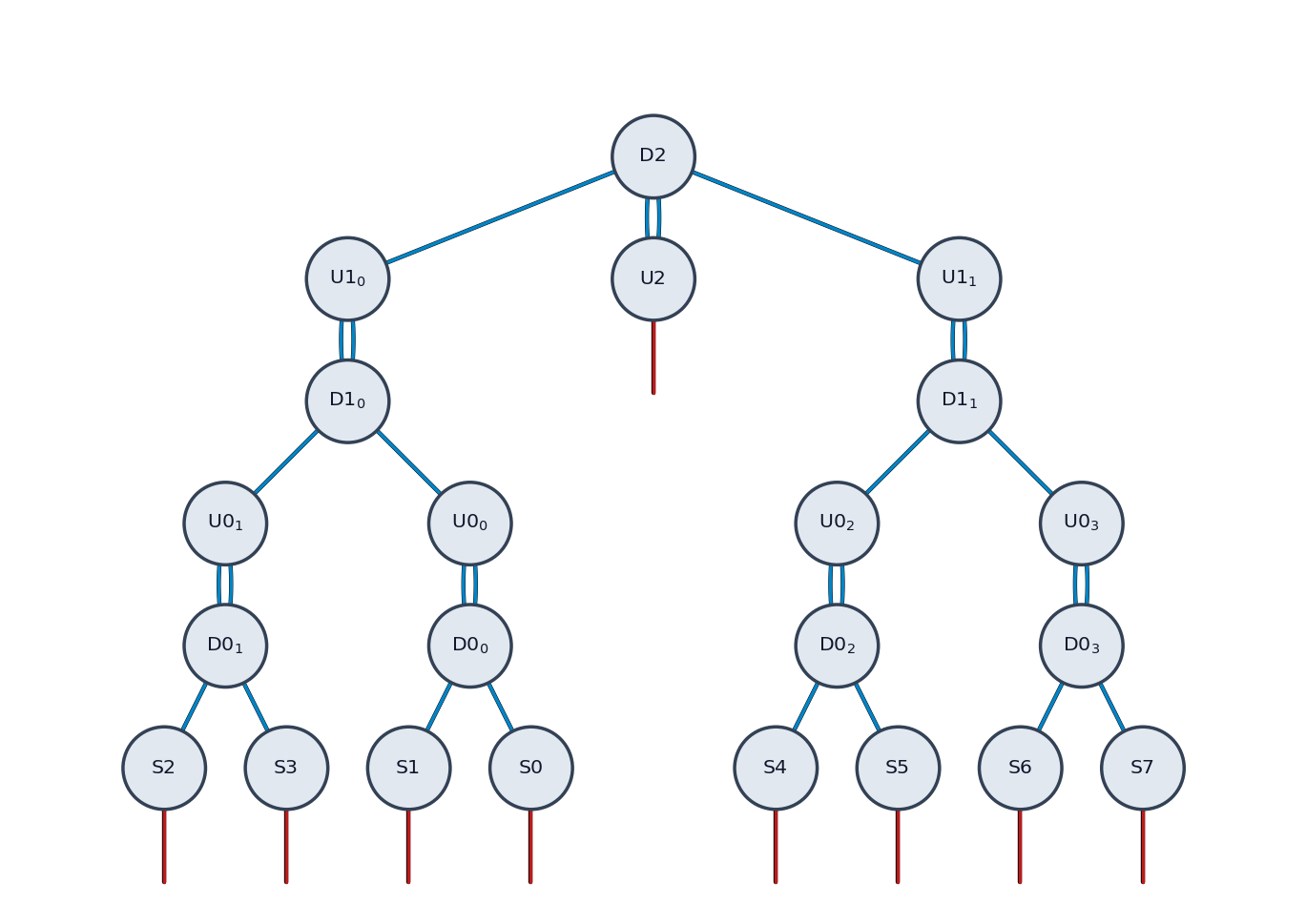
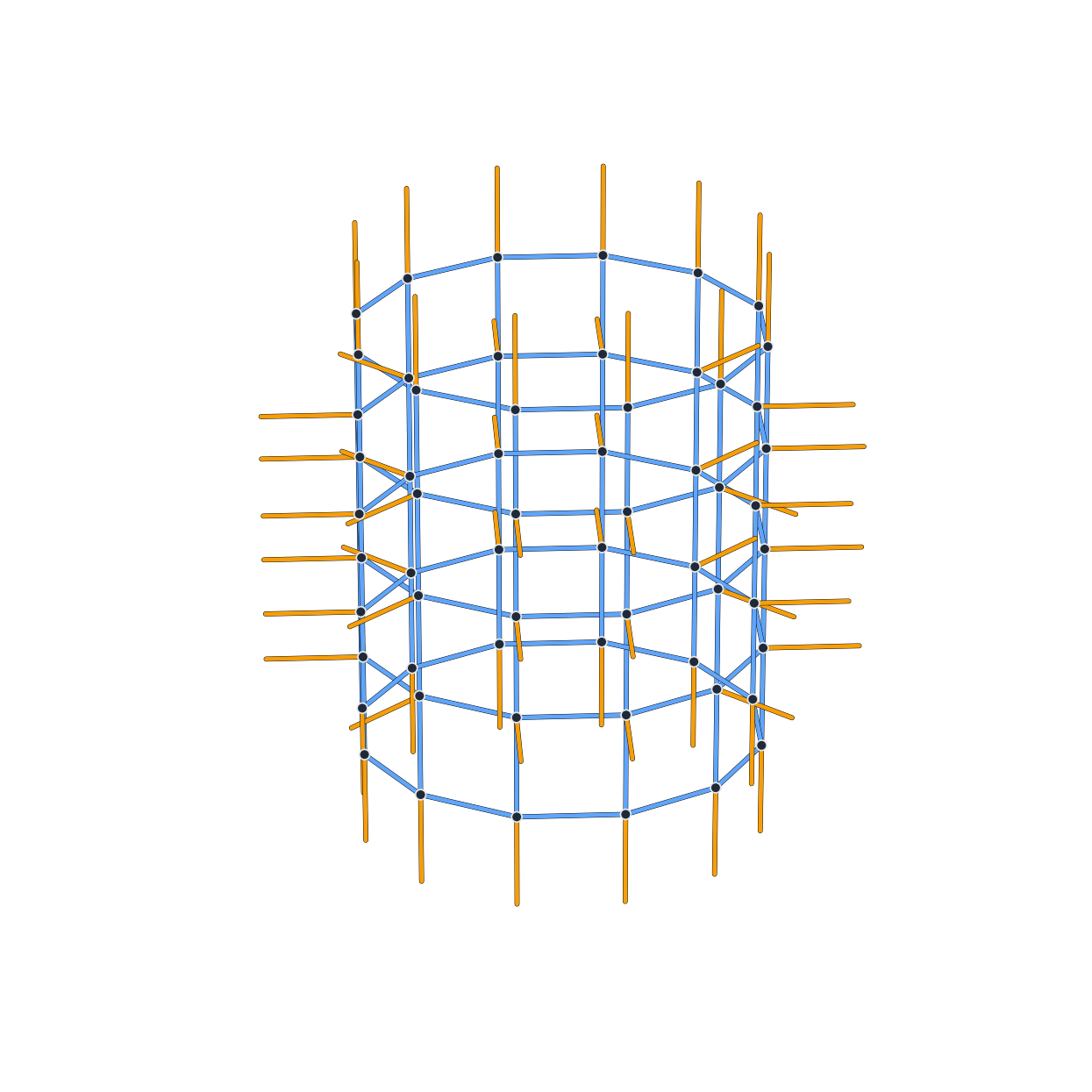
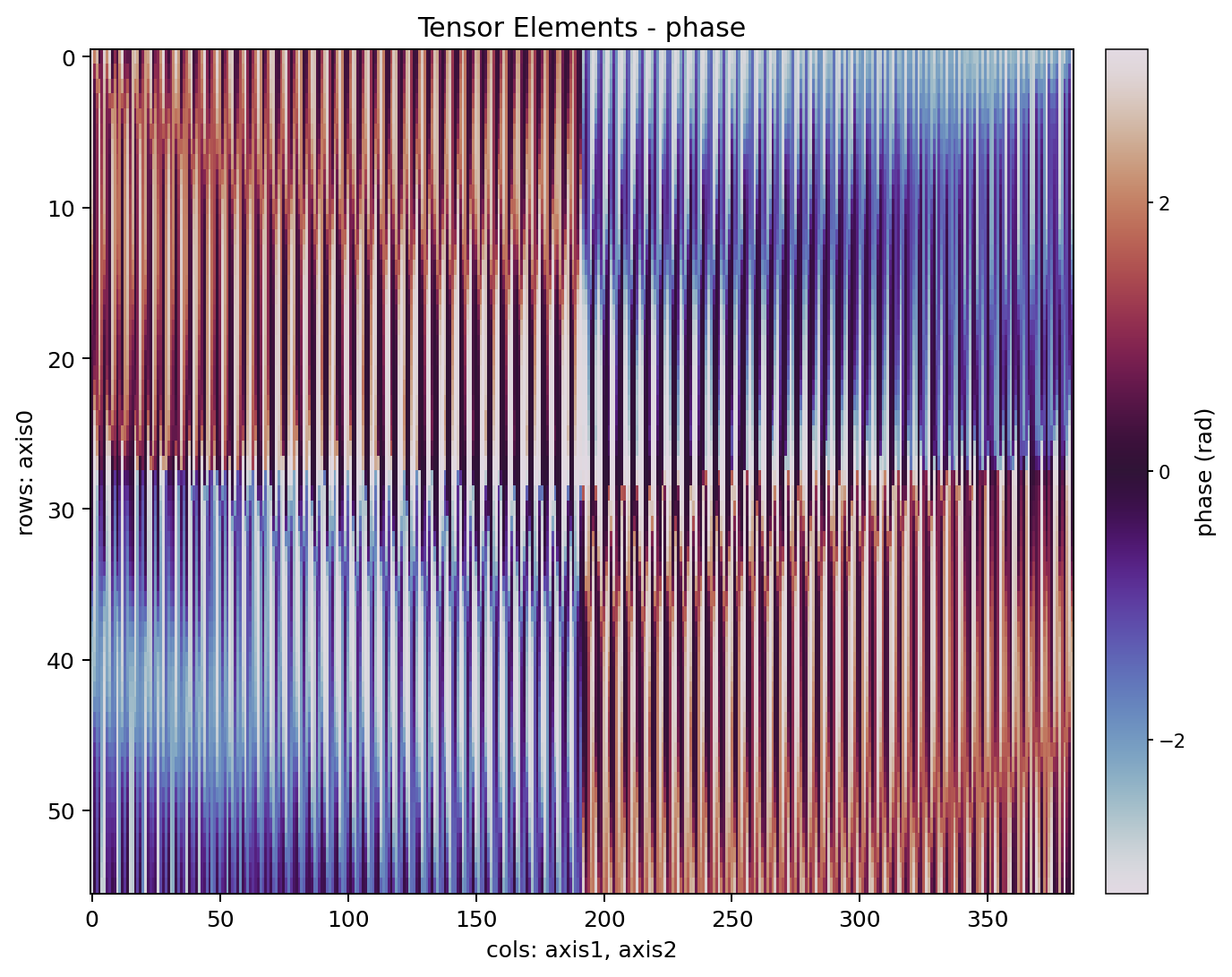
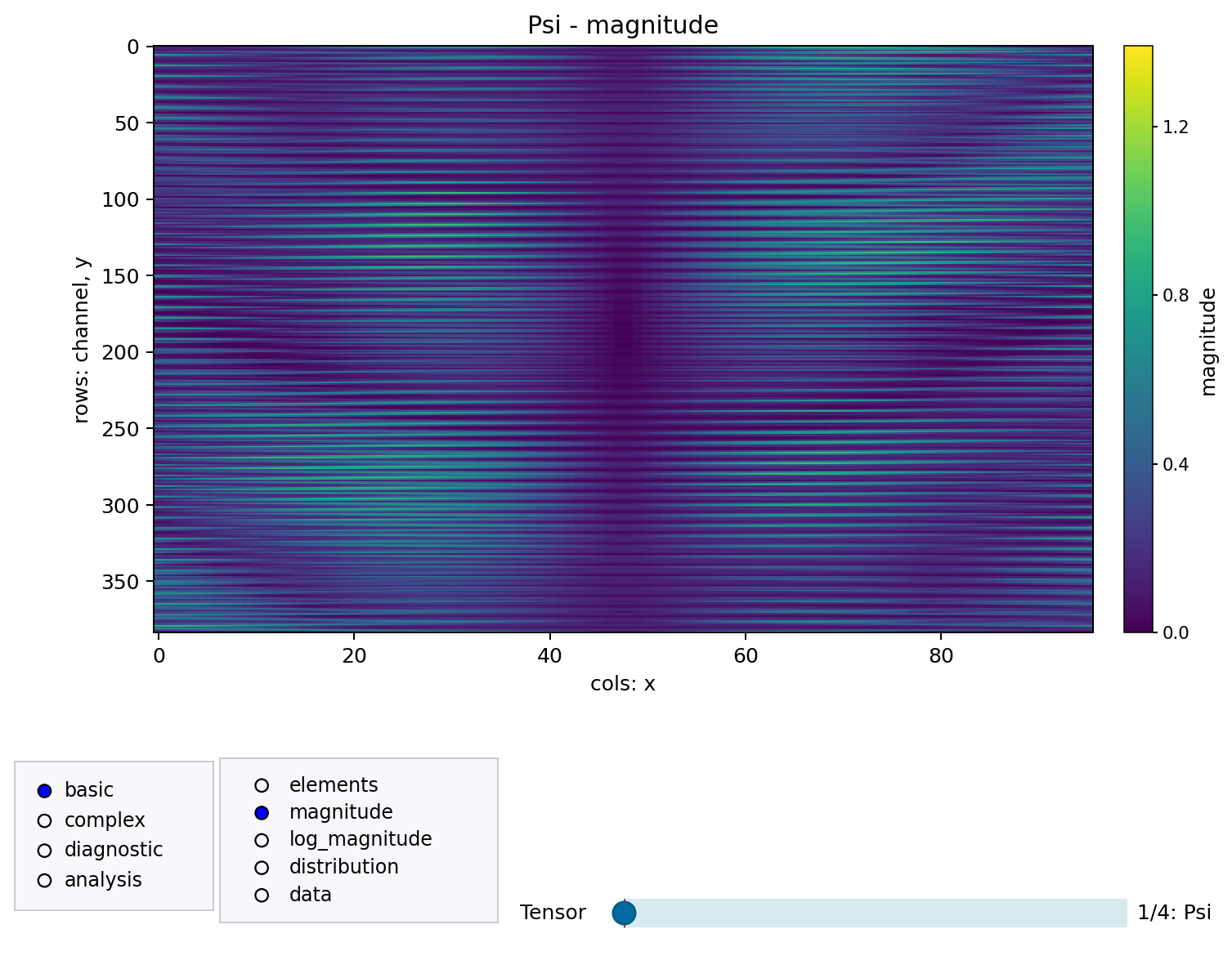
MPS with controls, tensor labels, and index labels Tensor elements phase visualization Tensor elements view with the full control menus
Tensor-network libraries expose different Python objects. This package gives them a small shared visualization API so you can inspect structure, tensor values, contraction playback, and normalized graph exports without rewriting plotting code for every backend.
The common entry points are:
show_tensor_network(...)
show_tensor_elements(...)
show_tensor_comparison(...)
translate_tensor_network(...)
normalize_tensor_network(...)
export_tensor_network_snapshot(...)
If you want code for another backend rather than a figure, translate_tensor_network(...) can turn
supported TensorKrowch, TensorNetwork, Quimb, TeNPy, and traced einsum inputs into executable
Python for tensornetwork, quimb, einsum, or tensorkrowch.
- PyPI package name:
tensor-network-visualization - Import package:
tensor_network_viz - Requires Python 3.11 or newer.
python -m pip install tensor-network-visualization
The base install only depends on numpy, matplotlib, and networkx.
For interactive Jupyter figures:
python -m pip install "tensor-network-visualization[jupyter]"For backend-specific packages, install the matching extra, for example:
python -m pip install "tensor-network-visualization[quimb]"See docs/installation.md for virtual environments, all optional extras, and local development installs.
This example uses only base dependencies and a NumPy-backed EinsumTrace.
import numpy as np
from tensor_network_viz import EinsumTrace, PlotConfig, einsum, show_tensor_network
trace = EinsumTrace()
a = np.ones((2, 3), dtype=float)
x = np.array([1.0, -0.5, 0.25], dtype=float)
trace.bind("A", a)
trace.bind("x", x)
einsum("ab,b->a", a, x, trace=trace, backend="numpy")
fig, ax = show_tensor_network(
 trace,
 config=PlotConfig(show_tensor_labels=True, hover_labels=True),
 show=False,
)
fig.savefig("einsum-network.png", bbox_inches="tight")
Install the TensorKrowch extra (see Installation for details):
python -m pip install "tensor-network-visualization[tensorkrowch]"import tensorkrowch as tk from tensor_network_viz import PlotConfig, show_tensor_network network = tk.TensorNetwork(name="demo") left = tk.Node(shape=(2, 2), axes_names=("a", "b"), name="L", network=network) right = tk.Node(shape=(2, 2), axes_names=("b", "c"), name="R", network=network) left["b"] ^ right["b"] fig, ax = show_tensor_network( network, config=PlotConfig(show_tensor_labels=True, show_index_labels=False), show=False, ) fig.savefig("tensorkrowch-network.png", bbox_inches="tight")
Use show=False when you want to save or customize the figure yourself. Use
show_controls=False when you want a clean static figure with no embedded Matplotlib controls.
In a notebook, use this exact recipe:
%pip install "tensor-network-visualization[jupyter]"
If you just installed that extra in the current kernel, restart the kernel once. Then, in the first plotting cell:
%matplotlib widget
from tensor_network_viz import PlotConfig, show_tensor_network
fig, ax = show_tensor_network(
 network,
 config=PlotConfig(show_tensor_labels=True, hover_labels=True),
)
See Installation and User Guide for details.
- Installation: virtual environments, optional extras, Jupyter, and local editable installs.
- API Reference: public functions, configuration objects, snapshots, exceptions, and logging.
- User Guide: workflows, notebooks, exports, layouts, tensor inspection, comparisons, snapshots, and performance tips.
- Layout Algorithms: node placement and free-edge direction rules in 2D and 3D.
- Backend Examples: copy-paste examples for TensorKrowch, TensorNetwork, Quimb,
TeNPy, and
einsum. - Troubleshooting: common install, Jupyter, Matplotlib, backend, and data issues.
- Repository Examples: command-line demo launcher and example catalog.
- Demo Commands: copy-paste commands for every repository demo.
The repository examples are organized around the same launcher:
python examples/run_demo.py <group> <demo>
The gallery includes backend demos for TensorKrowch, TensorNetwork, Quimb, TeNPy, and einsum,
plus three focused groups:
themes overview: compares thePlotConfigvisual presets for tensor-network figures.themes tensor_elements: compares theTensorElementsConfigpresets forshow_tensor_elements(...)and the linked tensor inspector.placements: shows object, list, 2D grid, 3D grid, manual positions, manual schemes, and named index inputs.geometry: renders larger irregular, incomplete, triangular, pyramidal, circular, and disconnected networks.
There is also a dedicated translation demo:
python examples/translate_demo.py --source-engine tensornetwork --target-engine quimb --example mps
It generates Python code for the translated tensor network and can render the original and translated versions side by side for comparison.
For batch checks, use:
python examples/run_all_examples.py --group engines --views 2d --list
python examples/run_all_examples.py --group all --views 2d --output-dir .tmp/examples