

QR code (scan code / picture) recognition (AndroidView/UiKitView)
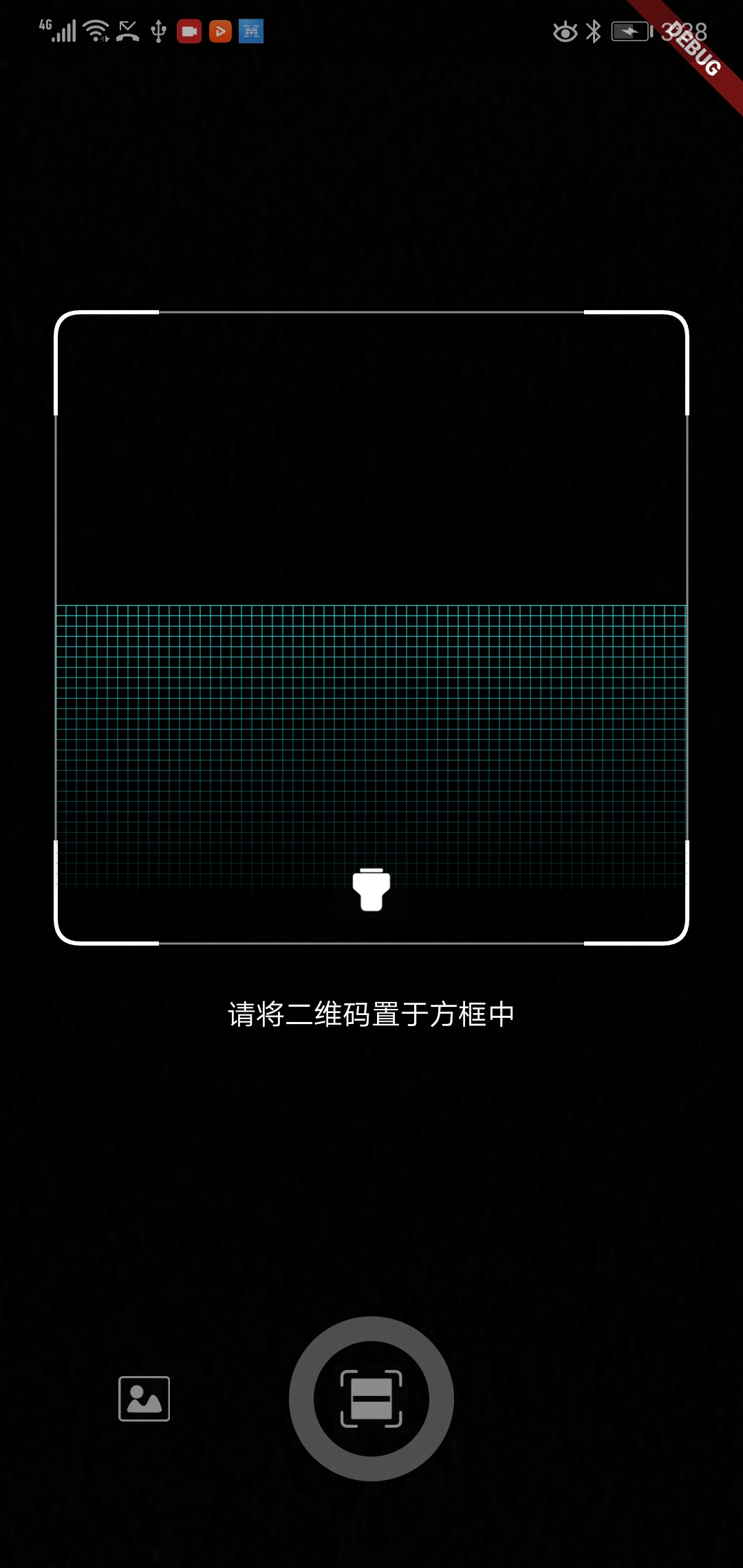

import 'package:flutter_qr_reader/flutter_qr_reader.dart';
// 识别图片
final String data = await FlutterQrReader.imgScan(File);
// 嵌入视图
QrReaderView(
 width: 320,
 height: 350,
 callback: (container) {},
)
// 打开手电筒
..setFlashlight
// 开始扫码
..startCamera
// 结束扫码
..stopCamera
Opt-in to the embedded views preview by adding a boolean property to the app's Info.plist file with the key io.flutter.embedded_views_preview and the value YES.
<key>io.flutter.embedded_views_preview</key>
<string>YES</string>
And you will need provide the description of camera's permission to work properly, otherwise will crash your app.
 <key>NSCameraUsageDescription</key>
	<string>The porpuse explaining why you will use the camera</string>
Widget build(BuildContext context) {
 return new Scaffold(
 body: QrcodeReaderView(key: qrViewKey, onScan: onScan),
 );
}
GlobalKey<QrcodeReaderViewState> qrViewKey = GlobalKey();
Future onScan(String data) async {
 await showCupertinoDialog(
 context: context,
 builder: (context) {
 return CupertinoAlertDialog(
 title: Text("扫码结果"),
 content: Text(data),
 actions: <Widget>[
 CupertinoDialogAction(
 child: Text("确认"),
 onPressed: () => Navigator.pop(context),
 )
 ],
 );
 },
 );
 qrViewKey.currentState.startScan();
}