
Convert local and remote files containing unicode escapes to characters!
$ npm install --global unicode-escape-convert
OR
$ sudo npm install --global unicode-escape-convert
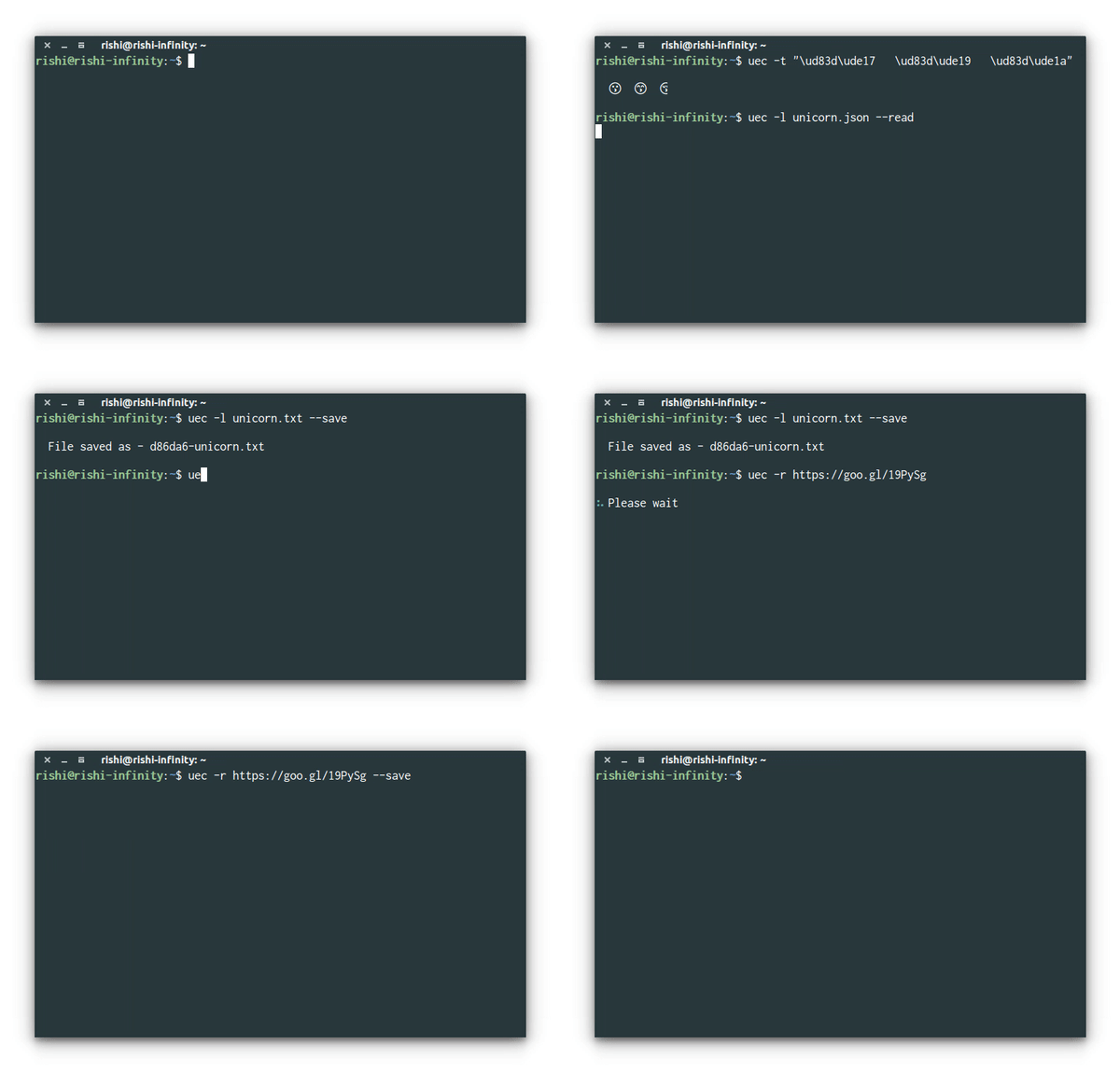
 Usage : uec <command> [file/text] <option> [arg]
 Commands : <Conversion - Unicode escapes to characters>
 -l, --local Convert local files
 -r, --remote Convert remote files
 -t, --text Convert and print oneline text
 Options :
 --read Read the content of a local file
 --save Save the local or remote file with a desirable name
 NOTE : <options> works with command --local and --remote
 Files will get saved with a random name if --save is not provided!
- Suppose you've an unescaped unicode like
\ud83d\ude01and you can want to convert it into the character, which is 😁. You can simply do -
$ uec -t "\ud83d\ude01"Data will always be under single or double quotes!
- For locally saved file filled with unescaped unicodes. Suppose you've a file called
unicorn.txtorunicorn.jsonand you want to convert it. Just do -
$ uec -l unicorn.txt
- Alternatively, you can provide
--saveflag to save the file, which can be followed by another flag as a name of the file, for example -
$uec -l unicorn.txt --save somenameBut, by default, the files will be saved with names like somename-unicorn.txt or somename-unicorn.json.
- In case you just want to print the output without saving it as a new file, you can do the following -
$ uec -l unicorn.json --read
NOTE : Currently, there is no support to add path of the file in order to do the conversion, --local command works only if the file is in same directory!
- For remote files, there is a condition - The requsted data should be in the form of
txt/json. For the sake of testing, I've uploaded two files to check the functionality
Now, to read the remote files, you can do -
$ uec -r https://goo.gl/19PySg
You don't need --read flag in order to do so. For saving the online file, You just need to -
$ uec -r https://goo.gl/19PySg --save <optional-name>
NOTE : I just made this for personal use. I hope other find it helpful too!
unicodechar-string:Convert unicode escapes to characters!
MIT © Rishi Giri