- Rust 88.6%
- JavaScript 8.4%
- Shell 1.7%
- GLSL 0.8%
- HTML 0.5%
| scripts | Clippy fixes | |
| src | Delta time smoothing | |
| textures | Clippy fixes | |
| web | Improved rendering at very far distances | |
| .gitignore | Hello, World! | |
| Cargo.lock | Delta time smoothing | |
| Cargo.toml | Delta time smoothing | |
| deny.toml | Clippy fixes | |
| LICENSE | Hello, World! | |
| README.md | Wrote build instructions | |
Voxeltest
A simple voxel world generator, explorer and renderer written in Rust and playable on the web. Check it out at https://rustydev.codeberg.page/voxeltest/.
The creation of this project was a fun learning experience of compiling a somewhat advanced Rust application to WebAssembly and having it playable on the web. This project uses Rust for world generation and camera control, WebGL for the rendering and wasm-bindgen for the bridge between Rust and JavaScript code.
I have no intention on turning this project into anything too serious.
Building
Desktop
This is the easiest target to build. All you need is to have Rust installed and run ./scripts/build_desktop.sh followed by ./target/release/voxeltest to run it.
Web
Building for the web is more complex, requiring these dependencies to be installed:
- Rust, nightly toolchain (optional, can use stable toolchain1 ): Run
rustup toolchain install nightly. wasm32-unknown-unknowntarget: Runrustup target add wasm32-unknown-unknown.wasm-bindgen: Install it by runningcargo install wasm-bindgen-cli.wasm-opt(optional1 ): Install it from https://github.com/WebAssembly/binaryen/releases.
After installing all these dependencies, run ./scripts/build_web.sh. Then go into the web/ directory, run python -m http.server and open localhost:8000 (or use any other static web server).
Screenshots
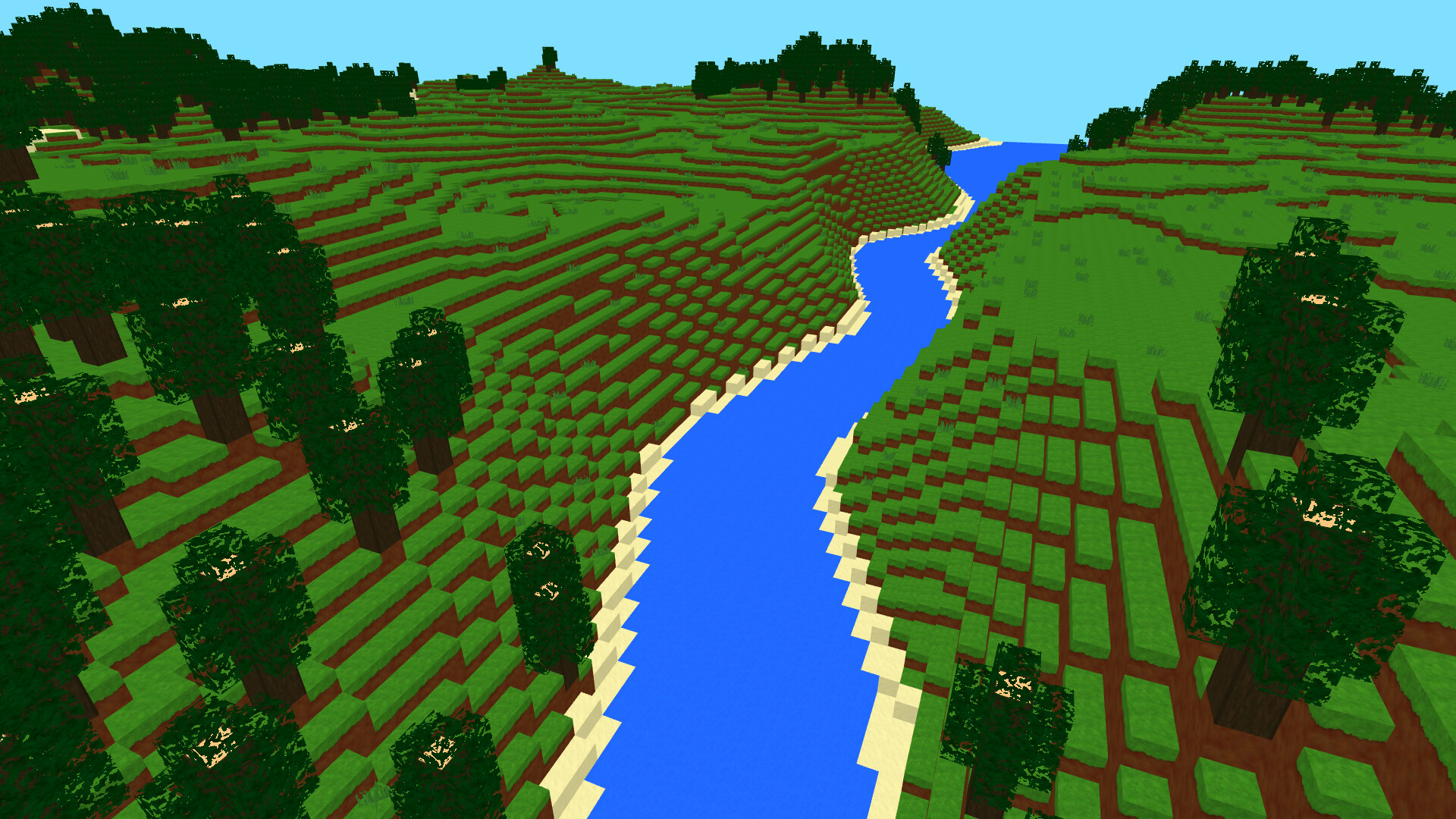
Voxeltest world showing a forest and plains biome and a river.
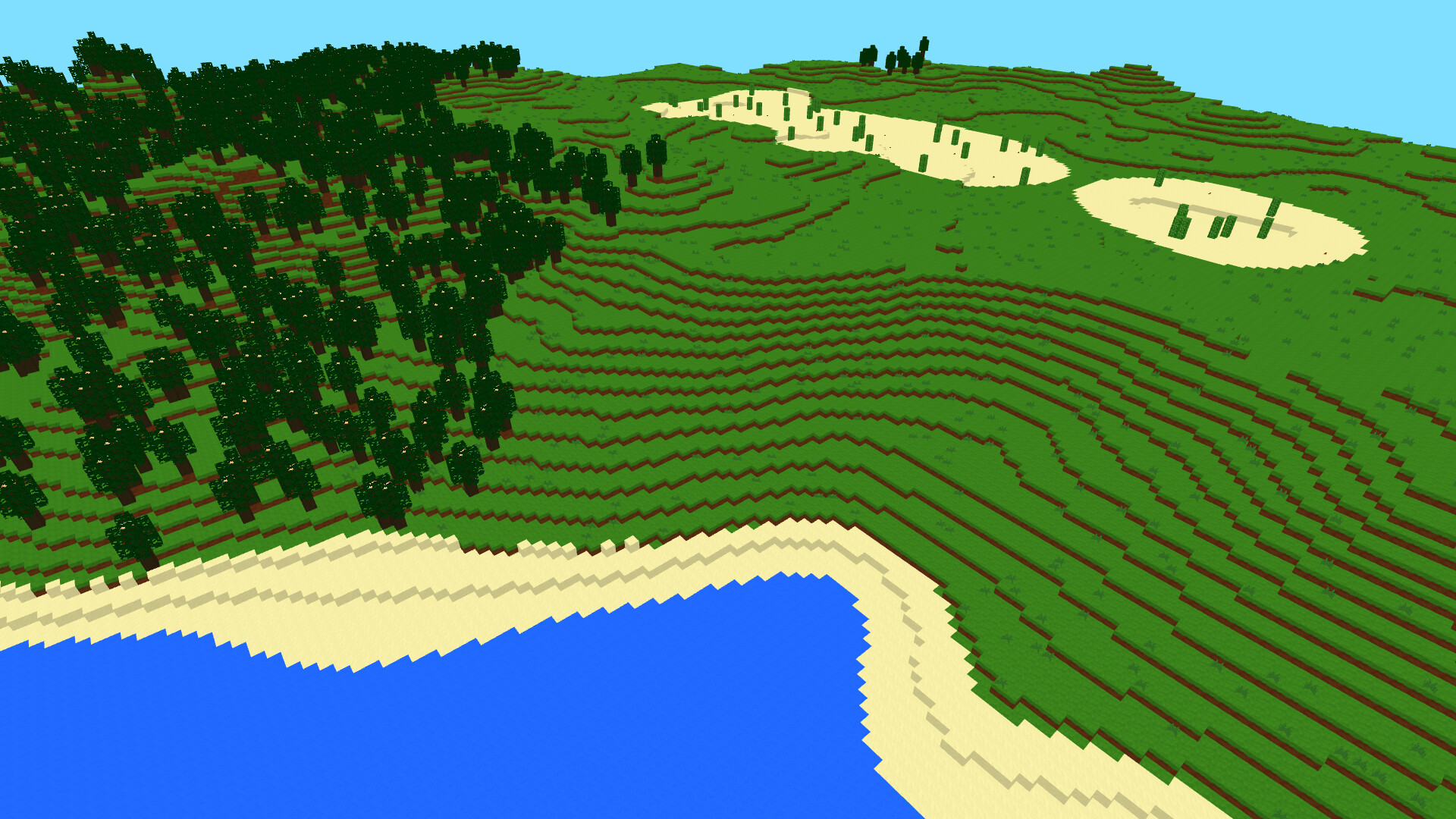
Voxeltest world showing all five biomes: ocean, beach, plains, forest and desert.
-
Not strictly needed, only used to decrease the output file size. Modify
scripts/build_web.shby following the embedded comments for a larger (but still working) build. ↩︎