- C 96.4%
- Makefile 3.6%
| protocol | bikeshedding: change license, vendor protocol, makefile rewrite | |
| .clang-format | formatting and readme | |
| .gitignore | bikeshedding: change license, vendor protocol, makefile rewrite | |
| LICENSE | bikeshedding: change license, vendor protocol, makefile rewrite | |
| Makefile | fix: add wayland-client and wld to PKGS for Alpine | |
| mojito.c | fix: restore toggle globals and sigaction lost during rebase | |
| README.md | event loop: simplify & format codebase | |
mojito
A featherweight, lime-scented (and somewhat alcoholic) bar for Wayland written in neuswc, compatible with lemonbar.
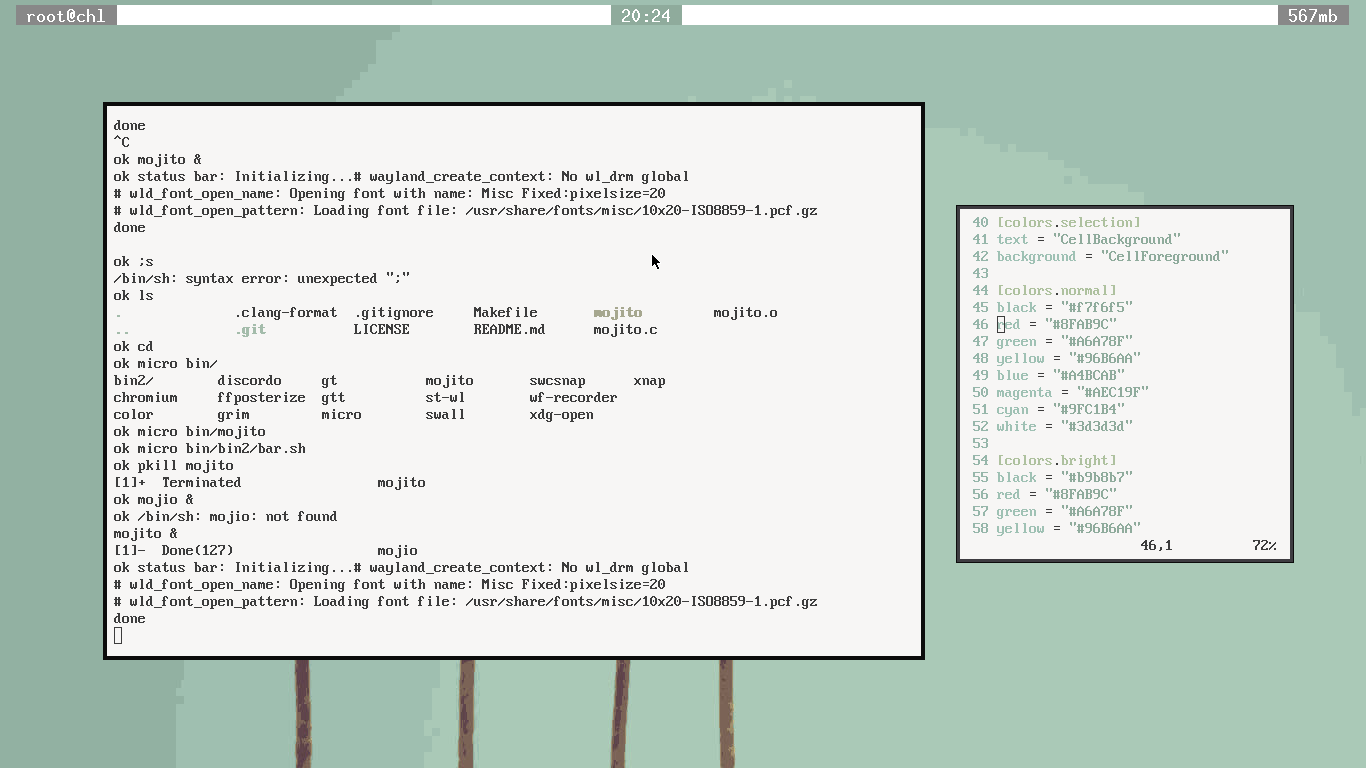
A setup using mojito and shko by chld
Overview
mojito is a minimal, lemonbar-compatible status bar for Wayland compositors.
It reads formatted text from standard input and renders it according to a
compact, screenrc-inspired formatting language.
If you've used lemonbar before, you'll feel right at home.
Usage
mojito [options]
mojito reads from stdin and renders continuously unless told otherwise. Example:
while :; do
	date
	sleep 1
done | mojito -b -f "monospace-10"
Command-line Options
-
-h
Show help and exit. -
-g {width}x{height}+{xoffset}+{yoffset}
Set the bar geometry. -
-o <n>
Specify which monitor to render the actual bar area onto, can be used multiple times. -
-b
Place the bar at the bottom of the screen. -
-d
Same as-b(compatibility flag). -
-f <font>
Set the font to use. -
-p
Keep the bar open after stdin closes. -
-u <n>
Set the underline/overline height in pixels -
-n
Ignored (present for compatibility). -
-B <color>
Set the default background color. -
-F <color>
Set the default foreground color. -
-U <color>
Set the underline/overline color.
Formatting
mojito provides a screenrc-inspired formatting syntax for runtime customization.
Formatting blocks:
- Begin with
%{ - End with
} - Use
%%to print a literal%
The parser attempts to handle malformed input gracefully.
Alignment
-
l
Align following text to the left. -
c
Align following text to the center. -
r
Align following text to the right.
Colors
-
B<color>
Set background color.
Use-to reset to the default background. -
F<color>
Set foreground color.
Use-to reset to the default foreground. -
R
Swap current foreground and background colors.
Color values follow the same conventions supported by lemonbar.
Positioning
O<width>
Offset the current position by<width>pixels
(direction depends on the current alignment).
Monitor selection
-
S<dir>
Change the monitor the bar renders to.<dir>may be:+/-: Next/previous monitorf/l: First/last monitor0-9: Nth monitor
Clickable areas
-
ATODO
Text attributes
Attribute modifiers:
+<attribute>: Enable attribute-<attribute>: Disable attribute!<attribute>: Toggle attribute
Available attributes:
o: Overline (draw a line over text)u: Underline (draw a line under text)
Thanks
Thanks to LemonBoy for creating lemonbar. mojito reuses fragments of code from it.
Thanks to pita for quite a bit contributions to the project.
Thanks to pascalecu aka unc for helping with README.
Thanks to pfr for few nice font-related patches.
License
0BSD