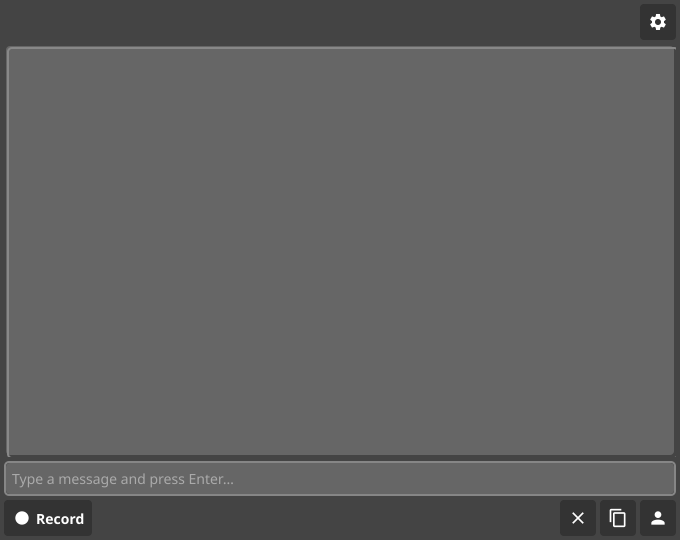
This change adds CI automation to build/test on code changes, capture a mobile UI screenshot and post it inline on PRs, and ensures Android APKs ship as part of the release workflow. It also documents how to install the Android app on a physical device.
- PR automation
- PR workflow now runs
go build ./..., captures the Fyne UI screenshot, publishes it to aui-screenshotsbranch, and posts a sticky PR comment with the image.
- PR workflow now runs
- Release pipeline
- Release workflow builds
zop-android-arm64.apkviafyne-crossand attaches it to releases.
- Release workflow builds
- Docs + test hooks
- README includes build/install steps for physical Android devices.
- Screenshot test accepts
ZOP_SCREENSHOT_PATHfor CI capture.
Example usage for CI screenshot capture:
ZOP_SCREENSHOT_PATH=artifacts/zop-mobile-ui.png \
 go test -tags fyne ./internal/mobileui -run TestScreenshot -count=1
💡 You can make Copilot smarter by setting up custom instructions, customizing its development environment and configuring Model Context Protocol (MCP) servers. Learn more Copilot coding agent tips in the docs.
This change adds CI automation to build/test on code changes, capture a mobile UI screenshot and post it inline on PRs, and ensures Android APKs ship as part of the release workflow. It also documents how to install the Android app on a physical device.
- **PR automation**
- PR workflow now runs `go build ./...`, captures the Fyne UI screenshot, publishes it to a `ui-screenshots` branch, and posts a sticky PR comment with the image.
- **Release pipeline**
- Release workflow builds `zop-android-arm64.apk` via `fyne-cross` and attaches it to releases.
- **Docs + test hooks**
- README includes build/install steps for physical Android devices.
- Screenshot test accepts `ZOP_SCREENSHOT_PATH` for CI capture.
Example usage for CI screenshot capture:
```sh
ZOP_SCREENSHOT_PATH=artifacts/zop-mobile-ui.png \
go test -tags fyne ./internal/mobileui -run TestScreenshot -count=1
```
<!-- START COPILOT CODING AGENT TIPS -->
---
💡 You can make Copilot smarter by setting up custom instructions, customizing its development environment and configuring Model Context Protocol (MCP) servers. Learn more [Copilot coding agent tips](https://gh.io/copilot-coding-agent-tips) in the docs.