- Python 99.7%
- Makefile 0.2%
| bin | Update (some) copyright years | |
| data | Release 0.9.2 | |
| flatpak | flatpak: Update ModemManager dep to version 1.24.2 | |
| satellite | Release 0.9.2 | |
| .editorconfig | editorconfig: Indent markdown with 4 spaces, simplify | |
| .gitignore | Add .gitignore | |
| LICENSE | Add LICENSE | |
| pyproject.toml | Install appdata file with pip, adapt flatpak manifest | |
| README.md | README.md: Update pipx install instructions | |
| setup.cfg | setup.cfg: Add .venv to flake8 excludes | |
Satellite
Main view Expanded view Landscape view, dark mode
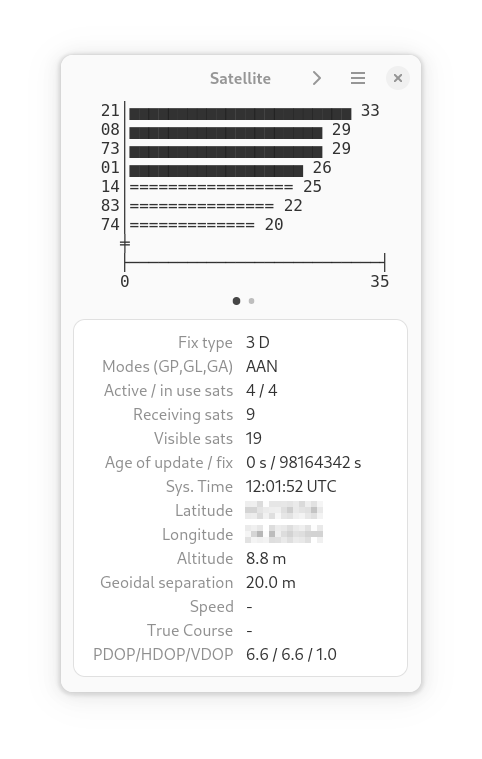
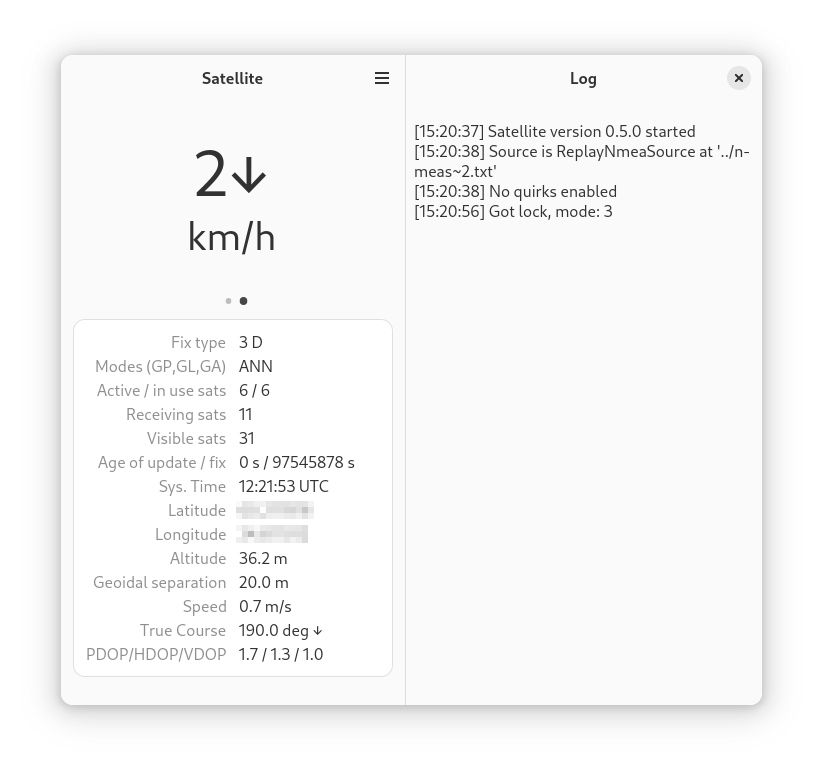
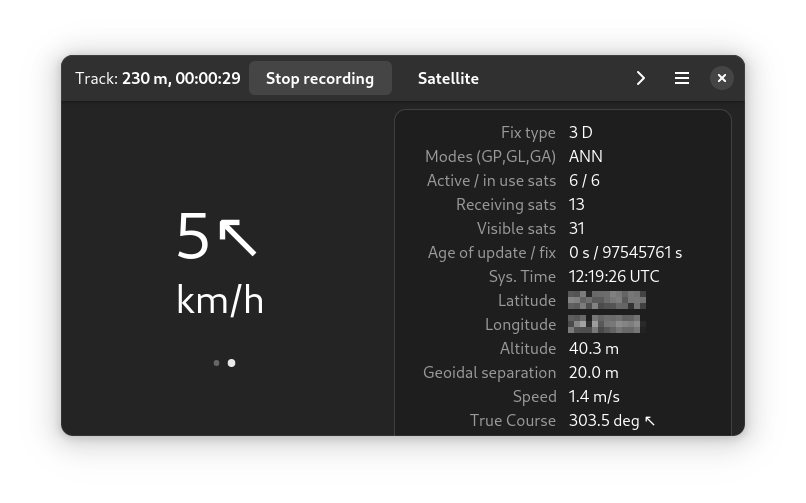
Satellite displays global navigation satellite system (GNSS: GPS et al.) data obtained from an NMEA source in your Linux device. It can read data from ModemManager, gnss-share gps-share and gpsd. It can also save a track of your movements to a GPX-file.
License
GPL-3.0
Dependencies:
python 3.6+, PyGObject, GTK4, libadwaita, libmm-glib, pynmea2, gpxpy
Installing and running
Flathub
Get it on FlathubSatellite is in flathub and can be installed from there, or from a software manager like Gnome software. The direct install link is here.
Run
flatpak run page.codeberg.tpikonen.satellite
to execute from the command line.
From source tree
Run the script bin/satellite.
pipx install from source tree
Run
pipx install --system-site-packages ./
in the source tree root.
The --system-site-packages option allows the created venv to use PyGObject from your distribution.
A link to an executable entry point script is created in $HOME/.local/bin/satellite.
Links to .desktop or icon files are not created by pipx, but you can create them manually:
ln -s ~/.local/pipx/venvs/satellite/share/applications/satellite.desktop ~/.local/share/applications/satellite.desktop
ln -s ~/.local/pipx/venvs/satellite/share/icons/hicolor/scalable/apps/page.codeberg.tpikonen.satellite.svg ~/.local/share/icons
Flatpak from source tree
Run
flatpak-builder --install --user build-dir flatpak/page.codeberg.tpikonen.satellite.yaml
in the source tree root to install a local build to the user flatpak repo.
Hints
You can start recording a GPX track by selecting 'Record track' from the main
menu. The GPX file is saved in $HOME/Documents/satellite-tracks.