- Python 99.4%
- Makefile 0.5%
- CSS 0.1%
| bin | Update copyright years | |
| data | Release 0.9.0 | |
| flatpak | Update to Gnome runtime 47 | |
| geobug | Release 0.9.0 | |
| .editorconfig | editorconfig: Indent markdown with 4 spaces, simplify | |
| .gitignore | Import geobug | |
| pyproject.toml | Add pyproject.toml | |
| README.md | README: Fix indentation on pipx install commands | |
| requirements.txt | requirements.txt: Add pygobject | |
| setup.cfg | setup.cfg: Ignore more flake8 tests | |
| setup.py | setup.py: Remove suffix from package name | |
Geobug
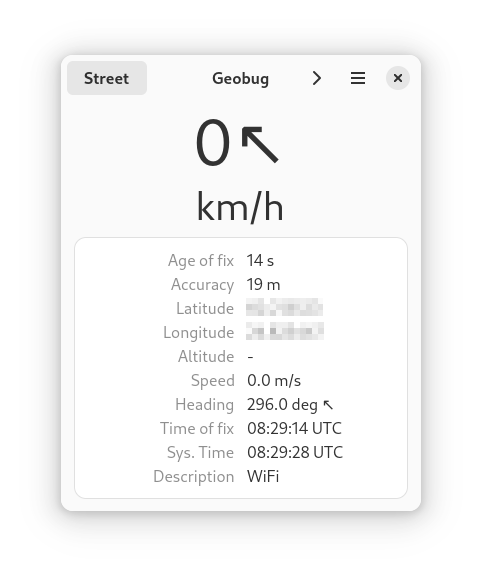
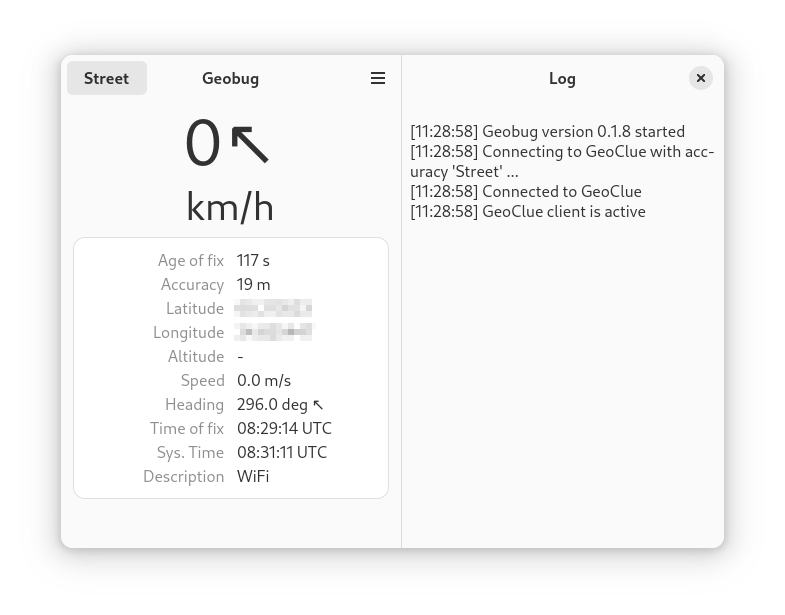
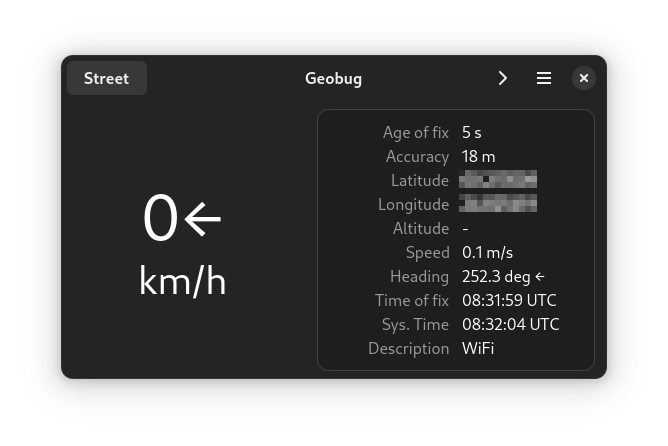
Geobug is an adaptive client for GeoClue, the geolocation D-bus server from freedesktop.org. It can display your location information (coordinates, speed etc.) and save a track of your movements to a GPX-file.
License
GPL-3.0
Screenshots
Main view Expanded view Landscape view, dark mode
Dependencies:
python 3.6+, PyGObject, GTK4, libadwaita, Geoclue, gpxpy
Installing and running
Flathub
Get it on FlathubGeobug is in flathub and can be installed from there, or from a software manager like Gnome software. The direct install link is here.
Run
flatpak run page.codeberg.tpikonen.geobug
to execute from the command line.
From source tree
Run the script bin/geobug.
pip / pipx install from source tree
Run
pip install --user --break-system-packages ./
in the source tree root.
This creates an executable Python script in $HOME/.local/bin/geobug.
Alternatively you can install to a venv with pipx by running these commands
in the source tree root:
pipx install ./
pipx inject -r requirements.txt geobug
Flatpak from source tree
Run
flatpak-builder --install --user build-dir flatpak/page.codeberg.tpikonen.geobug.yaml
in the source tree root. Then run
flatpak run page.codeberg.tpikonen.geobug
to execute.
Hints
You can start recording a GPX track by selecting 'Record track' from the main menu. The GPX file is saved in $HOME/Documents/geobug-tracks.