1
0
Fork
You've already forked linux-mint-djog
1
No description
  • Shell 100%
2022年03月21日 15:00:51 +01:00
arduino-djog project base 2021年12月11日 22:19:09 +01:00
batterij_instellingen README 2022年03月21日 11:33:45 +01:00
boekjes-download-tool-djog new deb 2022年02月13日 16:44:59 +01:00
documentation small addition 2021年12月12日 23:37:33 +01:00
dualboot-instructies-djog pictures 2022年03月21日 14:19:50 +01:00
firefox-djog project base 2021年12月11日 22:19:09 +01:00
help-tools-djog djo-help deb 2022年03月21日 12:33:03 +01:00
linux-mint-cinnamon-djog path note 2021年12月13日 00:04:30 +01:00
mbot-djog rm mbot install, doesn't work on Linux? 2022年02月12日 12:30:33 +01:00
metapackages-ubuntu-djog desktop deb 2022年03月21日 12:09:13 +01:00
processing-djog in both processing scripts 2021年12月12日 23:33:00 +01:00
screenshots screenshot tools 2021年12月11日 22:29:00 +01:00
webapps-djog project base 2021年12月11日 22:19:09 +01:00
1_automatische_updates_djog rename to script 1 2022年03月21日 11:30:46 +01:00
2_install_metapackages_djog desktop 2022年02月28日 15:39:04 +01:00
3_setup_firefox_djog project base 2021年12月11日 22:19:09 +01:00
4_install_arduino_IDE1_stable_ubuntu_djog switch number arduino / processing script (icon bug workaround?) 2022年03月21日 12:23:54 +01:00
5_install_processing3_stable_ubuntu_djog switch number arduino / processing script (icon bug workaround?) 2022年03月21日 12:23:54 +01:00
6_install_boekjes_tool_djog new numbering scripts 2022年02月12日 12:31:29 +01:00
7_install_scratch_webapp_djog typo 2022年02月12日 12:52:08 +01:00
8_install_help_tool_djog install script djo-help 2022年02月14日 12:01:18 +01:00
9_add_new_user_djo djo user 2022年03月21日 12:19:48 +01:00
Installatie_handleiding_dualboot_djog.md edit 2022年03月21日 14:59:54 +01:00
Installatie_handleiding_dualboot_djog.pdf pdf 2022年03月21日 15:00:51 +01:00
LICENSE project base 2021年12月11日 22:19:09 +01:00
README.md update README 2022年03月21日 12:39:52 +01:00

LEGAL NOTICE: License applies to the scripts! LET OP: Licentie van toepassing op de scripts!
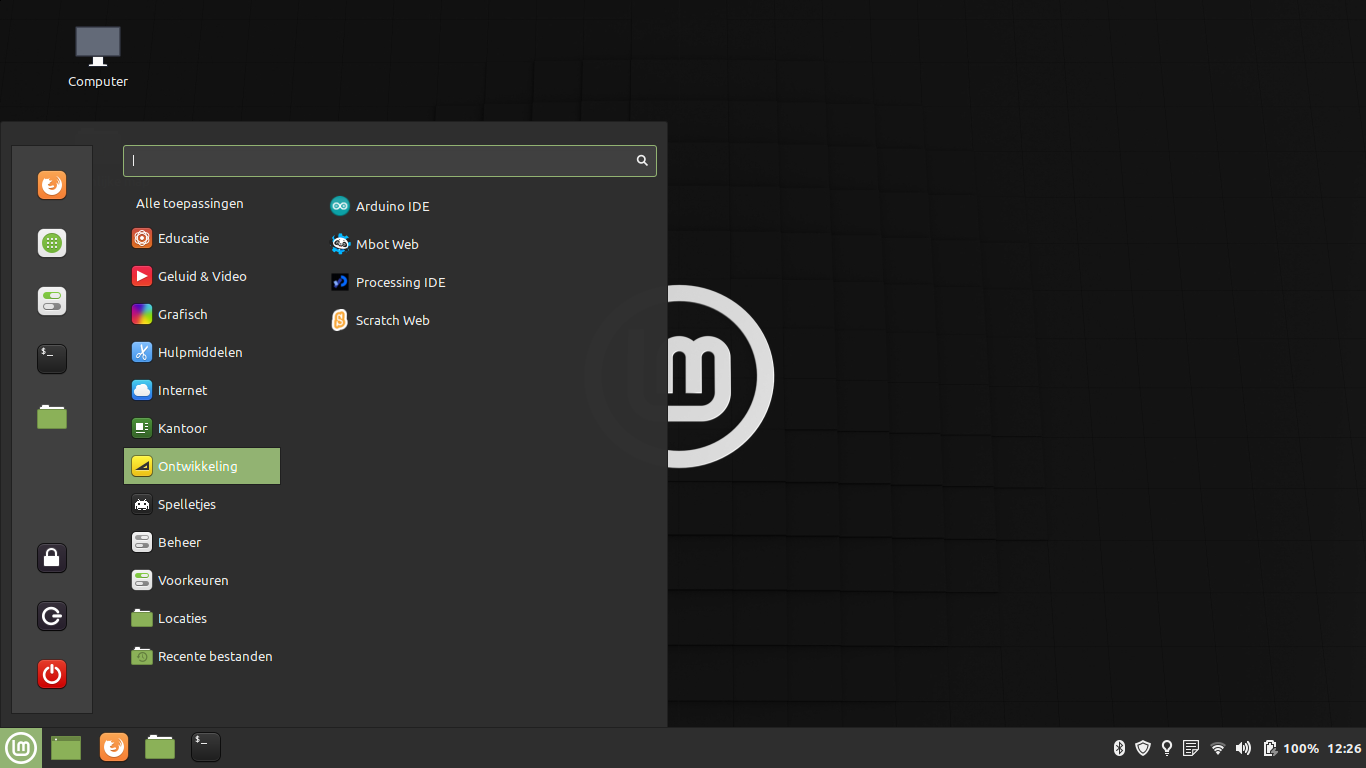
Schermafdruk-linuxmint-djog

djog_tools

Instructies:

Installeer Linux Mint Cinnamon 20.2 (zie dualboot instructies)

Na installatie:

Clone deze git repository. En voer de scripts 1 voor 1 uit in de aangegeven volgorde, van script 1 tot 9.

In terminal:

git clone https://github.com/avlap/linux-mint-djog

cd linux-mint-djog

./1_automatische_updates_djog

./2_...

...

Zie ook de korte instructies in de map documenation van deze repository.