gnome-screenshot should not take a screenie of itself
| Affects | Status | Importance | Assigned to | Milestone | |
|---|---|---|---|---|---|
| gnome-utils |
Expired
|
Medium
|
|||
| compiz-plugins-main (Ubuntu) |
Fix Released
|
Low
|
Didier Roche-Tolomelli | ||
Bug Description
Binary package hint: gnome-utils
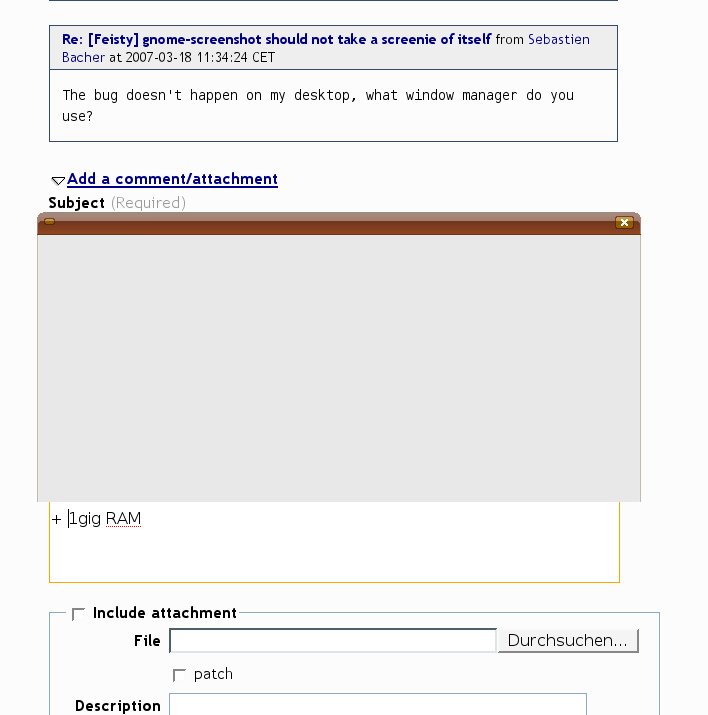
I took screenies with gnome-screenshot (via menu where it is set to "gnome-screenshot --interactive") and in the resulting screenies there is also gnome-screenshot shown itself
see screenie for details
PS. this does not happen with "ksnapshot"

$ aptitude show gnome-utils
Package: gnome-utils
State: installed
Automatically installed: no
Version: 2.18.0-0ubuntu1
since i feel this is a "upstream" thing if you want me i could open a bugreport at http://
opening GNOME bug on bugzilla.gnome would be nice, we don't have the manpower to deal with every little upstream bug at the moment
The bug doesn't happen on my desktop, what window manager do you use?
i use "plain" ubuntu (aka gnome) desktop.
without any beryl or anything.
$ cat /proc/cpuinfo
processor : 0
vendor_id : AuthenticAMD
cpu family : 6
model : 6
model name : AMD Athlon(tm) XP 2000+
stepping : 2
cpu MHz : 1684.414
+ 1gig RAM
PS
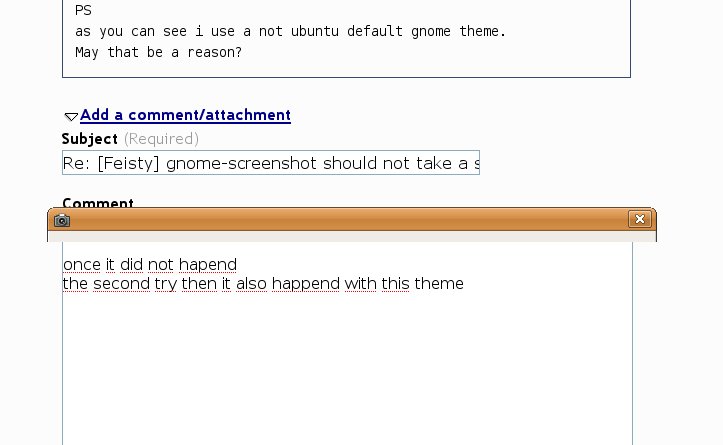
as you can see i use a not ubuntu default gnome theme.
May that be a reason?
I have switched back to default ubuntu theme
once it did not hapend
the second try then it also happend with this theme
PS.
it seems not to happen when started with:
gnome-screenshot
from cli
After playing a little with that it seems as when started only from menu it happens.
When started from cli (even with gnome-screenshot --interactive) it seems not to happen.
:/ strange
upstream bug fillt in
Confirming on Feisty.
The problem occurs when selecting "Grab the current window" and not when selecting "Grab the whole desktop".
Isn't this caused by the fact that the gnome-screenshot --interactive dialog is considered the current window because it has the focus?
In previous versions of gnome-screenshot (Edgy and Dapper) we had to click the specific window we wanted to capture.
upstream has now an duplicate reported by someone else:
http://
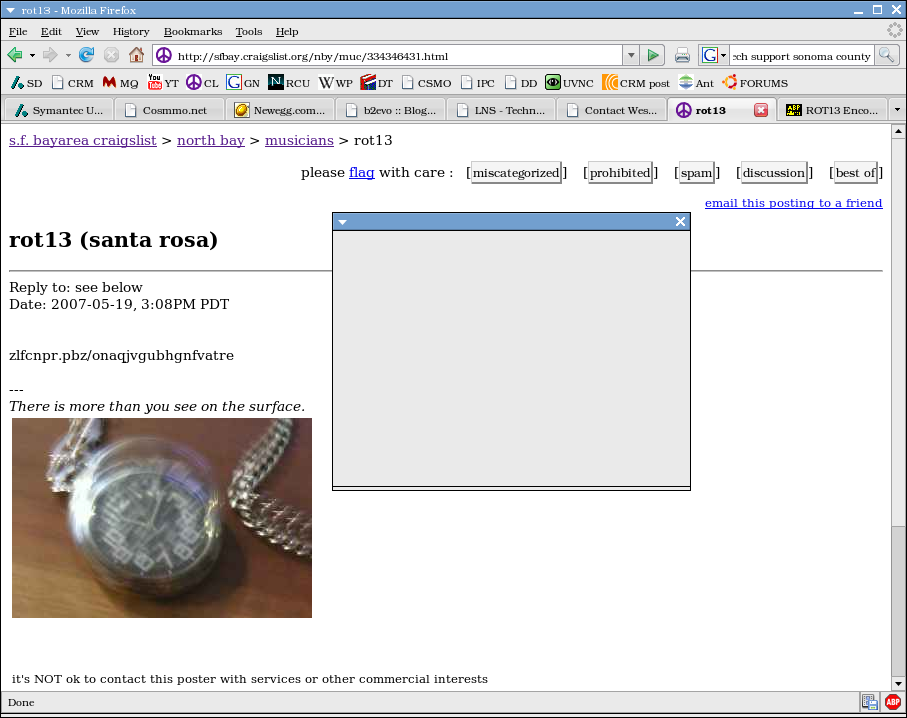
- screenshot speaks 1000 words Edit (127.5 KiB, image/png)

My bug (bug #202338) has been marked a duplicate of this. It's on Hardy and only seems to affect epiphany.
- Screenshot.png Edit (465.8 KiB, image/png)
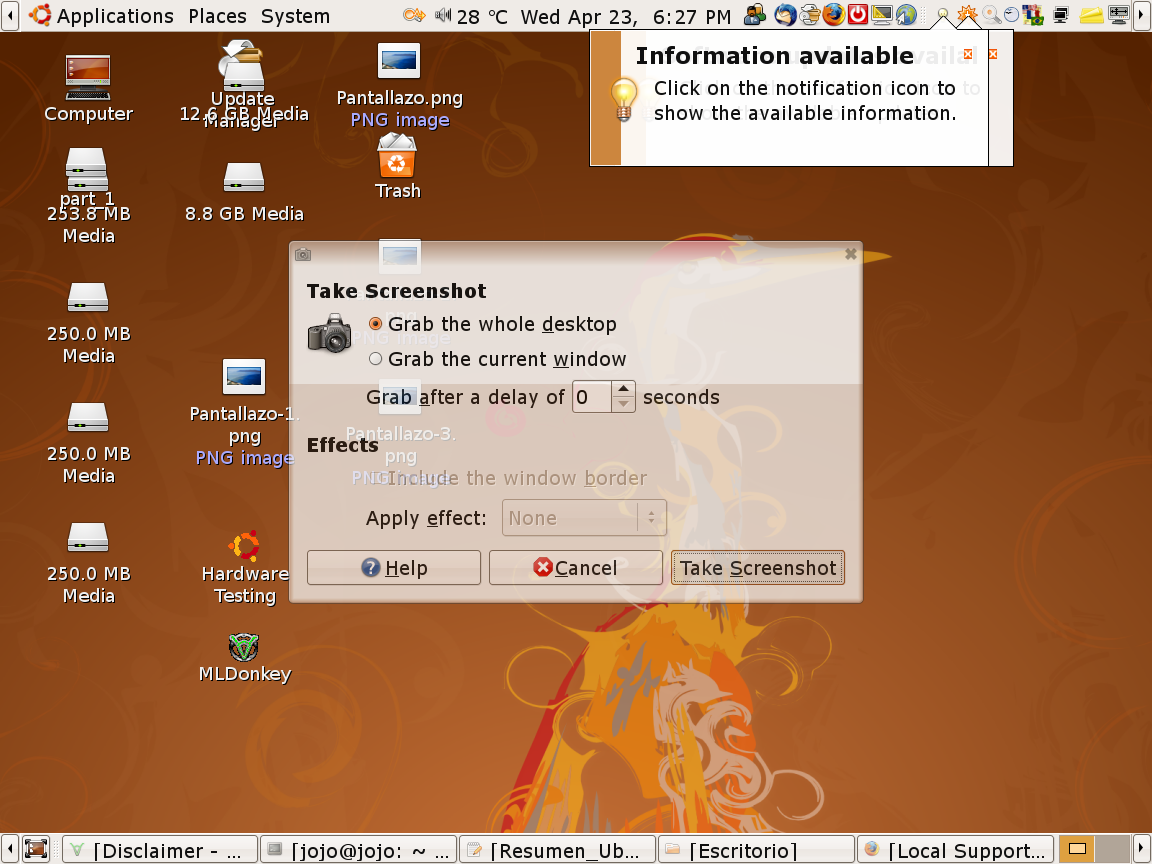
The problem occurs when selecting "Grab the whole desktop".
Ubuntu 8.04 Hardy Heron
AMD 64 LE1620
1 GB mem.
Mother ASRock ALiveNF6G-VSTA
Video: Integrated Nvidia Gforce6-
Audio 7.1 ch. A:C888 codec.
Regards.
Jorge.
Related upstream bug http://
(This is on Hardy amd64, for me, installed from 2008年03月20日 beta CD image.)
This issue seems to be resolved for 8.04.1, but now the "Current Window" option is broken - no matter what you choose, it grabs the whole desktop. BUT, the screenshot window isn't in there, so that's good.
I'm using this under LTSP, not sure if that makes a difference. Probably shouldn't.
Anyone else experiencing this in Hardy still, with all updates?
Hi this happens for me also on Jaunty
Package: gnome-utils
State: installed
Automatically installed: no
Version: 2.25.90-0ubuntu1
Priority: optional
Section: gnome
FWIW, I don't think I'm seeing this. Somebody using lucid to confirm it's indeed gone?
+ gnome-screenshot should not take a screenie of itself
Rodrigo, that one is lower importance but would be nice to get fixed, could you check if there would be an easy way to fix that issue in natty?
Upstream though that the fix fro https:/
the other bug was slightly different in fact...
ok, after some thinking rather than having the screenshoter doing some delay we should rather tell compiz to not animate this dialog, reassigning to compiz and didrocks
sam said "add & !(class=
This bug was fixed in the package compiz-plugins-main - 0.9.4-0ubuntu3
---------------
compiz-plugins-main (0.9.4-0ubuntu3) natty; urgency=low
* 03_default_
- change default option from 0.2s delay to 0s for compiz staticswitcher plugin
- don't get a close animation on gnome-screenshot (LP: #93234)
- Change <Super> + e to <Super> + s for switch workspace (trigger expo mode)
in the classic session as in unity (LP: #723273)
- deactivate mipmapping in staticswitcher as it can make alt Tab very slow
(some seconds) on some hardware (LP: #684843)
-- Didier Roche <email address hidden> 2011年3月16日 19:21:19 +0100