- Windows
- Unity6000.1.7f1 (.NET Framework or both .NET Standard 2.1 and Microsoft.CSharp is required at Api Compatibility Level)
- Python.NET 3.0.5
- Python Embeddable Package 3.11.3
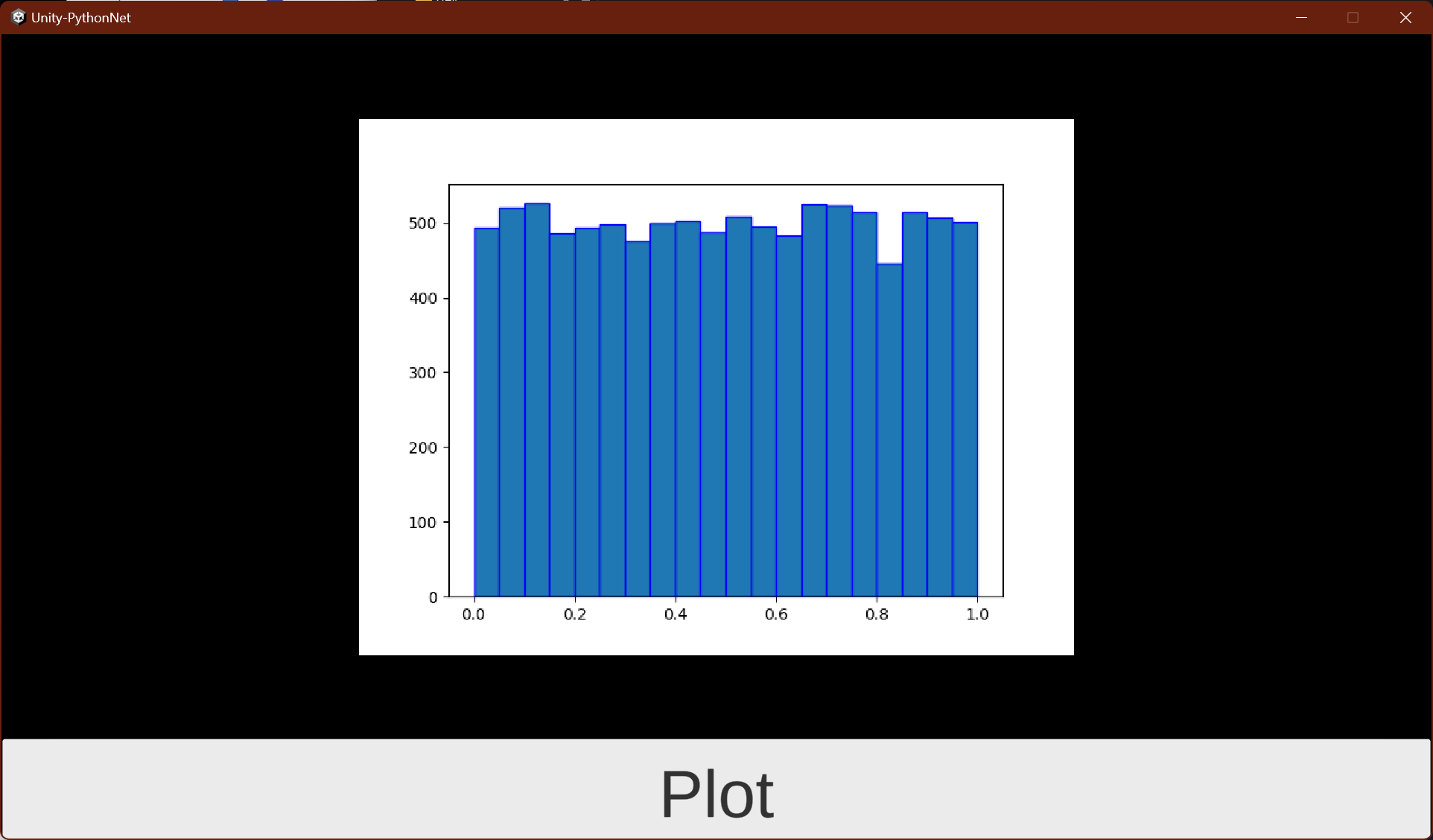
This is a sample project that integrates Unity and Python.NET. Pressing the Plot button will display an image of a graph drawn using matplotlib in Python.
+ Assets/
 + Scenes/
 + SampleScene.unity : Main scene using Unity UI
 + MainView.unity : Main scene uning UI Toolkit
 + Scripts/
 + PythonLifeCycle.cs : Python.NET initializer
 + PlotRandom.cs : Call python script from C# using Python.NET for Unity UI
 + UIEventHandler.cs : Call python script from C# using Python.NET for UI Toolkit
 + Plugins/
 + Microsoft.CSharp.dll : Need for .NET Standard 2.1
 + StreamingAssets/
 + python-3.11.3-embed-amd64/ : python runtime
 + myproject/
 + plot_random.py : python script for graph plot
 + requirements.txt : a list of items to be installed using pip install
cd Assets\StreamingAssets\python-3.11.3-embed-amd64\
.\Scripts\pip.exe install matplotlib
.\Scripts\pip.exe freeze > myproject\requirements.txt
PythonEngine.PythonPathis not applied when changing a differentPythonEngine.PythonPathafter callingPythonEngine.Initialize()/PythonEngine.Shutdown().- Restart Unity if you want to set a different
PythonEngine.PythonPath.
- Restart Unity if you want to set a different