Web terminal emulator. Based on node-pty and xterm.js.
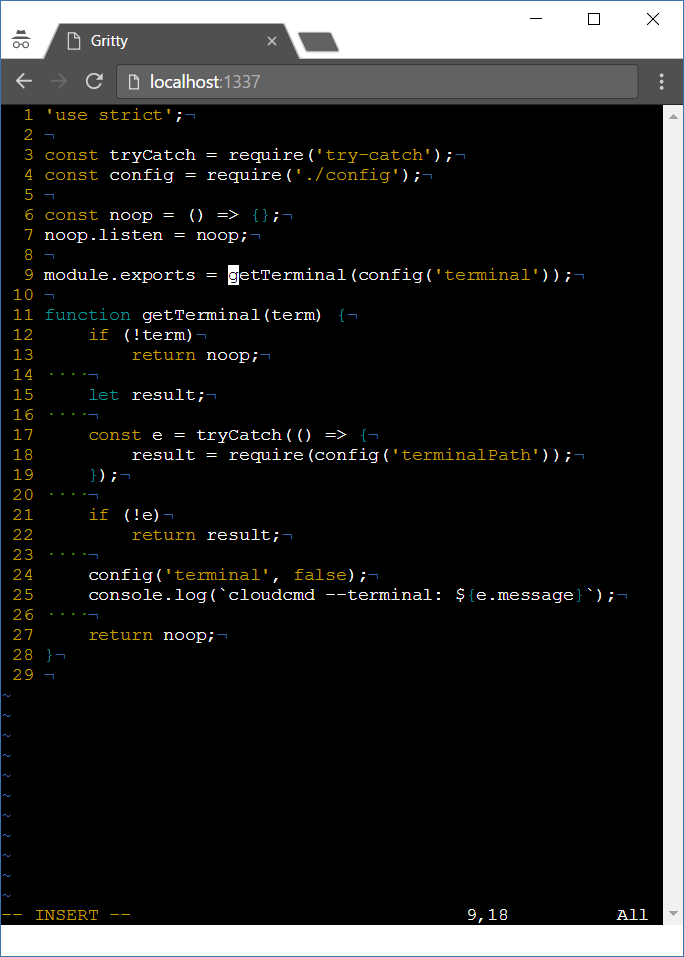
npm i gritty -g
Usage: gritty [options]
Options:
 -h, --help display this help and exit
 -v, --version output version information and exit
 --path output path of a gritty and exit
 --port set port number
 --command command to run in terminal (shell by default)
 --auto-restart restart command when on exit
 --no-auto-restart do not restart command on exit
On Windows there is no build tools by default. When can't install gritty try to install windows-build-tools first.
npm i windows-build-tools -g
npm i gritty -g
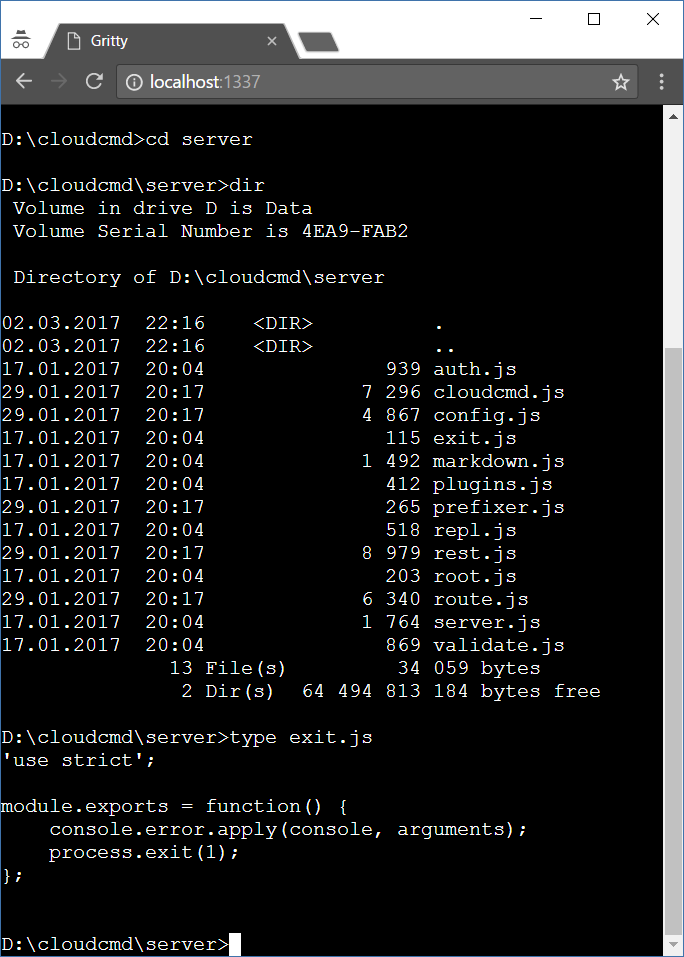
Start gritty, and go to url http://localhost:1337
const prefix = '/gritty';
const env = {}; // default
const fontFamily = 'Courier';
gritty('body', {
 prefix,
 env,
 fontFamily,
});
Gritty could be used as middleware:
const prefix = '/gritty';
const auth = (accept, reject) => (username, password) => {
 accept();
};
gritty.listen(socket, {
 prefix,
 auth, // optional
});
Middleware function:
const prefix = '/gritty';
gritty({
 prefix,
});
To use gritty in your programs you should make local install:
npm i gritty socket.io express --save
And use it this way:
// server.js
const http = require('node:http');
const gritty = require('gritty');
const express = require('express');
const io = require('socket.io');
const app = express();
const server = http.createServer(app);
const socket = io.listen(server);
const port = 1337;
const ip = '0.0.0.0';
app.use(gritty());
app.use(express.static(__dirname));
gritty.listen(socket, {
 command: 'mc', // optional
 autoRestart: true, // default
});
server.listen(port, ip);
<!-- index.html -->
<div class="gritty"></div>
<script src="/gritty/gritty.js"></script>
<script>
 const options = {
 prefix: 'console',
 command: 'bash', // optional
 autoRestart: true, // optional
 cwd: '/', // optional
 env: {
 TERMINAL: 'gritty',
 CURRENT: getCurrentFile,
 }
 };

 gritty('.terminal', options);

 function getCurrentFile() {
 return 'filename.txt';
 }
</script>
MIT