A git commit generator that can commit repositories to boost your profile contributions.
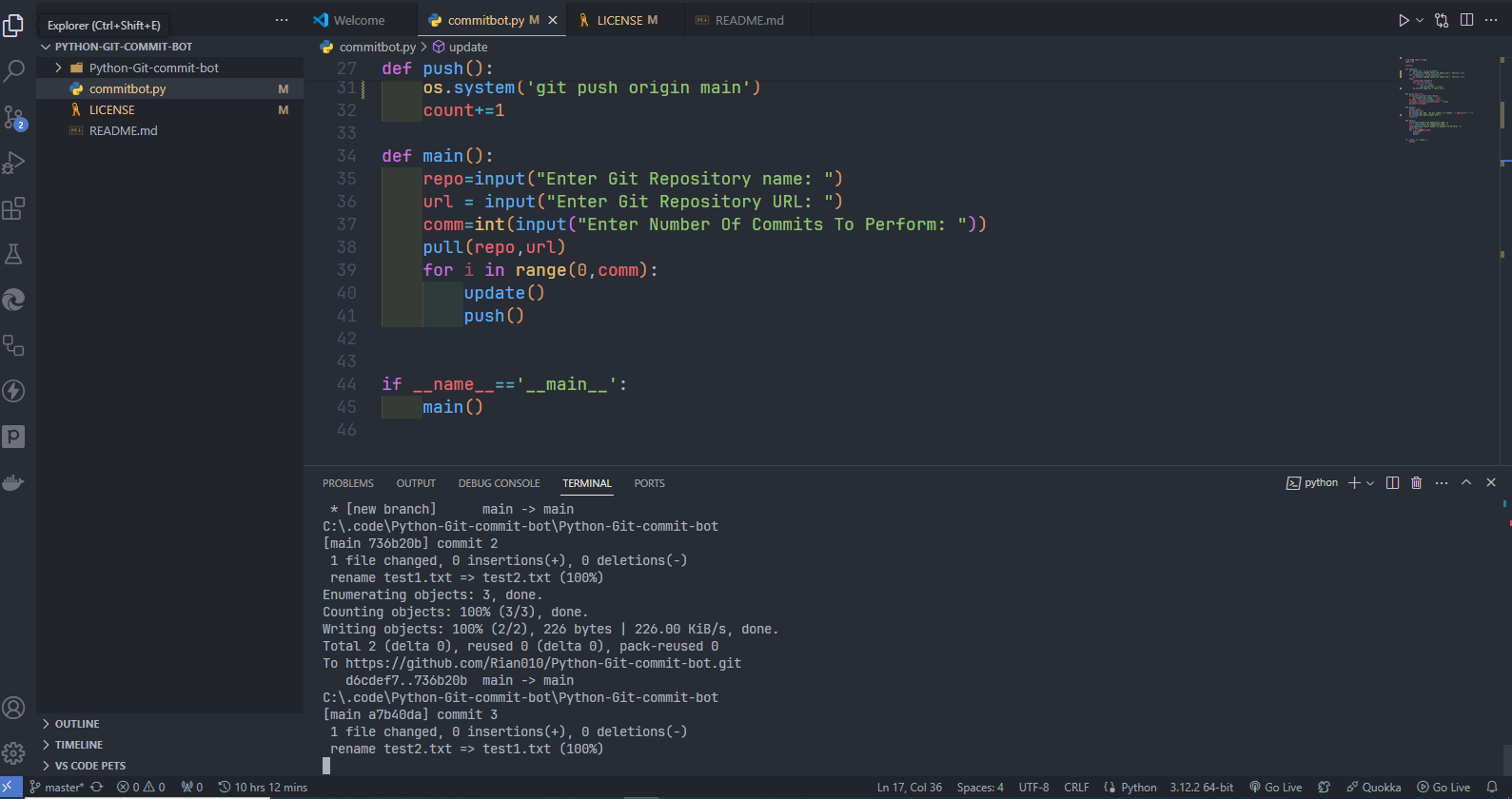
It is a fairly simple and efficient script that works by renaming a single empty text file and commiting the changes. Feel free to test it for yourself.
- Windows Commandline
- Python3
To run the script type the following commands in CMD:
git clone https://github.com/Rian010/Python-Git-commit-bot.git
cd Python-Git-commit-bot
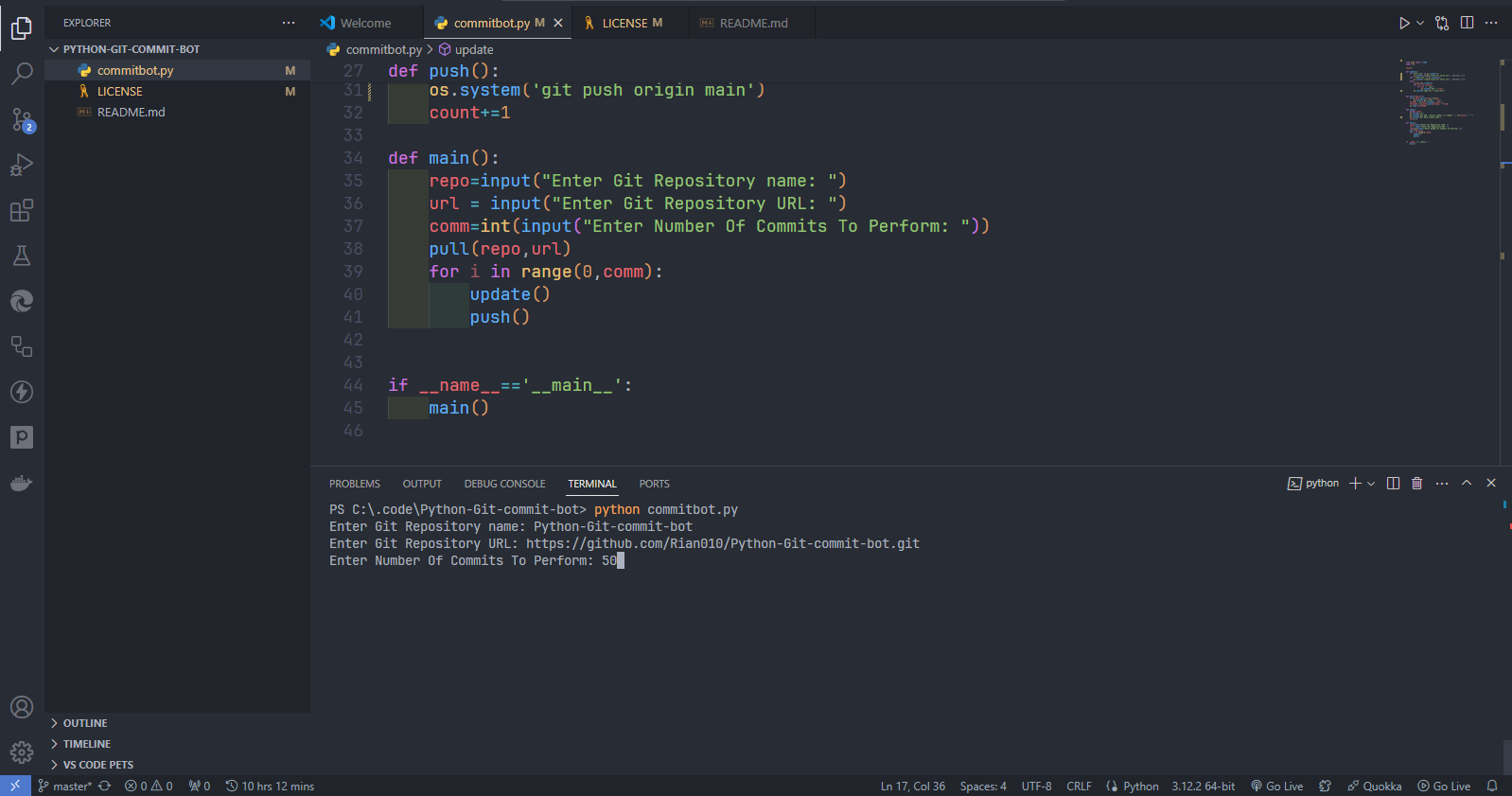
python commitbot.py
The script will be executed.
The script needs two parameters to run correctly: Repository name & Repository URL
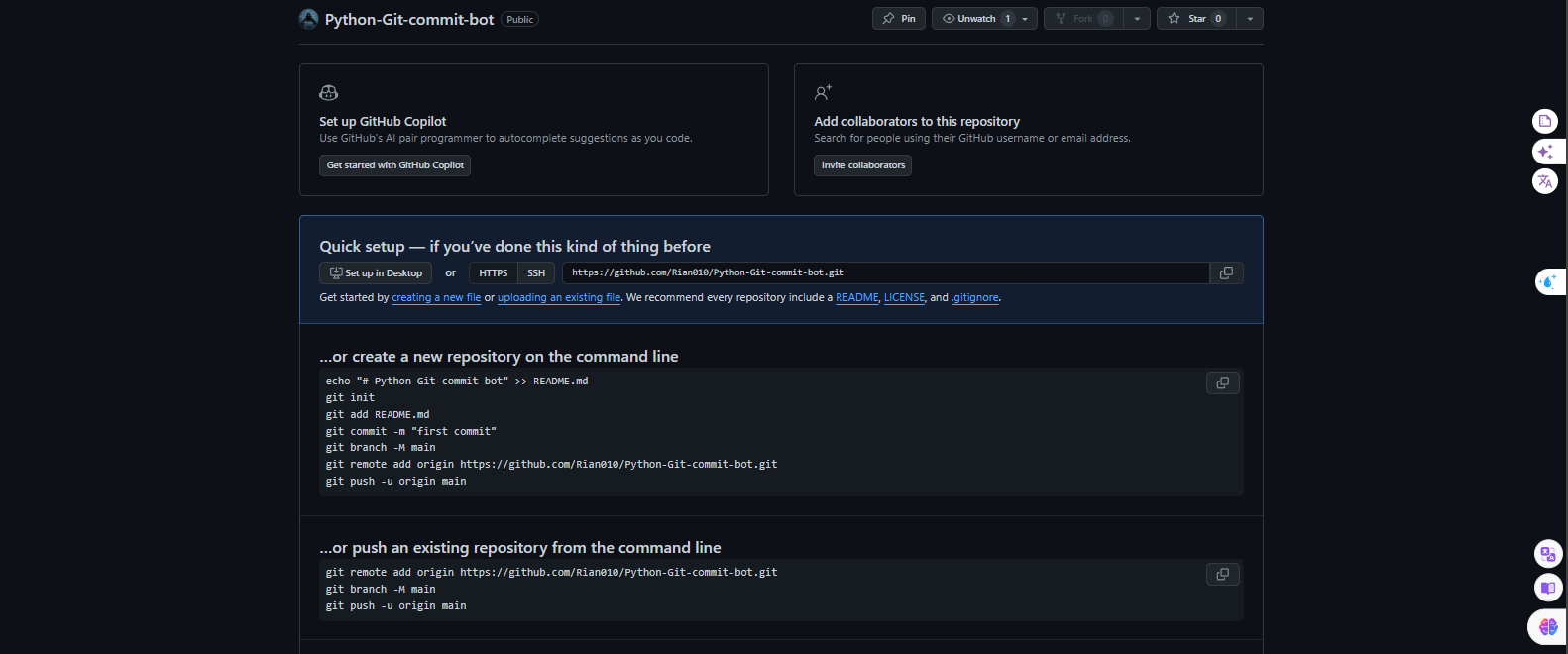
- Create an empty repository beforehand without README.md .
- Make sure the repository name is the same as the empty repository you created before running the script.
- You may be asked for username and password.
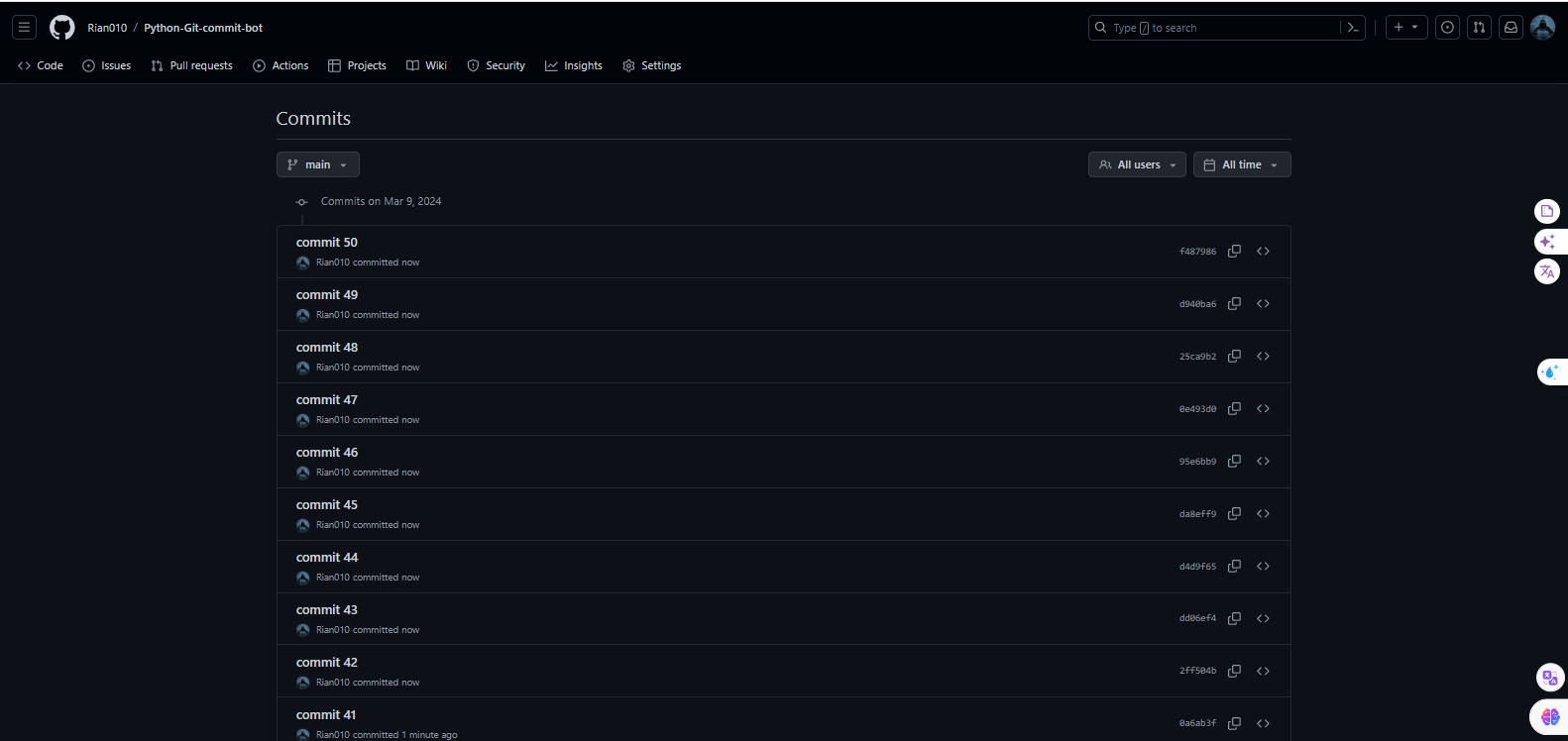
- And within minutes you will have more commits than you had before.
The repository will come out looking like this so might wanna make it private

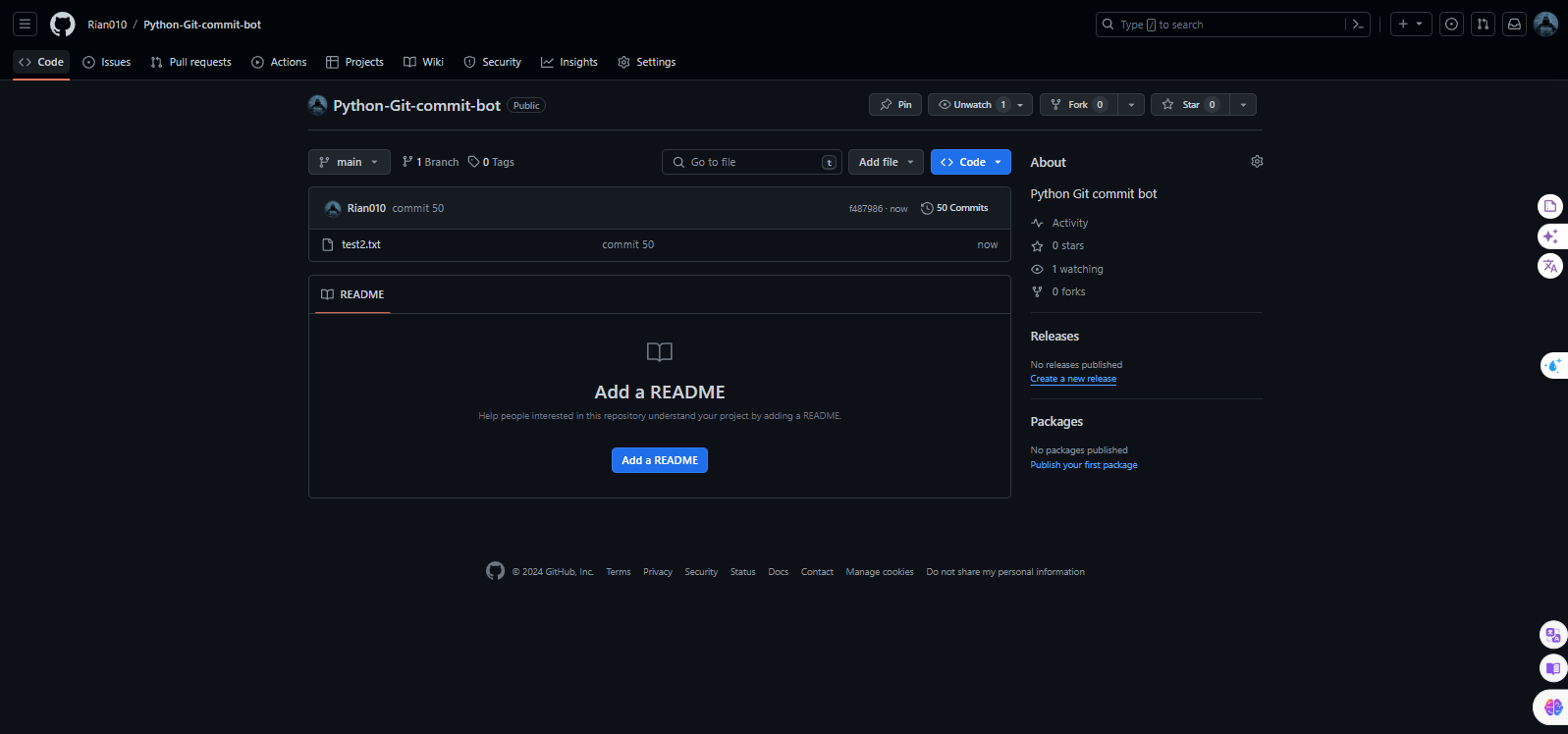

- I made this purely for learning purposes and out of curiosity.
- You can extend its functionality to linux if you have experience with shell.
- For the curious souls, I myself, am not using this.