RTL-SDR (RTL2832U) and software defined radio news and projects. Also featuring Airspy, HackRF, FCD, SDRplay and more.
The BIG List of RTL-SDR Supported Software
There are now dozens of software defined radio packages that support the ultra cheap RTL-SDR. On this page we will attempt to list, categorize and provide a brief overview of each software program. We categorize the programs into general purpose software, single purpose software, research software and software compatible with audio piping.
If you know of a program that is missing please leave a comment in the comments section at the bottom of the page.
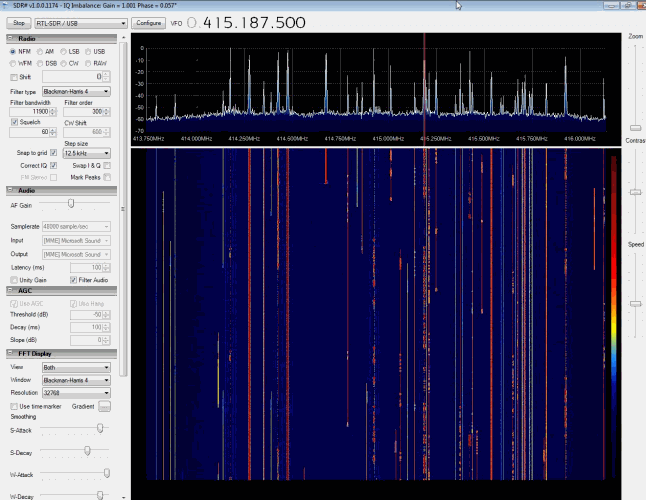
SDR# (pronounced "SDR Sharp") is the most popular free RTL-SDR compatible software in use at the moment. It is relatively simple to use compared to other SDR software and has a simple set up procedure. We have a full overview of the installation procedure on our Quick Start Page. SDR# is designed to be use with the 199ドル Airspy SDR, but works just fine with the RTL-SDR.
SDR# is a simple to use program that also has some advanced features. It has a useful modular plugin type architecture, and many plugins have already been developed by third party developers. The basic SDR# download without any third party plugins includes a standard FFT display and waterfall, a frequency manager, recording plugin and a digital noise reduction plugin. SDR# also decodes RDS signals from broadcast FM.
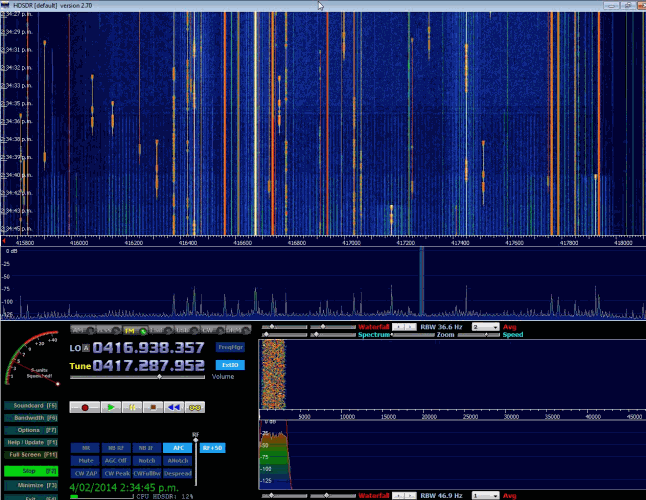
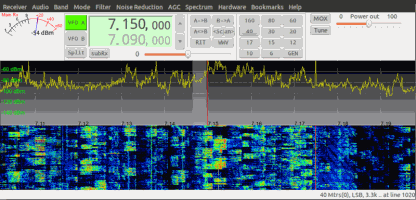
HDSDR is based on the old WinRAD SDR program. HDSDR supports the RTL-SDR through use of an ExtIO.dll module. To install HDSDR, download the program from the link on the main HDSDR page, then to use the RTL-SDR you will need to download the ExtIO_RTL2832.dll file an place it into the HDSDR folder. When opening HDSDR, select the newly copied ExtIO_RTL2832.dll. The other dlls that come with HDSDR will not work with the RTL-SDR, even though they have RTL-SDR in their filename. The official installation instructions can be found here.
Along with a FFT display and waterfall, HDSDR has some extra advanced features. Users will also find an Audio FFT and waterfall display on the bottom of the screen. The output audio can also be bandpass filtered by dragging the filter borders on the display. Bandpass filtering the audio can really help clean up a noisy signal. The audio processing also supports placing of notch filters either manually or automatically. There are also noise reduction and noise blanker features and an automatic frequency centering algorithm which will automatically center the signal, so you don't need to click exactly in the center of a signal. Traditional ham radio users will also enjoy the S-units signal strength meter and the built in frequency manager.
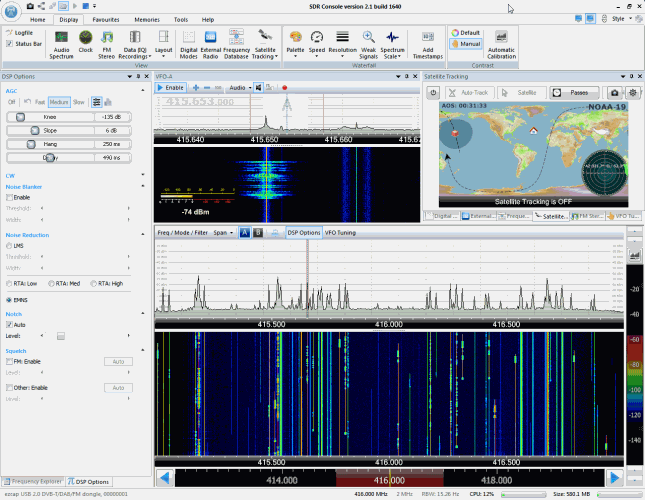
SDR-RADIO.COM V2 and the newer V3 is a popular SDR program with many advanced features. As such is it a fair amount more difficult to learn and use compared to SDR# and HDSDR. Be sure you install version 2 and not V1.5 as only V2 has RTL-SDR support.
Once sdr-radio is installed, to get it working with the RTL-SDR you will need to compile or download three .dll files (SDRSourceRTL2832U.dll, rtlsdr.dll and libusb-1.0.dll) and place them into the sdr-radio folder. To compile your own dlls see the instructions here, otherwise download the dlls directly from the bottom of this link. If the dlls were placed in the correct folder you will be able to add your RTL-SDR as a receiver by clicking on the +Definitions button, and then finding and adding the RTL SDR (USB) option under the search drop down menu.
Like HDSDR, not only does sdr-radio have a RF FFT signal and waterfall display, but also an optional audio spectrum FFT and waterfall display. Built in are also several DSP features like a noise blanker, noise reduction filter, notch filter and squelch options. The EMNS noise reduction filter is particularly good at automatically cleaning up and clarifying voice signals.
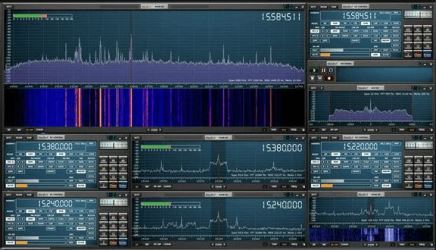
To add to the feature list, sdr-radio also has built in PSK, RTTY and RDS decoders, and also comes with a satellite tracker. Furthermore, sdr-radio V2 (not V3 yet) has an excellent remote server which will allow you to easily set up and connect to a remote RTL-SDR server over a network or the internet. Finally, sdr-radio is capable of listening to up to 6 signals in the same chunk of visible spectrum at a time.
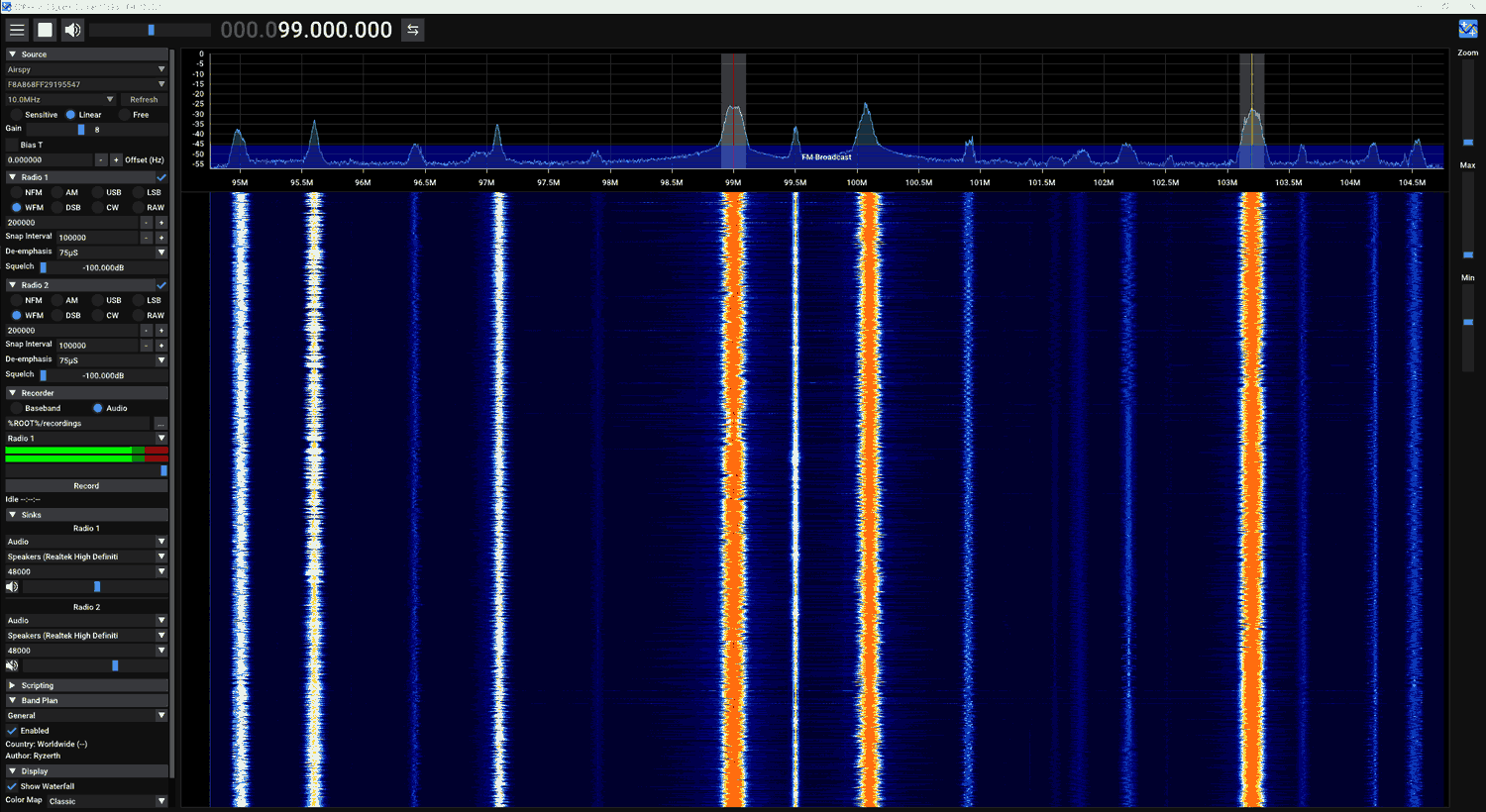
SDR++ is a cross platform opensource general receiver program for various SDRs including the RTL-SDR. As expected from the program name, it is implemented in C++. The GUI is simple to understand and mimics SDR#. The program is in it's beta stages at the time of writing, but it is quickly improving and having features added. Right now it already supports interesting advanced features like multi-VFO and has support for future plugins.
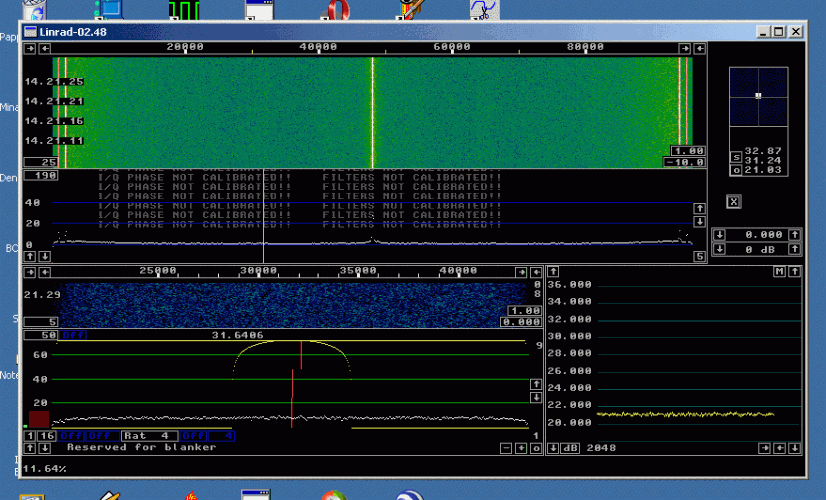
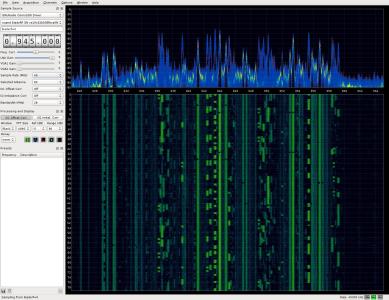
Linrad is a free advanced SDR program with a steeper learning curve compared to most other SDR programs. Many users prefer to use Linrad as it can be set up to have a very high amount of information density on the screen and it also has an advantage with receiving signals with the E4000 tuner as it can be made it run in a special linearity mode which significantly improves the dynamic range.
Linrad also has some very advanced features not found in most other SDR receivers. It has multi-frequency interval I/Q correction, a very powerful "smart" noise blanker, multicast output, weak signal optimized waterfall, settings to aid in taking performance measurements, two RF channel input, superior AGC and an adaptable automatic frequency controller (AFC). Linrad is probably the software most superior in terms of actual signal processing performance.
To install Linrad on Windows first download and run the setup-dll installer, and then download and extract the actual Linrad program. You will need to go through a text based set up at the very beginning.
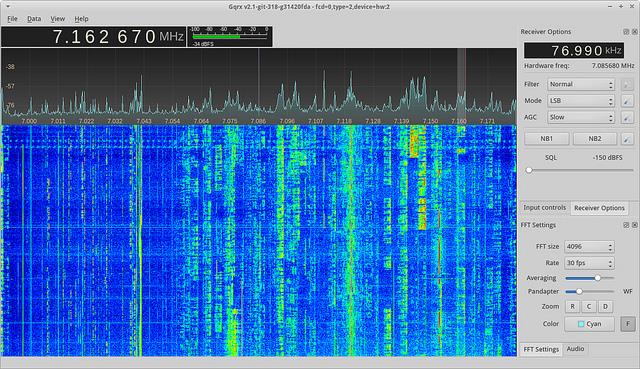
GQRX is a free simple to use SDR receiver which runs on Linux and Mac systems. It is similar to SDR# in terms of features and simplicity of use, but does not have plugins. GQRX comes with a standard FFT spectrum and waterfall display and a number of common filter settings.
Studio1 is a non-free commercial SDR receiver with advanced DSP capabilities, and is claimed to have the lowest CPU usage of any general purpose SDR software. Studio1 supports the RTL-SDR through use of an ExtIO.dll module.
Studio1 claims that it has a very efficient DSP engine that can run well on older Pentium 4 machines.
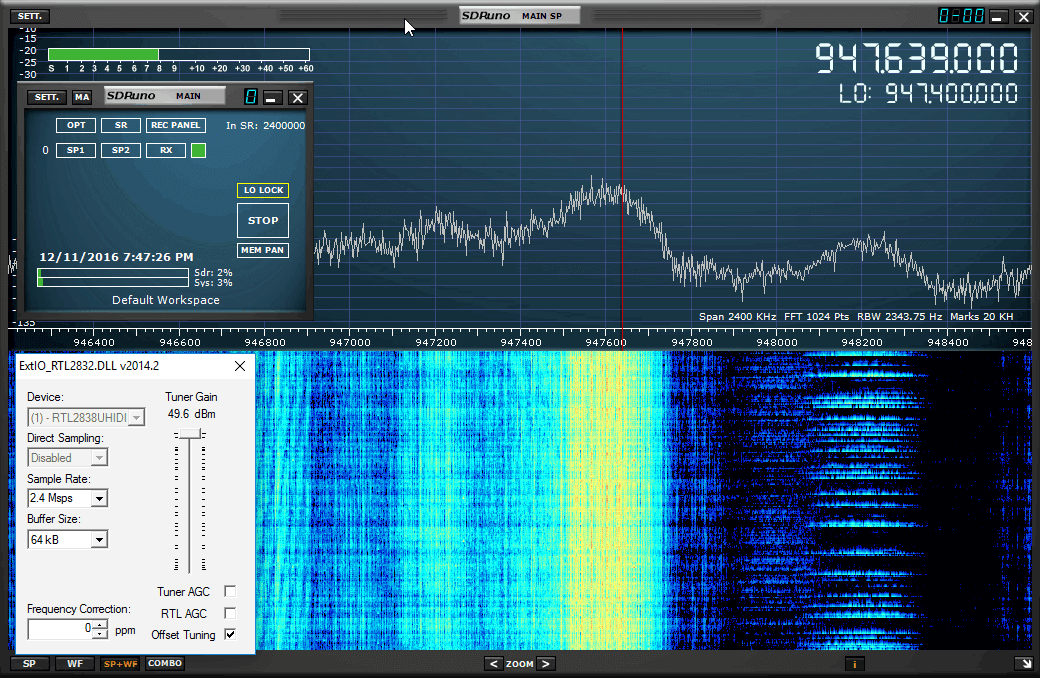
SDRplay have now acquired the rights to Studio1 and have released a free version of it called SDRUno. SDRUno is designed mostly for use with their SDRplay units, but they have also added compatibility with RTL-SDR units.
A fairly feature rich piece of software, although the interface can be a bit clunky and difficult to use at times. Essentially the same as Studio1, but with continued development focused on SDRplay devices.
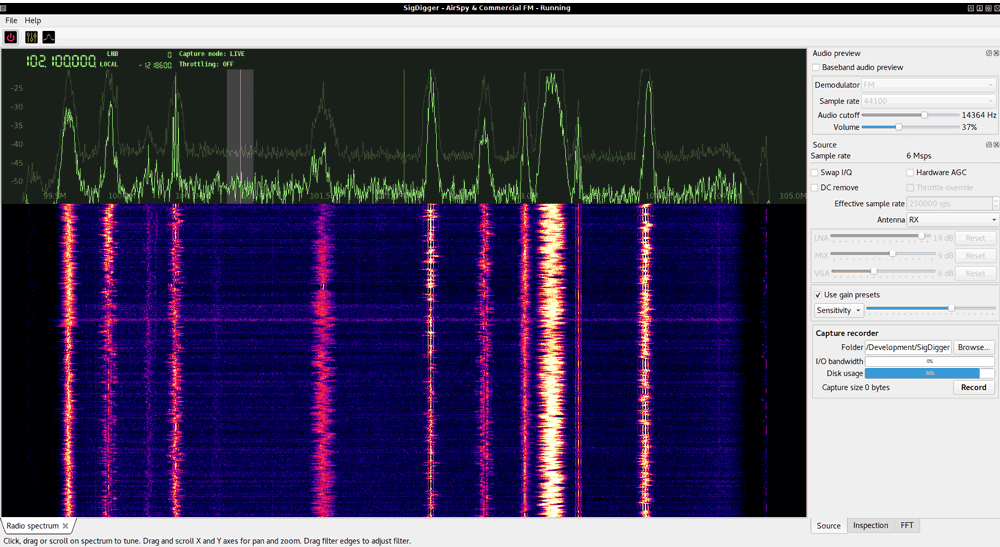
A free SDR receiver program that has a similar UI to GQRX. However, it's main feature is that it is not based on GNU Radio, but rather on a custom DSP library that is designed for use on multi-core CPUs. Also has interesting features like a digital signal inspector.
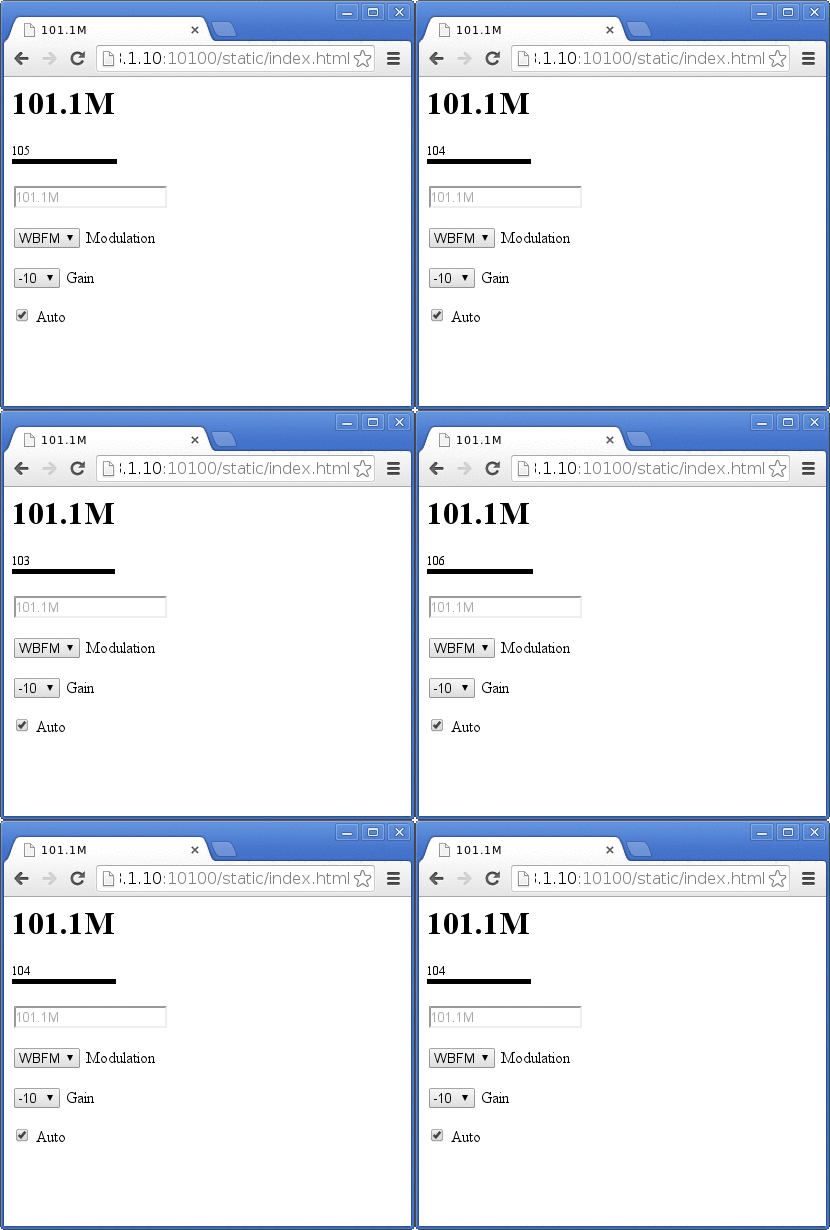
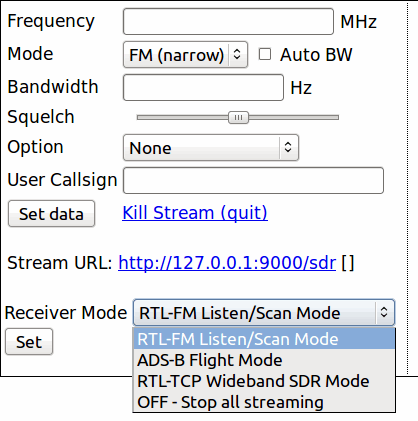
ShinySDR is an SDR application built in GNU Radio with a web based interface. Since ShinySDR is controlled via a web interface it can easily be controlled over a network or the internet. It also has a plugin type development feature which allows demodulators to be easily written and integrated.
The current main technical advantage to ShinySDR is that it has a persistent waterfall, meaning that the waterfall can be moved, zoomed and re-tuned without loss of any history like in other SDR software.
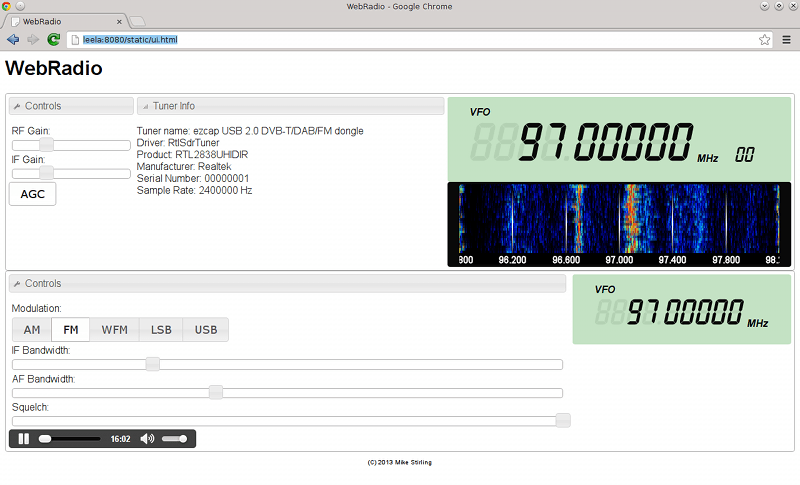
WebRadio is a Linux based application that is attempting to build an open source system for the RTL-SDR and other software defined radios similar to the closed source WebSDR . The WebSDR system allows for multiple public users to connect to a radio over the internet and tune to various frequencies. WebRadio is currently functional but still under development.
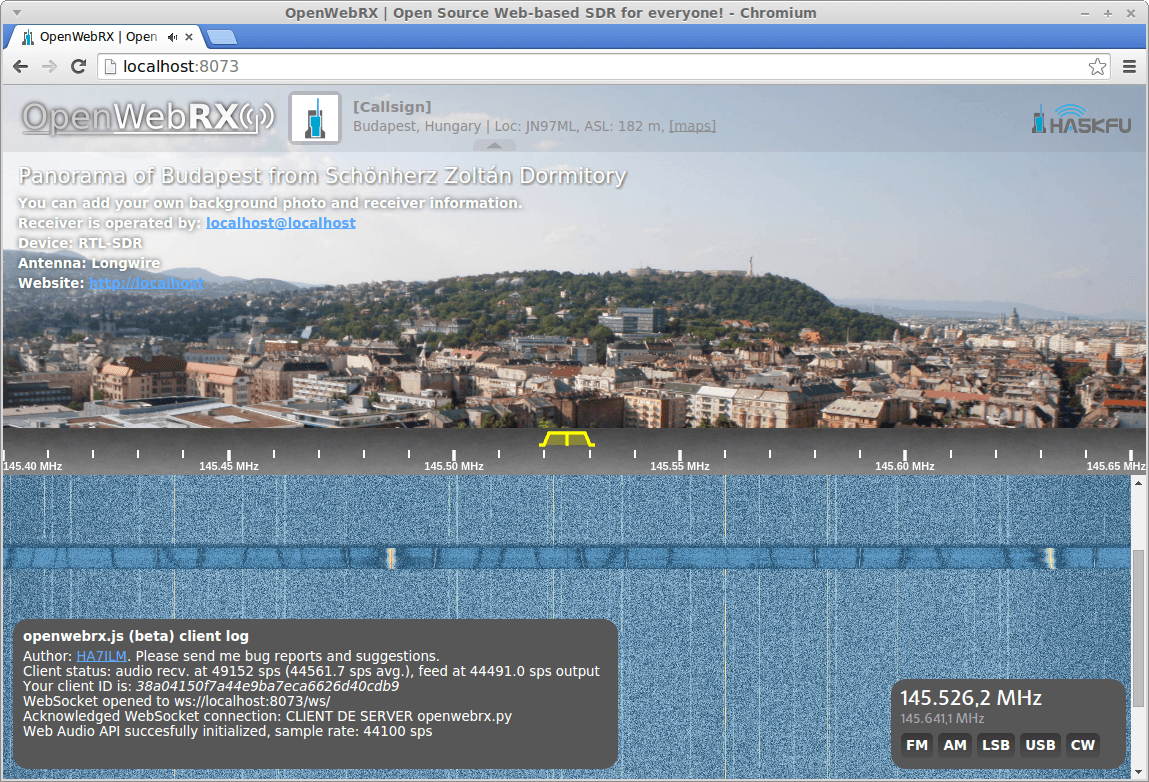
A web based server and interface for remotely accessing RTL-SDRs. Seems to be more developed and active than WebRadio. There is an active list of OpenWebRX receivers listed at sdr.hu. Note that OpenWebRX is now discontinued in terms of future development, but the code is open source, and other branches exist.
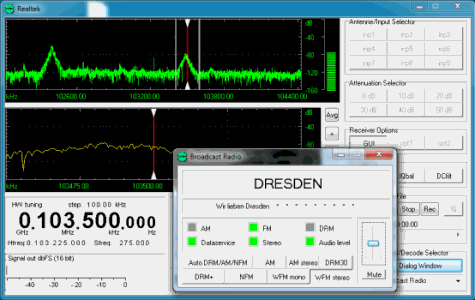
Sodira is a Windows application that is capable of decoding AM and FM+RDS radio as well as DRM/DRM+ and time signals DCF77/HBG. It supports the use of the RTL-SDR through use of the ExtIO_RTL2832.dll module. The same ExtIO_RTL2832.dll module that is used with HDSDR and whose download is linked to in this HDSDR tutorial can be used with Sodira. Just place the dll in the same folder as Sodira, and then under Configuration->Receiver select the dll file and then click on HW Init + Start to activate the RTL-SDR.
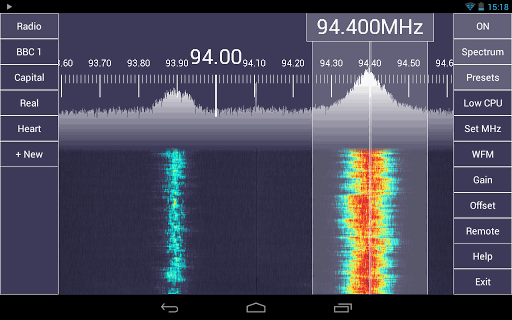
SDRTouch was the first Android based RTL-SDR software receiver available. There is a free restricted trial version and the full version can be bought from the Google Play store. To run SDR Touch you need a modern Android 4.0+ device with decent processing power and USB OTG support. You will also need a USB OTG cable to connect to the Android device to an RTL-SDR dongle.
SDR Touch has several standard features such as FFT spectrum and waterfall displays, WFM/FM/AM/SSB tuning and a frequency manager.
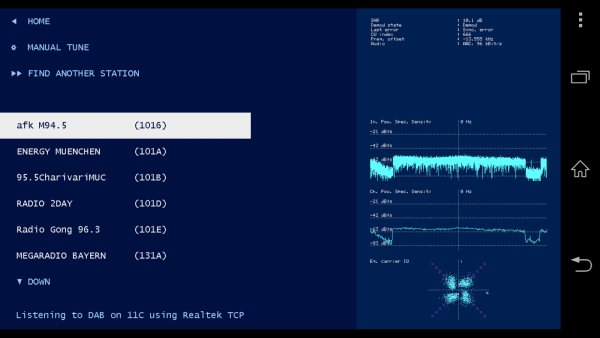
Wavesink Plus is another Android based RTL-SDR receiver with a free trial and paid full version. Wavesinks main feature is that it is capable of decoding DAB+ and DRM+ digital radio signals. As well as the digital radio signals, it can also receive standard FM and do FM-RDS decoding as well. To use Wavesink, like SDR Touch you will need a decently powerful Android 4.0+ device with USB OTG cable.
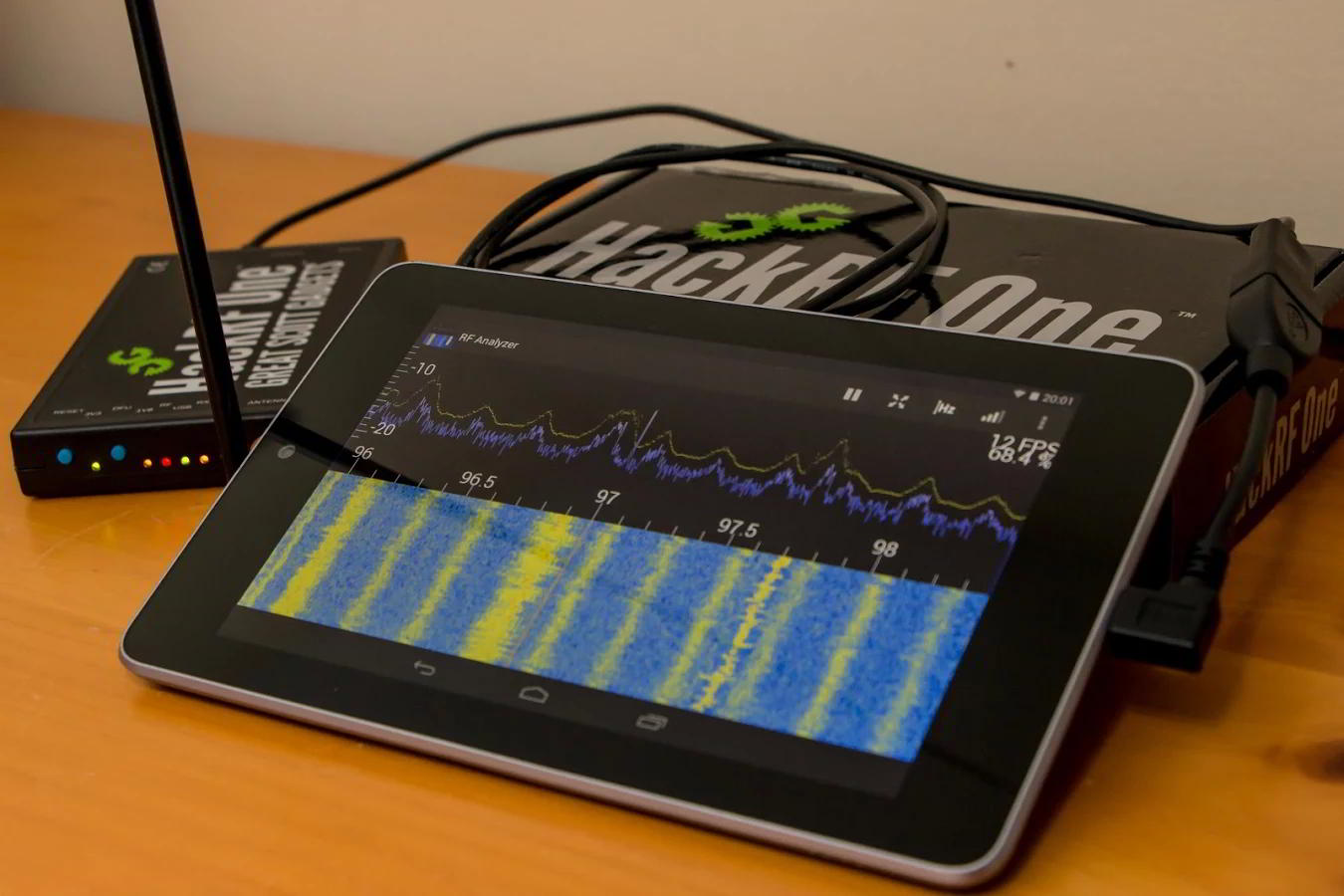
Android app similar to SDR Touch. Originally for the HackRF, but now also supports the RTL-SDR. Still under heavy development. Available for a small price on the Google Play store, or for free from the GitHub.
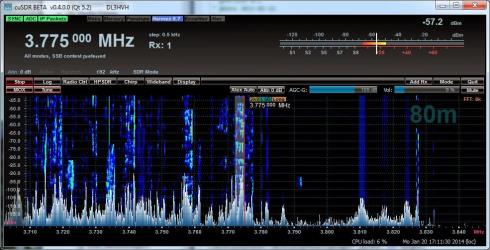
An SDR receiver intended for use with the HPSDR project SDR hardware, but can be used with the RTL-SDR through use of the RTL_HPSDR translation server program. One advantage to cuSDR is that it can support up to seven simultaneous RTL-SDR dongles. cuSDR is still currently under development.
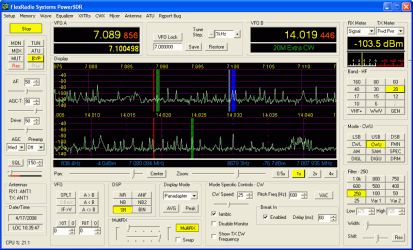
PowerSDR is an SDR receiver intended for use with the FlexRadio SDR hardware. It is compatible with the RTL-SDR through use of the RTL_HPSDR translation server program. PowerSDR is capable of supporting up to four simultaneous RTL-SDR dongles.
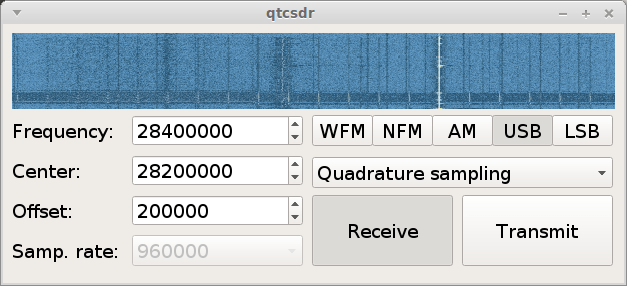
QtRadio is an open source SDR receiver that is based on a client-server architecture from the ground up. It is designed so that multiple clients can connect to a single server. QtRadio comes with a special RTL-SDR server which you will need to download and run.
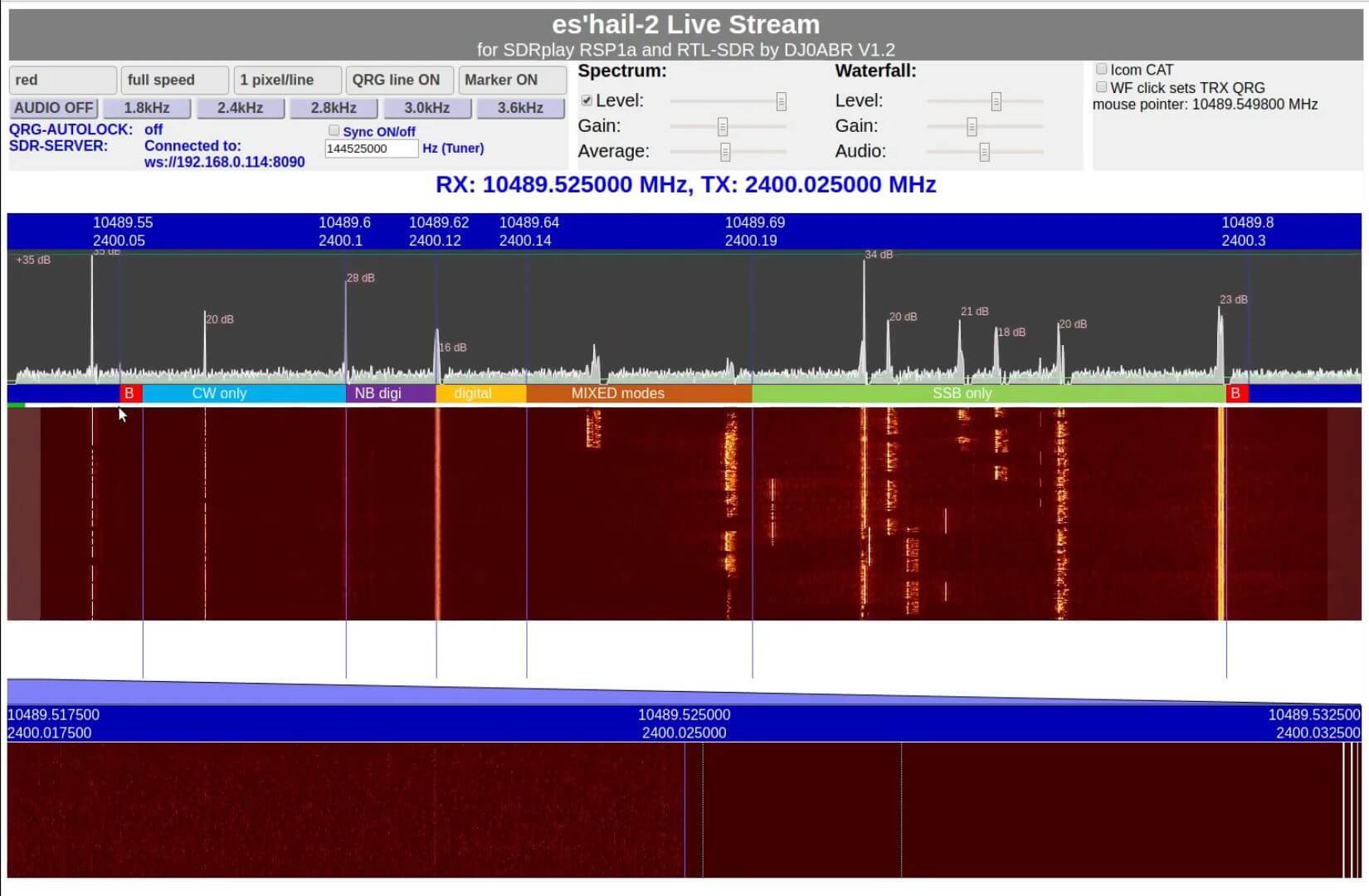
A browser based SDR client. Is efficient because it only sends the filtered narrowband channels and the waterfall pixels instead of the entire IQ data. Has some other intteresting features too like multiple demodulators, history browsing, pluggable demodulators, improved squelch, histogram, autotune and scanning features.
It seems that the server is Python based and the server runs on Linux.
Another RTL-SDR compatible general purpose receiver program and this one runs via an rtl_tcp connection. Mostly seems to be a proof of concept. Have some interesting features though, like waterfall history replay.
A general purpose receiver like the others, but has transmit capabilities to for capable radios. Works with various radios like the ZS-1, Hermes, HIQSDR, Odysset, as well as ExtIO radios like the RTL-SDR. Is one of the few paid options, and costs 2000 RUR (~32 USD) for the RX only version, and 6000 RUR (~96 USD) for the version with transmit capabilities. The trial version allows you to use the software for 10 minutes at a time.
A multimode Python based receiver compatible with RTL-SDRs.
Single Purpose RTL-SDR Software
Here we list single purpose RTL-SDR supported software. By single purpose we mean an application that decodes a single protocol, or performs a single function.
RTL_FM is a command line based FM receiver for the RTL-SDR which is bundled in the official RTL-SDR release. It is extremely useful in Linux as it can be used to pipe decoded FM audio to decoder software.
SoftFM is a command line FM receiver for the RTL-SDR that is similar to RTL_FM. The difference is that SoftFM claims to get much better audio results compared to RTL_FM.
RTL_TCP is used to stream IQ data from the RTL-SDR over a TCP network. Many programs can connect to this, for example in SDR# there is the RTL-SDR/TCP option.
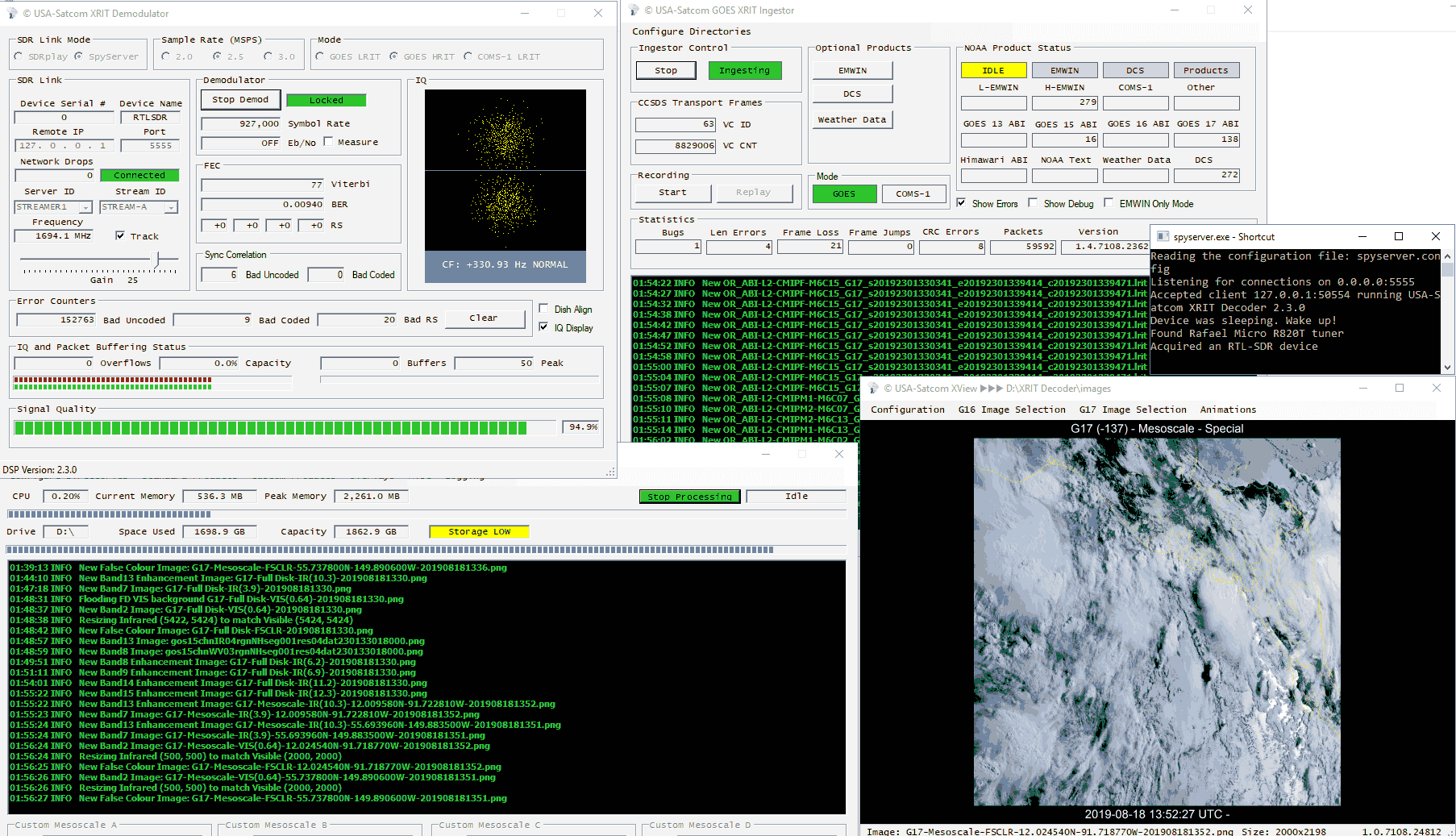
An efficient alternative to rtl_tcp. Designed for the Airspy, but also made compatible with the RTL-SDR. Unlike rtl_tcp which streams the entire IQ bandwidth, SpyServer only streams the IQ data of the currently selected IF bandwidth in SDR#. The waterfall is compressed and sent as efficient data as well.
The only downsides are that it only works with SDR# at the moment, and the server needs more powerful computing hardware as the computations are all performed server side.
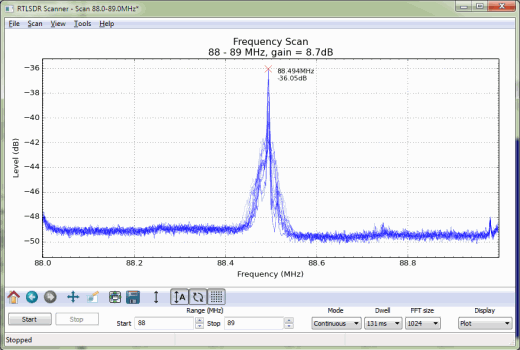
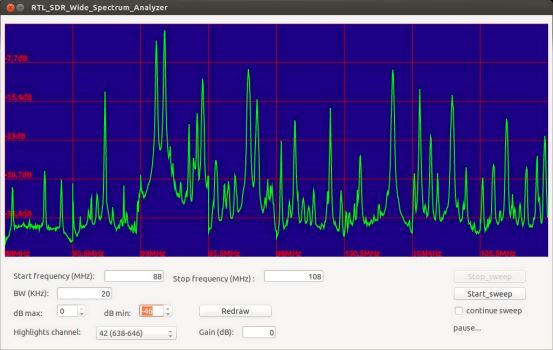
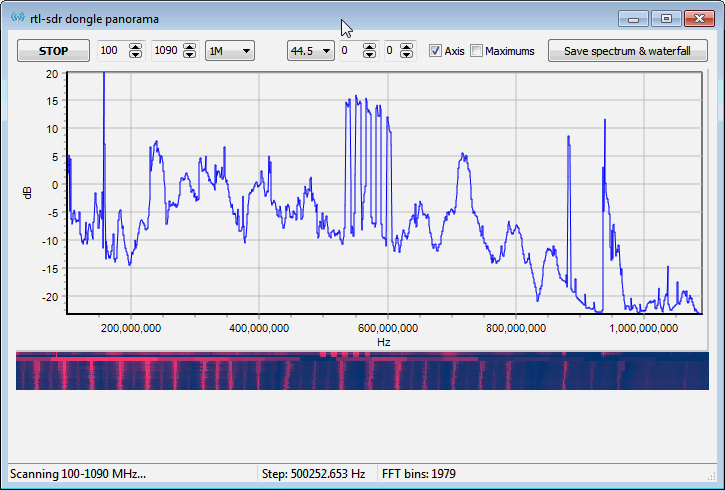
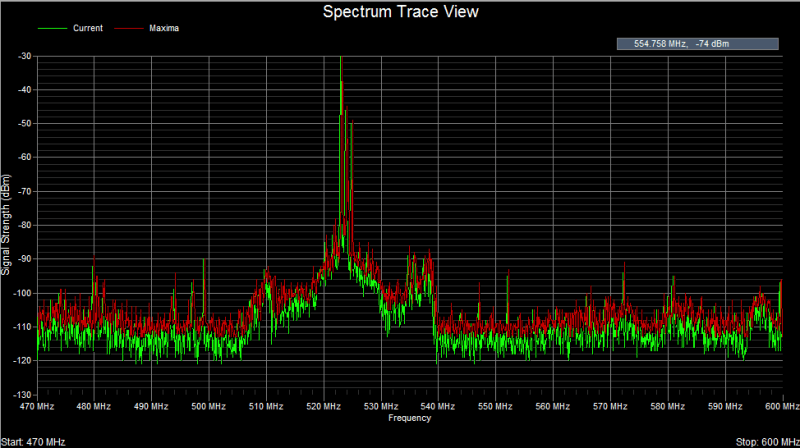
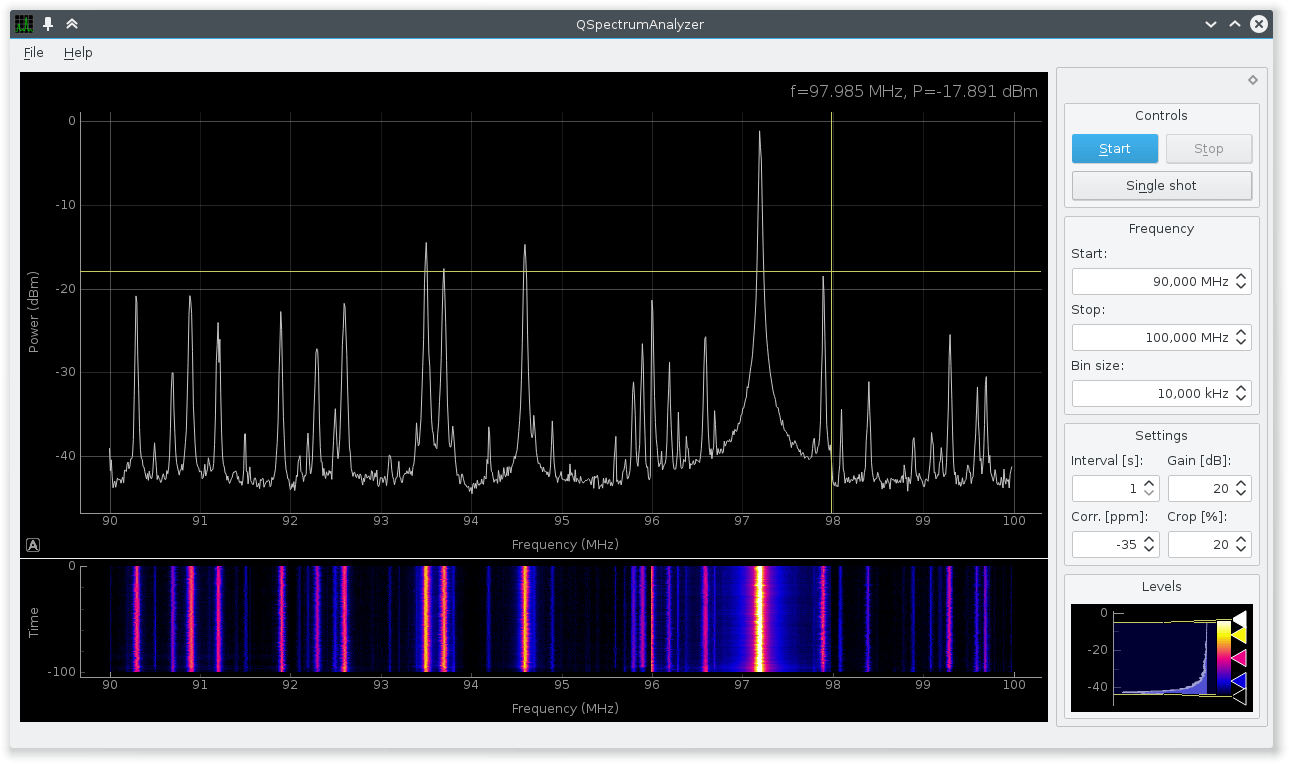
RTLSDR Scanner is a simple cross platform python based wideband spectrum analyzer for the RTL-SDR. It can scan an arbitrarily large frequency bandwidth. The scanner also has an auto calibration feature which can help find the PPM offset of a dongle. Newer versions also have a GPS feature, which allows you to interface a hardware GPS receiver to the software and do signal mapping experiments.
Another wideband RTL-SDR scanner but based on the command line software rtl_power. Essentially a GUI interface for rtl_power. Scans much faster compared to RTLSDR Scanner.
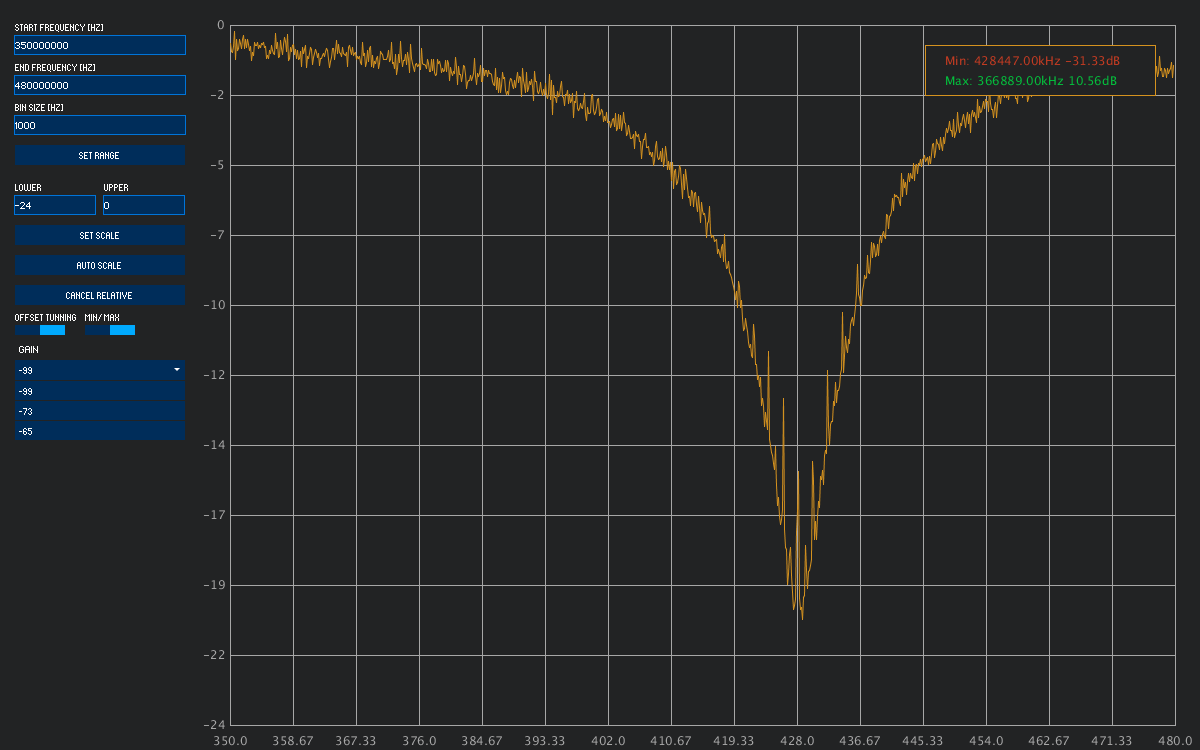
Another interface to rtl_power, but this one has a special relative mode that allows you to make easy SWR and filter measurtements with a noise source.
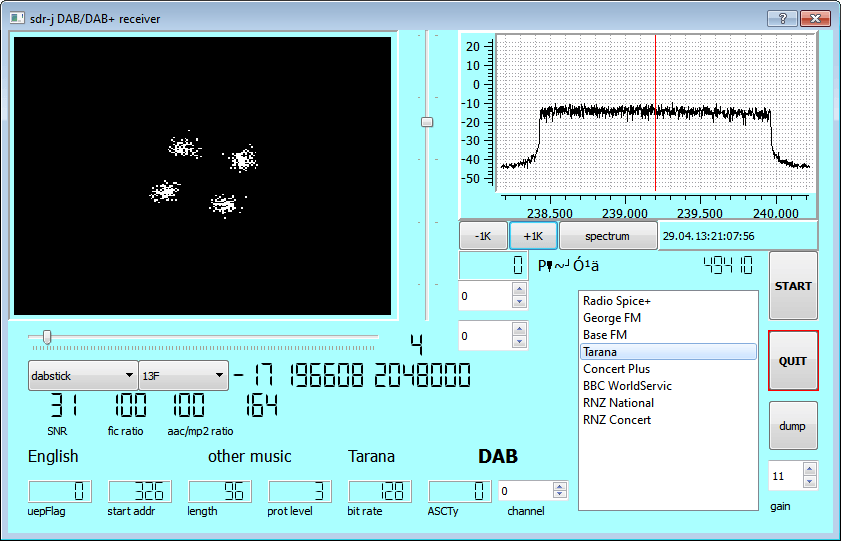
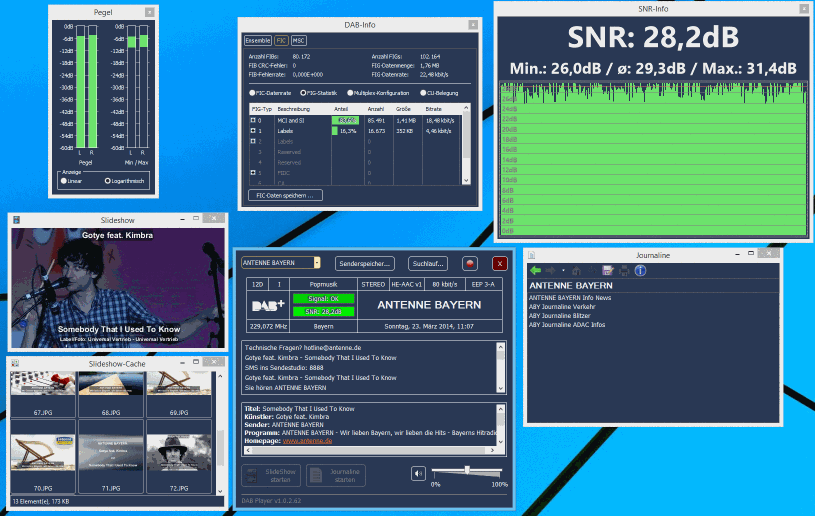
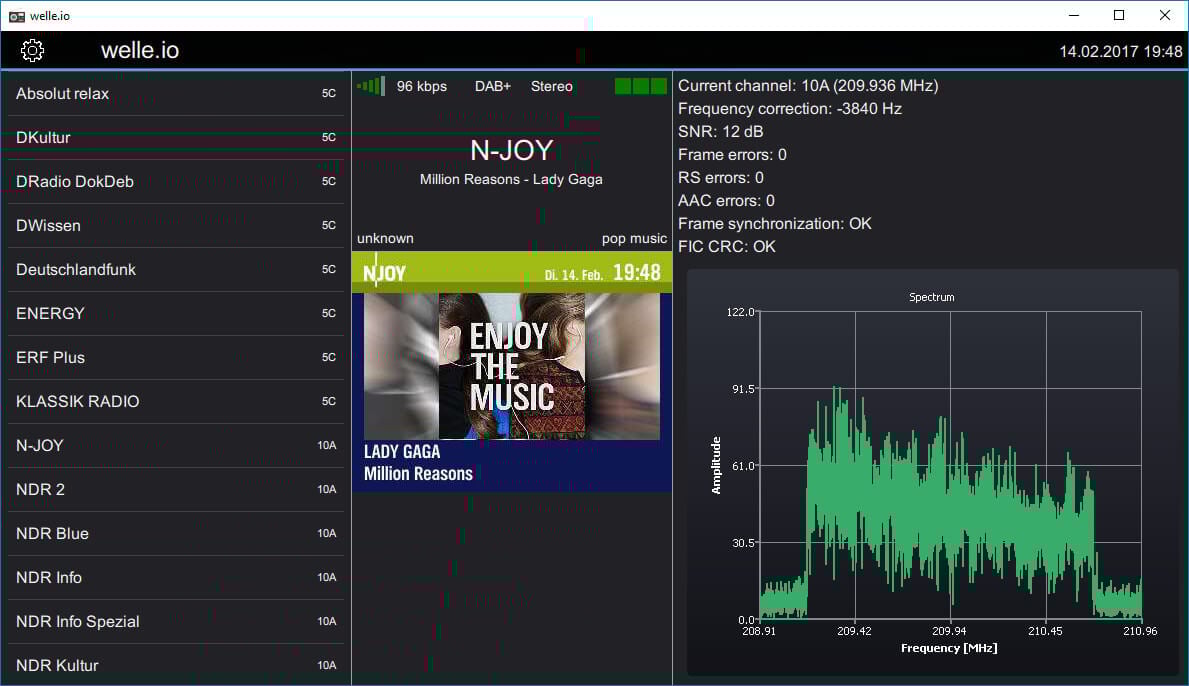
SDR-J is a free program that is split into two different programs. There is the SDR-J DAB/DAB+ receiver program and the SDR-J FM decoder program. The DAB decoder is the most popular of the two. To install the SDR-J DAB receiver go to the SDR-J website and download the dabstick-radio.zip file, unzip it and run dabreceiver.exe. If your RTL-SDR is plugged in you'll be able to click the start button and begin choosing the DAB band in your country using the left drop down box.
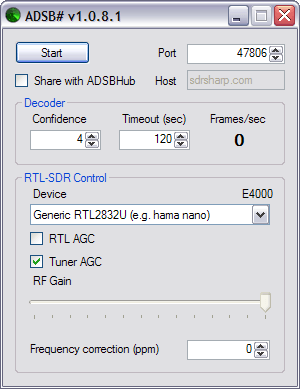
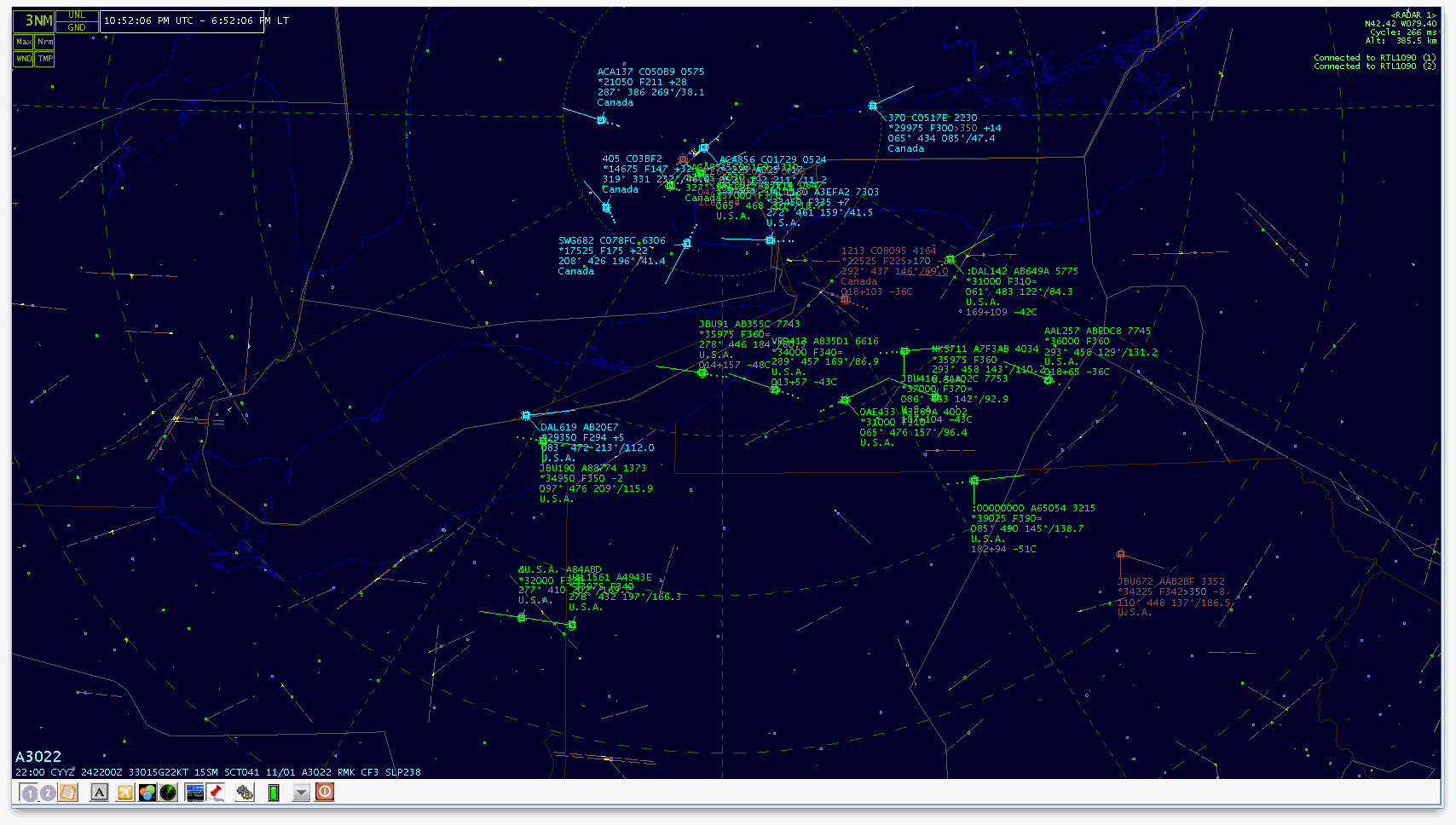
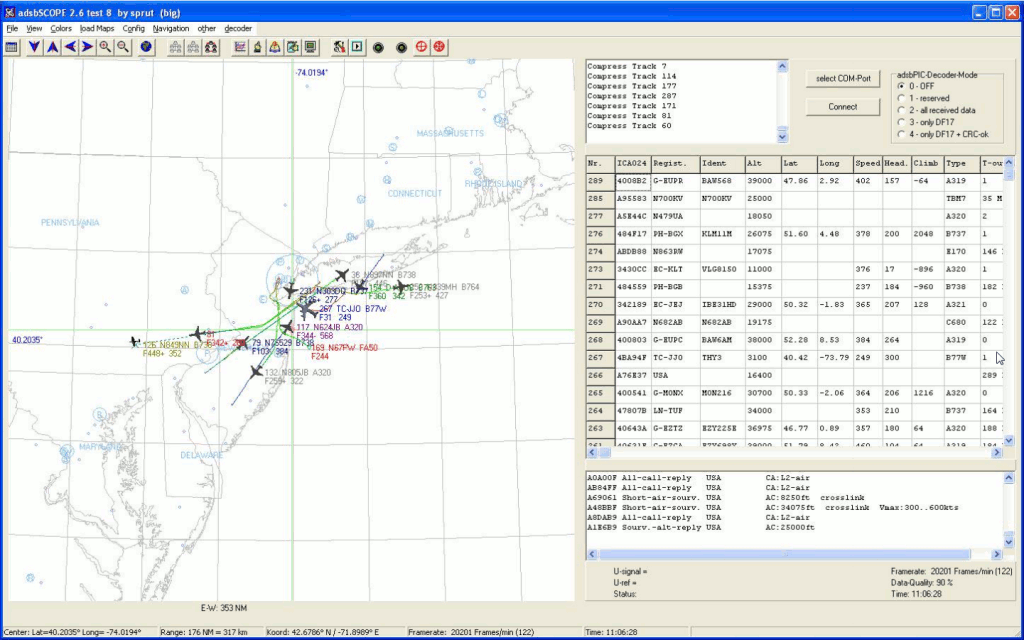
ADSB# is a Windows Mode S ADS-B decoder for the RTL-SDR written by the author of SDR#. Use this program to broadcast data via TCP/IP locally via TCP to a graphical radar program such as Virtual Radar Server, Planeplotter or adsbSCOPE.
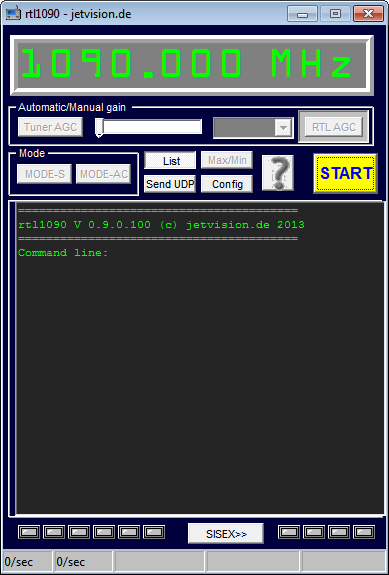
RTL1090 is another Windows Mode S ADS-B decoder for the RTL-SDR. As with ADSB# you need to use this program to broadcast data via TCP/IP to a graphical radar program. The latest installation program known as the RTL1090 IMU simplifies the installation by automatically downloading some required .dll files. The current series 2 beta version aims to improve decoding and also has a built in radar display.
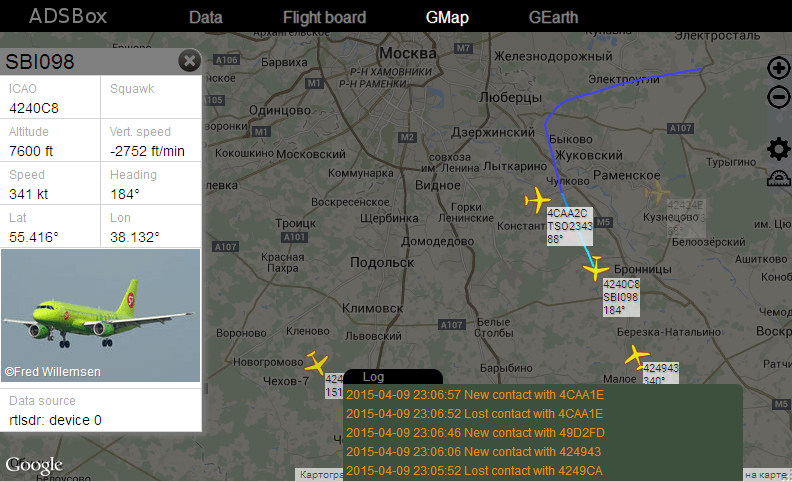
Dump1090 is a lightweight command line Windows and Linux based Mode S ADS-B decoder. It also has a built in web service which can display the decoded aircraft positions on Google maps. Many people report that dump1090 has the best decoding performance.
An ADS-B decoder similar to dump1090, with built in web interface and Google maps interface. Also has a Google Earth interface. Link is in Russian, see the Related Post for extra info about compilation.
A multiplatform command line based ADS-B Mode S and Mode A/C decoder for the RTL-SDR. Can feed Basestation natively without the need for com port converters. Can also decode Mode S and mode A/C simultaneously.
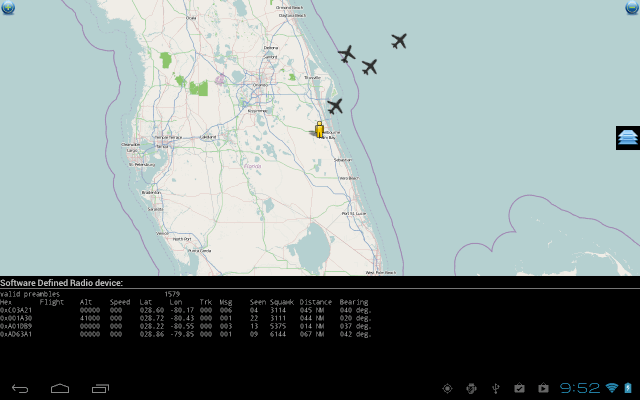
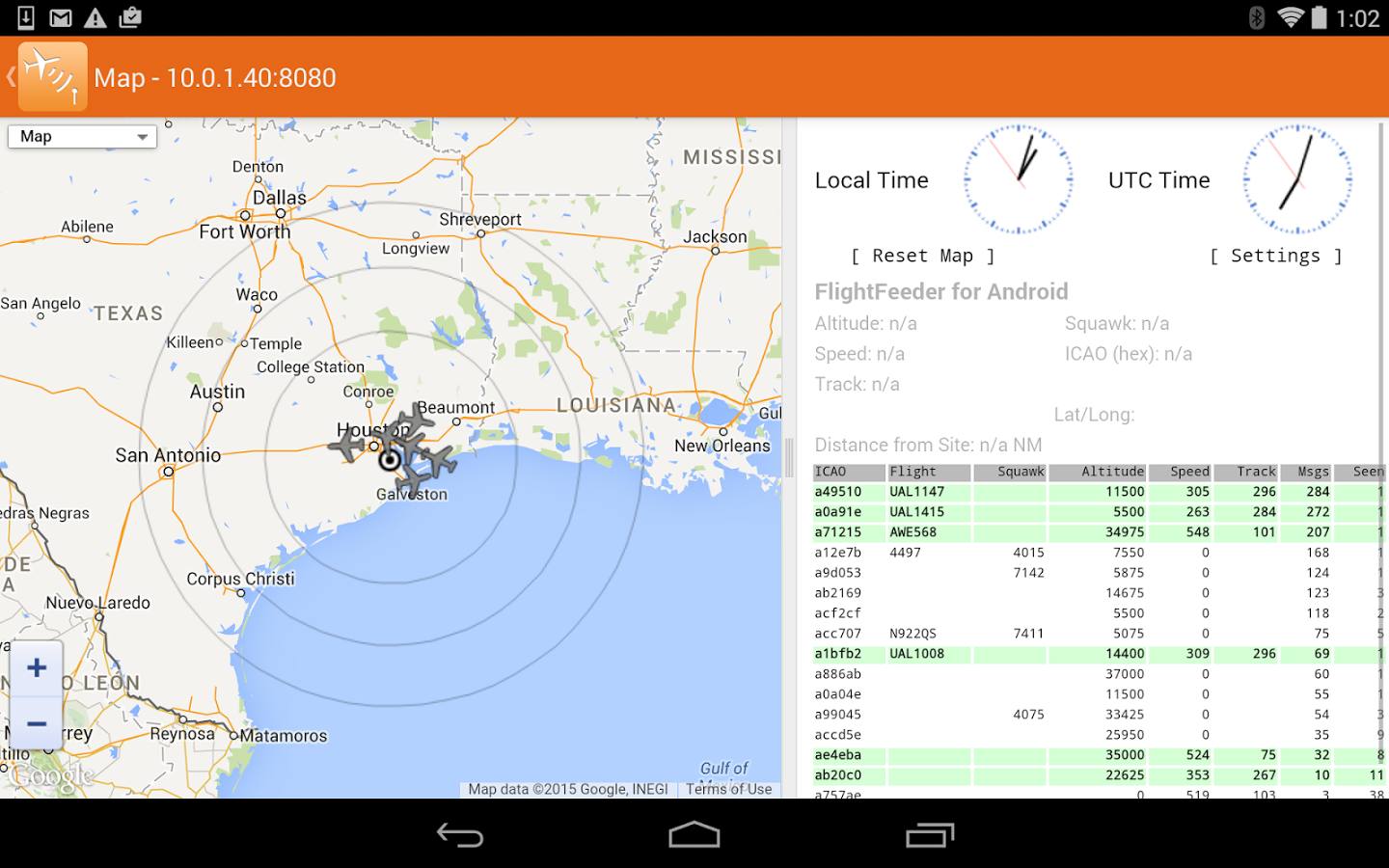
ADS-B on USB SDR RTL is an Android app that can help receive, decode and display on a map ADS-B aircraft positions with the RTL-SDR. Now also supports decoding of NEXRAD weather data. To run this program you will need an Android 4.0+ device with a decent processor, a USB OTG cable and an RTL-SDR dongle.
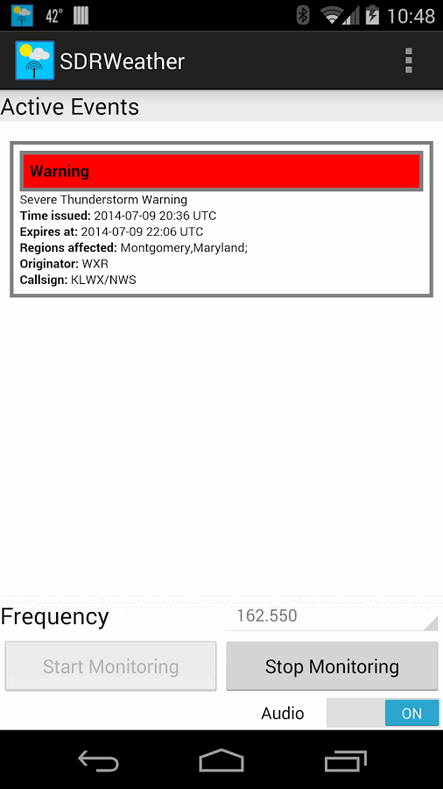
An Android app for listening to weather radio in the US and Canada. Can also decode EAS alerts. To run this program you will need an Android 4.0+ device with a decent processor, a USB OTG cable and an RTL-SDR dongle.
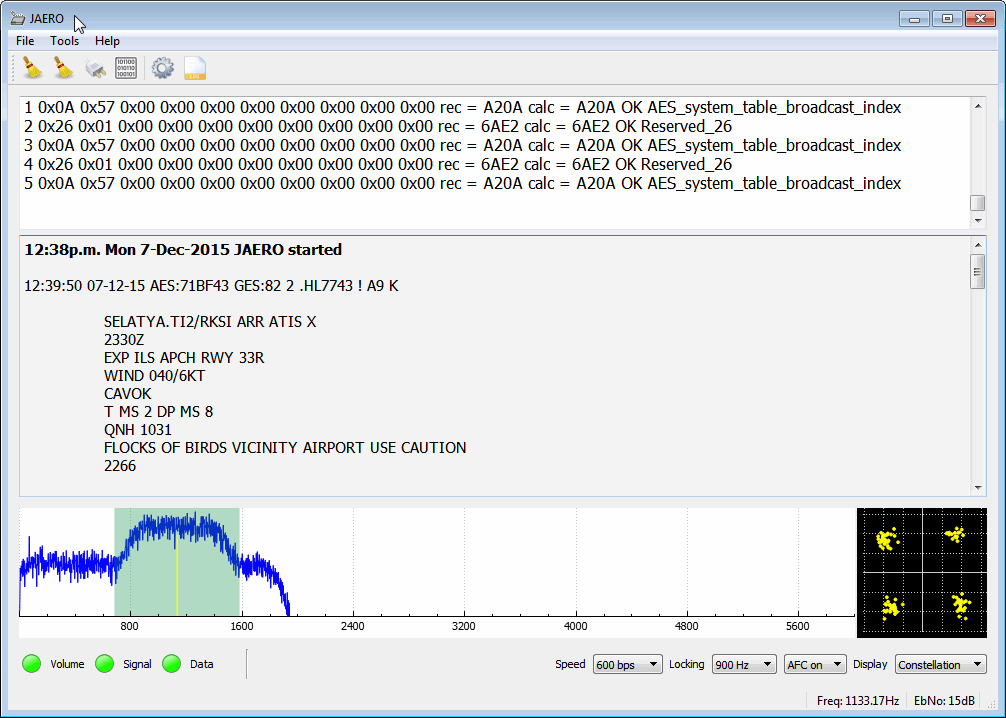
rtl_acars_ng is an improvement of the old rtl_acars command line based Linux ACARS decoder. It is capable of scanning multiple frequencies and has a built in airline database. See this post for some more information.
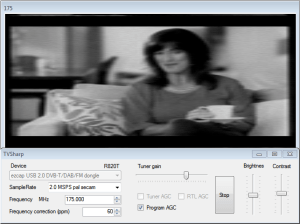
TVSharp is a simple analogue PAL/NTSC TV decoder. Due to the RTL-SDRs limited bandwidth in SDR mode it is only capable of decoding black and white images.
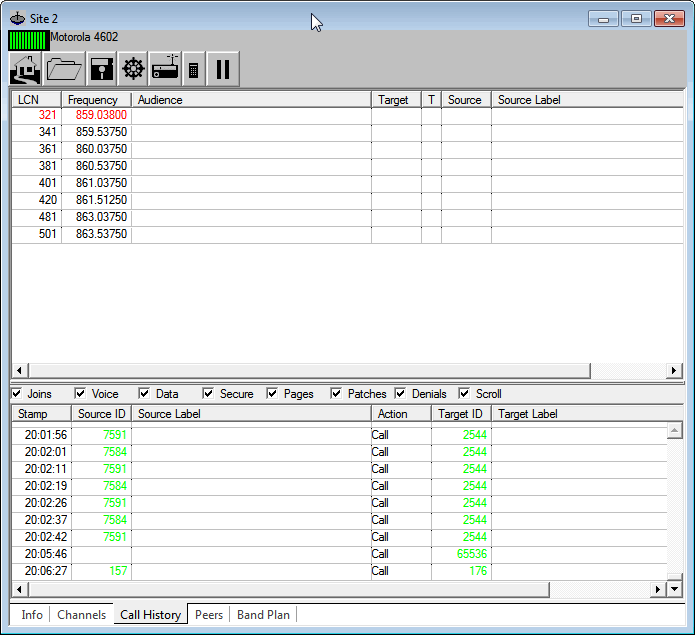
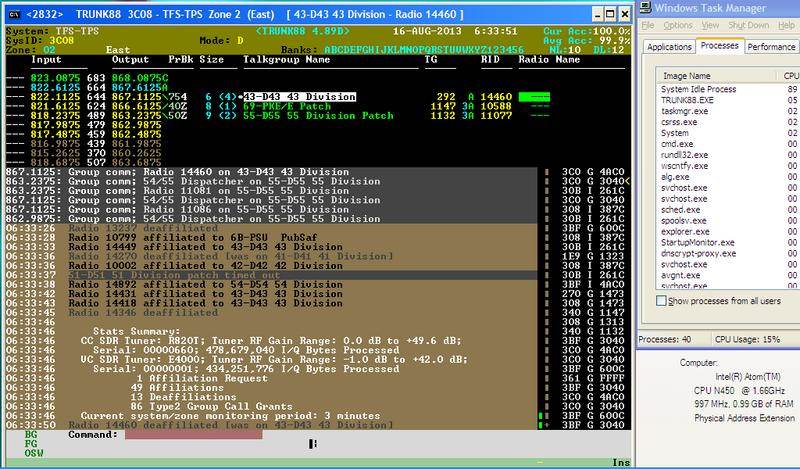
Unitrunker is a trunking control channel decoder and controller. It can be used in conjuction with general purpose SDR receiver software like SDR#, or the latest preview version can be used directly with the RTL-SDR. Unitrunker listens to a control channel, and then can correctly tune SDR# (via a plugin), or itself in the preview version to the correct channel in order to successfully follow a trunked voice conversation.
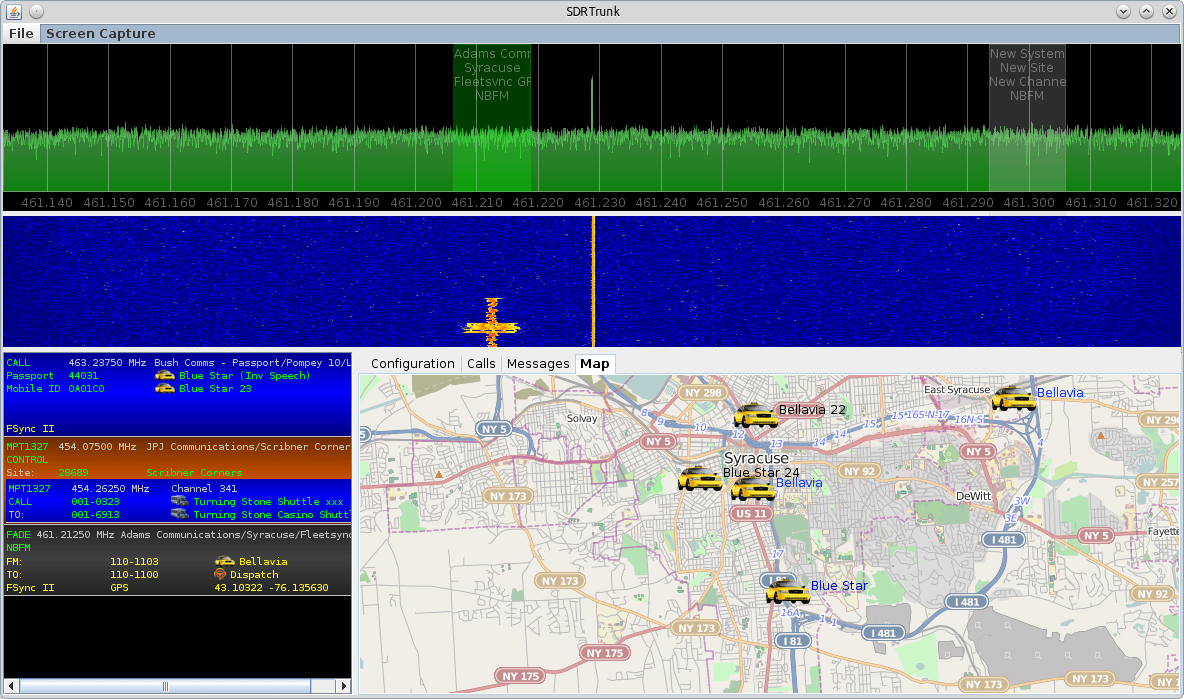
SDRTrunk (Windows/Linux/Java) (Free) - Trunking Control
SDRTrunk is a java based application for decoding and trunk tracking multiple analog and digital radio channels across multiple USB dongle tuners and/or sound card inputs from discriminator-tapped scanner radios.
rtl_power is a wideband spectrum monitor. This tool let’s you gather signal data over a very wide area of the frequency spectrum, and then that data can be used to find active areas of the spectrum.
Kalibrate-rtl is a command line Linux tool that is used to determine an RTL-SDR dongles frequency offset in PPM. It uses the time synchronization information in GSM signals to do this.
LibRedio is a tool which can decode temperature and humidity readings that are broadcast from many commercially available wireless environmental sensors.
PureData and Max/MSP are graphical programming tools for creating music, sound, video and interactive graphics applications. This software is a wrapper for RTL-SDR that allows the dongle to be used in these tools.
Freqwatch makes use of rtl_power to scan a wide swath of RF spectrum and then automatically records and stores in a database sound files of active signals by using rtl_fm.
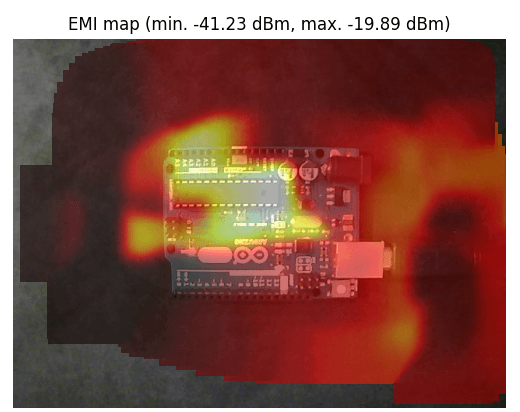
Helps to pinpoint RF noise by driving around with several RTL-SDR dongles.
Sigmira(Windows/Linux) (Free) - Ham digital mode decoder
Sigmira is a free software program that is capable of decoding a wide range of ham radio signals. Sigmira is best known for it's support for decoding the "Japanese Navy Slot Machine" signal and STANAG4285 signals. Newer versions of Sigmira can interface directly with the RTL-SDR, or use in conjunction with a general purpose SDR receiver and pipe the audio output to Sigmira.
Unlike conventional radio scanners that lock and demodulate a single channel, this SDR scanner can demodulate and record audio from N channels in parallel within the digitizing bandwidth. The N (number of) channels is basically just limited by processor speed.
This program runs on a Raspberry Pi and allows you to use the Raspberry Pi's data pins as a crude transmitter. At the same time it also interfaces with an RTL-SDR dongle to act as a receiver.
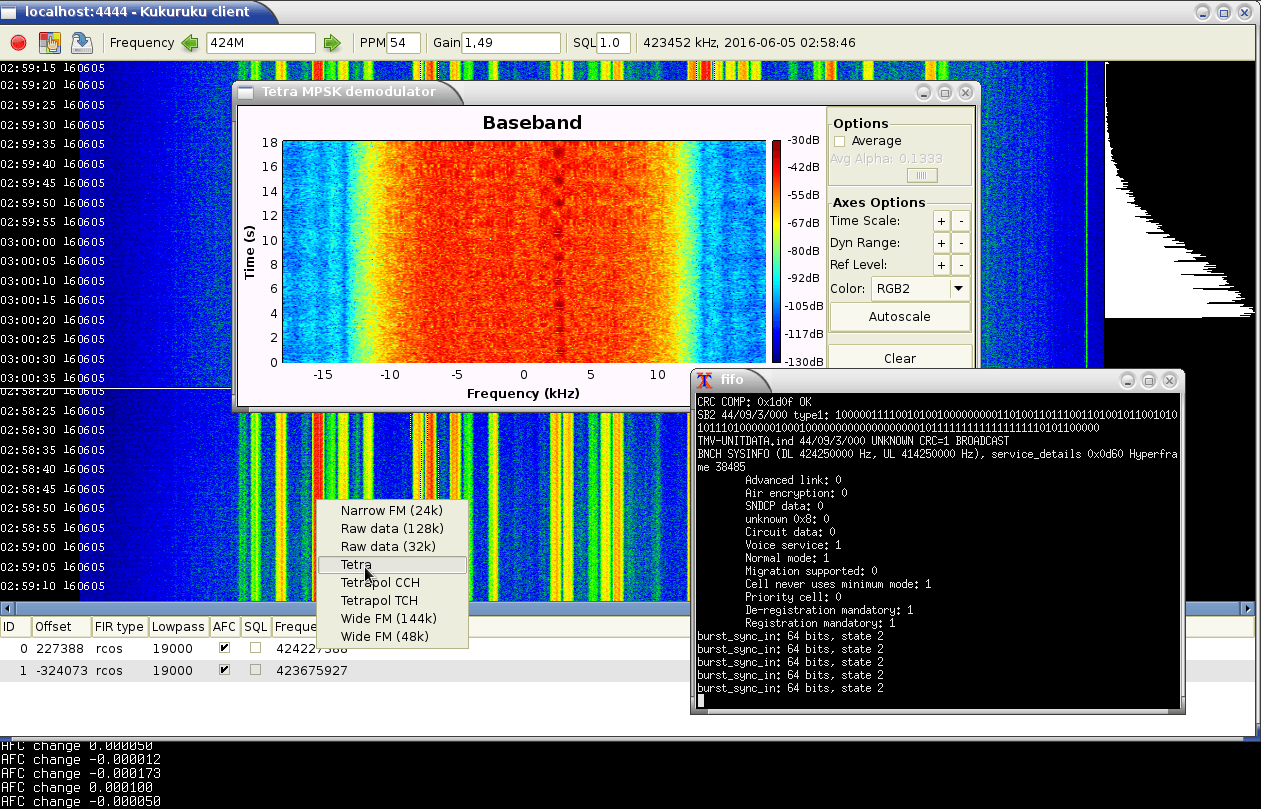
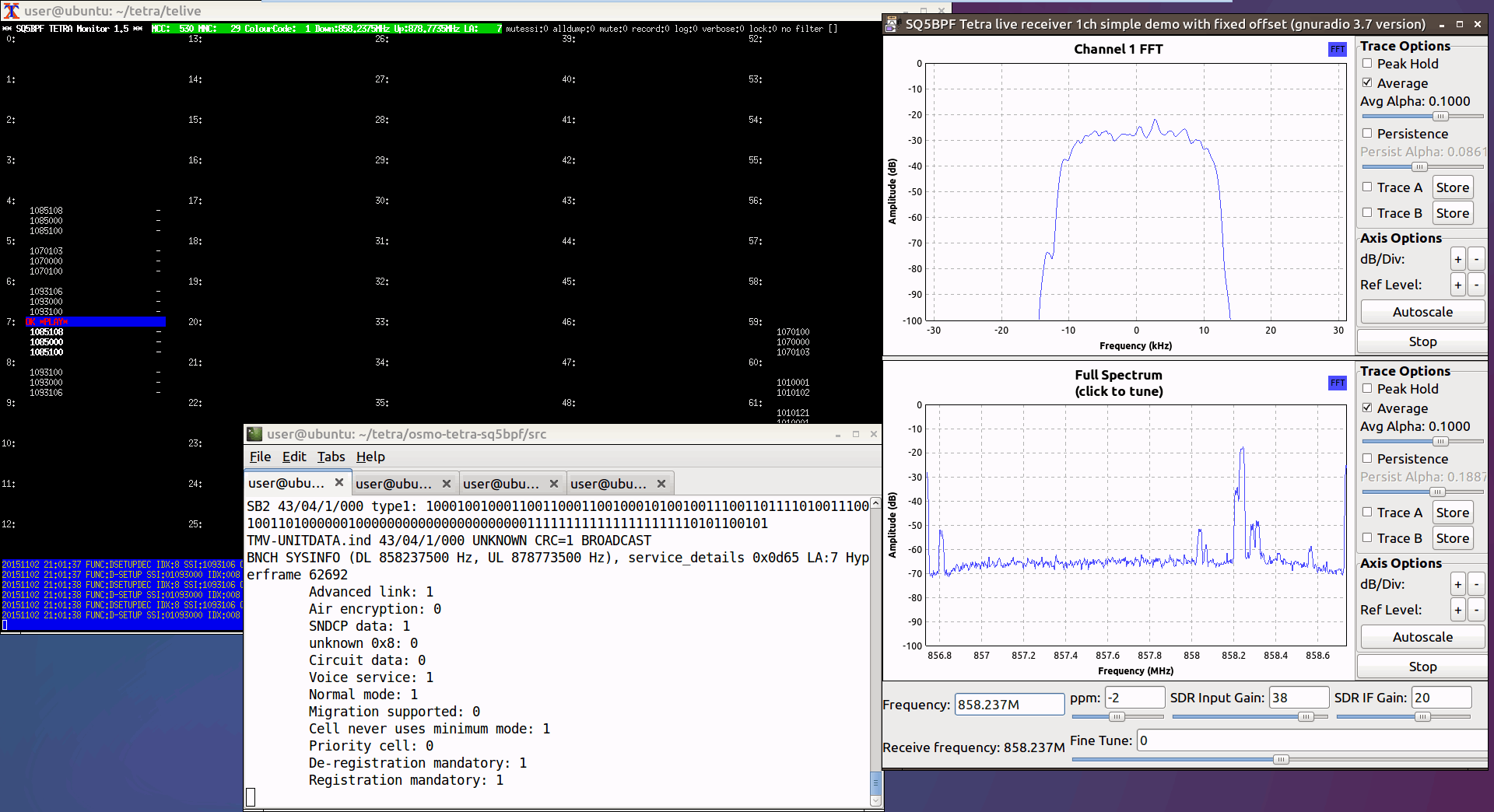
Telive is a program that can be used to decode TETRA digital voice signals. It is available for Linux, and there is also a Windows port now available. See the related post for a tutorial on setting it up.
Can be used to supposedly detect ghosts and spirits via the Electronic Voice Phenomenon (EVP). Basically quickly tunes the RTL-SDR between various broadcast FM stations and you're supposed to hear voices from ghosts.
'The Standard Library' is a set of tools and demodulators for software defined radio like the RTL-SDR. The main program is MultiFM which allows you to monitor multiple FM channels at once. tsl-sdr also comes with a pager decoder.
A decoder for the HD Radio signal found in the USA. This is a digital FM radio broadcasting signal that can be identified on a RF spectrum as the two solid blocks surrounding a standard wideband FM radio station. The protocol is closed sourced, but the author of NRSC5 managed to reverse engineer it and create a decoder.
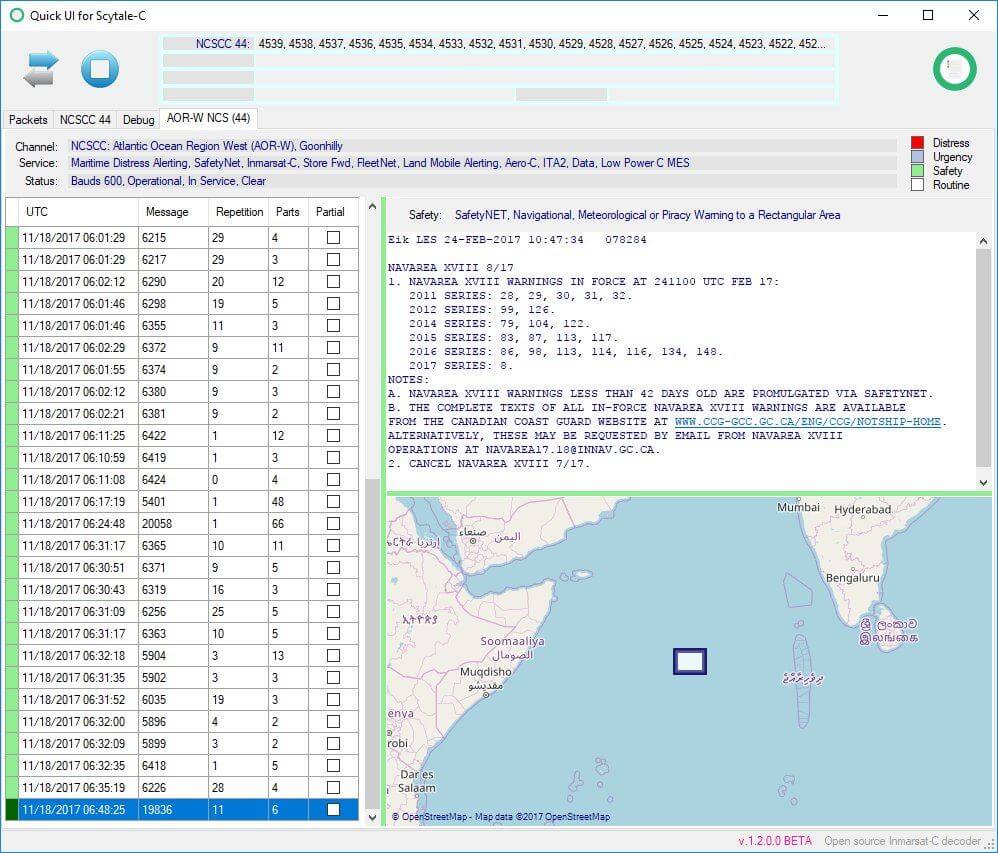
A decoder for the blockstream project. This is a project that tries to beam down the bitcoin block chain from a satellite, with an RTL-SDR used as the receiver. See the related post for further information.
An expensive but highly sophisticated signal processing suite with various advanced decoders and analysis tools. Aimed towards military and professional SIGINT users, but also supports the RTL-SDR.
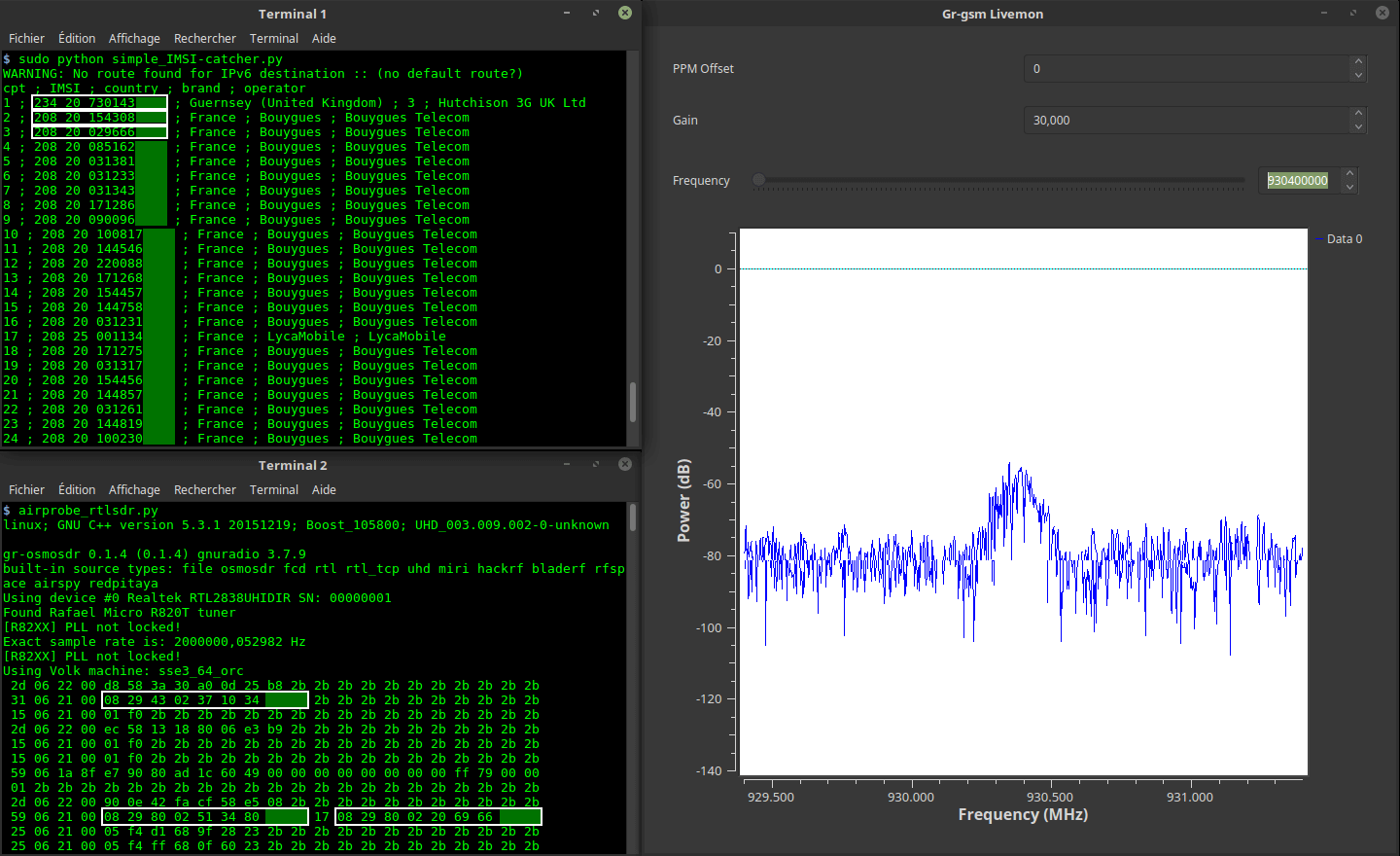
SigintOS is a Linux distrobution that includes a program called "SigintOS". It combines multiple mobile phone analysis tools. The LTE IMSI catcher is a paid upgrade.
A custom image and software program for the Raspberry Pi which allows you toi set up a radiosondy.info tracking station for tracking radiosondes, and feeding the radiosondy.info aggregator.
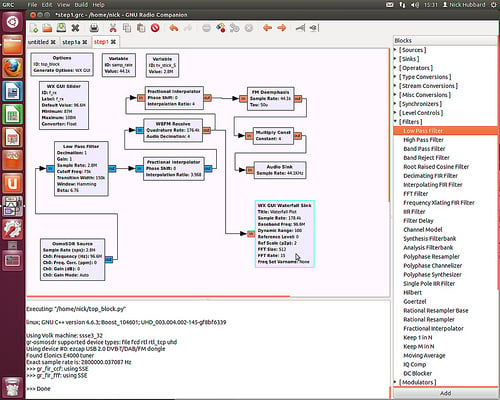
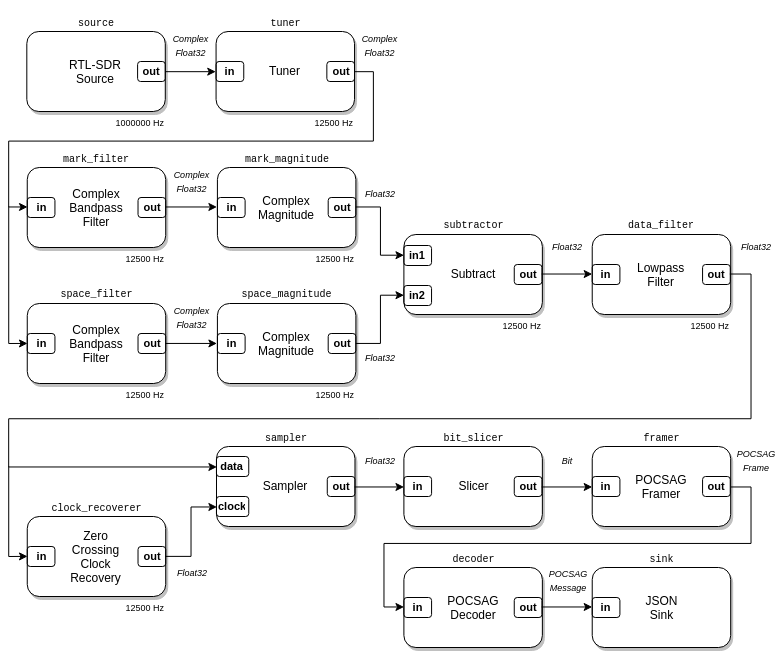
GNU Radio is a powerful digital signal processing (DSP) package for creating software defined radios. DSP programs can be written visually using block diagrams in the GNU Radio Companion software. It supports the RTL-SDR with an RTL2832U source block. Various decoders are written in GNU Radio and require it to be installed to run.
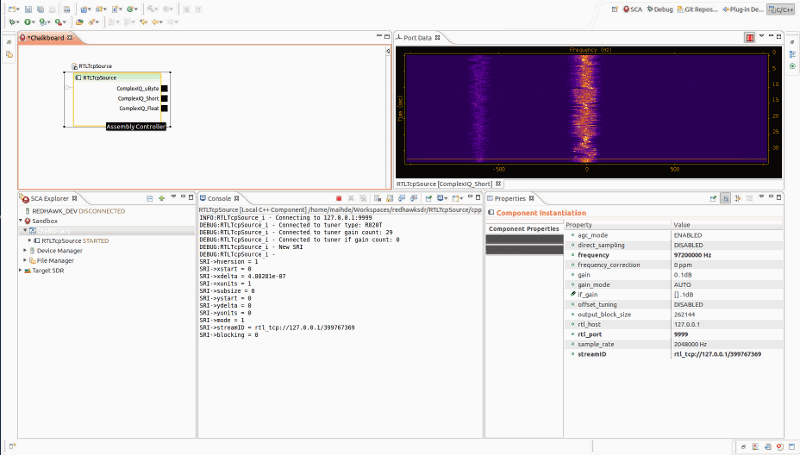
Redhawk is another digital signal processing package that is very similar to GNU Radio. It is designed to aid in the development, deployment, and management of real-time software radio applications
MATLAB is a well known mathematical computing language. With this support package MATLAB can interface with the RTL-SDR, and digital signal processing algorithm can then be written in MATLAB.
A visual block based DSP framework kind of similar to GNU Radio but based in LUA. It's main advantage is that it claims to be extremely lightweight.
Programs Compatible Through Piping
These programs do not directly access the RTL-SDR but are compatible with the RTL-SDR either through piping of the audio output via software like VBCable, Virtual Audio Cable, Windows Stereo Mix, Linux pipes or a physical Audio Cable or via receiving RTL-SDR received data through some other way such as through a network. Most of these are general ham radio programs that have found wider use with the RTL-SDR.
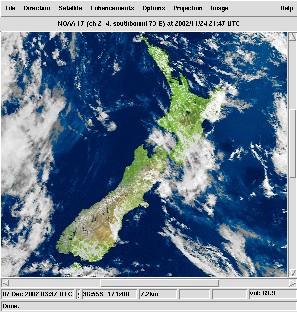
WxToImg to a program which can be used to decode NOAA weather satellite data and then display and post process the weather images. Use in conjunction with a general purpose SDR receiver and pipe the audio output to WxToIMG.
DSD is an acronym for digital speech decoder. It is a program that is capable of decoding digital speech codecs such as P25, DMR/MOTOTRBO, NXDN and D-Star. DSD+ is a new version of DSD which has the same features as DSD, but has improved decoding performance. For DSD you will need to copy cygwin.dll into the same direction as dsd to run the program. For DSD+ you won't need cygwin, but instead you will need lame_enc.dll. Use in conjunction with a general purpose SDR receiver and pipe the audio output to DSD/DSD+.
There is now also the in development DSD 1.7 which supports new features like D-Star voice decoding.
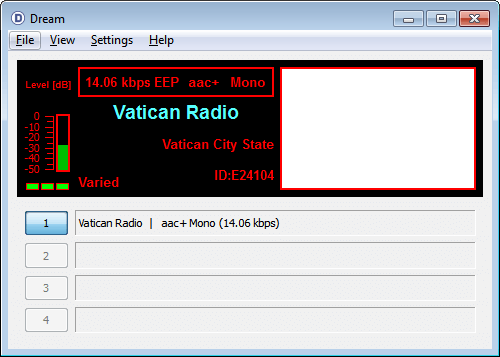
DREAM is a Digital Radio Monodiale (DRM) decoder. You will need an upconverter to receive DRM signals with the RTL-SDR as they are on the HF band. To use DREAM you'll need to also compile or download an AAC decoder dll file, see our tutorial for a pre-made .dll. Use in conjunction with a general purpose SDR receiver and pipe the audio output to DREAM.
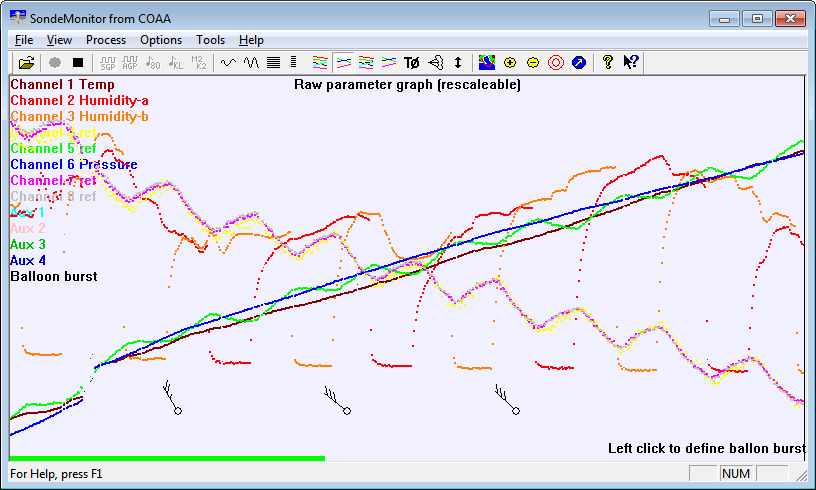
SondeMonitor is commercial software with a 21 day free trial that is used to decode various weather balloon (radiosonde) telemetry signals. Use in conjunction with a general purpose SDR receiver and pipe the audio output to SondeMonitor.
dl-fldigi (Windows/Mac/Linux) (Free) - High Altitude Balloons
A modification of fldigi that can receive telemetry from amateur high altitude balloons (HABs). Use in conjunction with a general purpose SDR receiver and pipe the audio output to dl-fldigi.
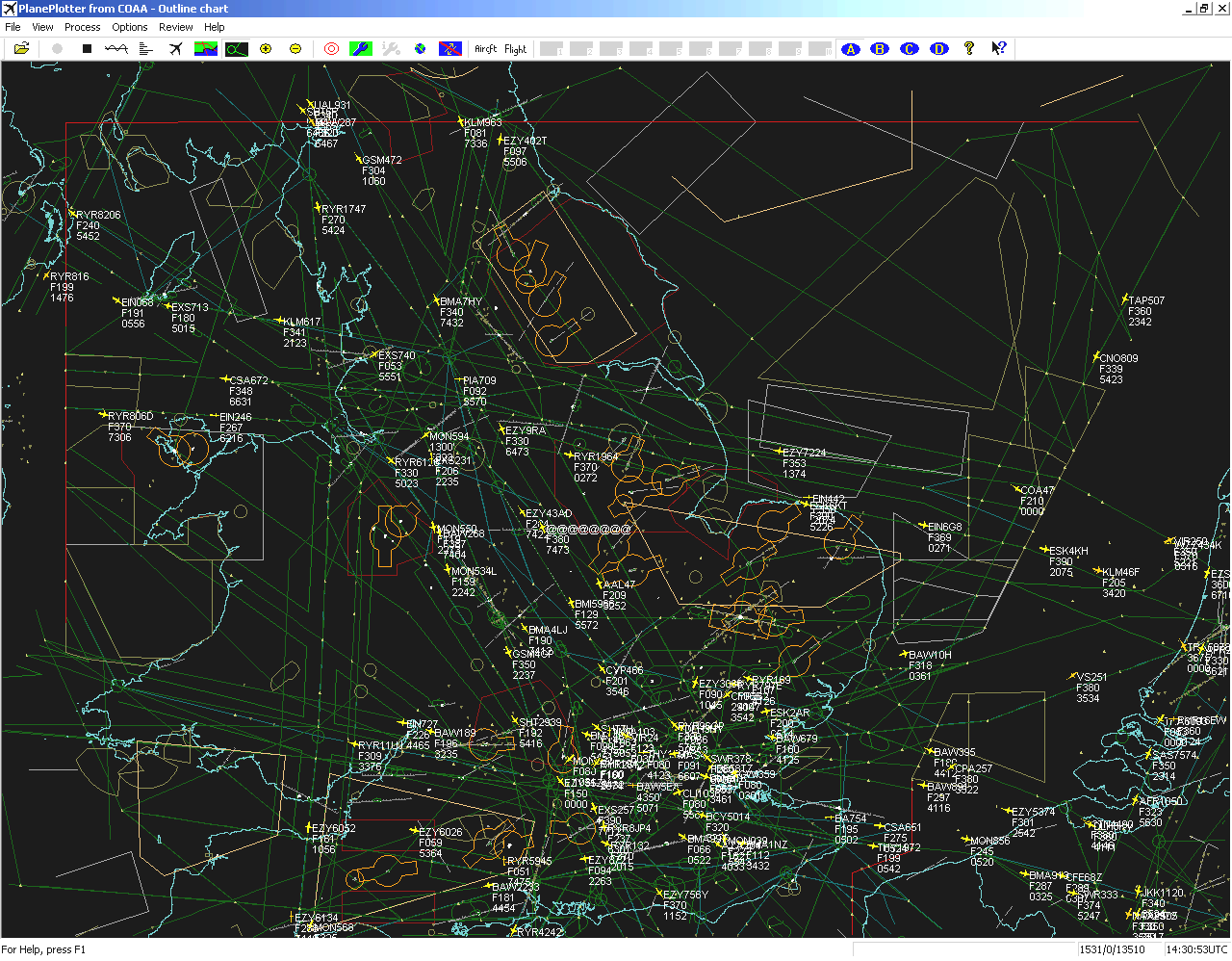
PlanePlotter is a commercial advanced graphical ADS-B radar display with a 21 day free trial. With the RTL-SDR, use in conjunction with an ADS-B decoder. PlanePlotter also has an excellent ACARS decoder. To use the ACARS decoder, use with a general purpose SDR receiver and pipe the audio output to PlanePlotter.
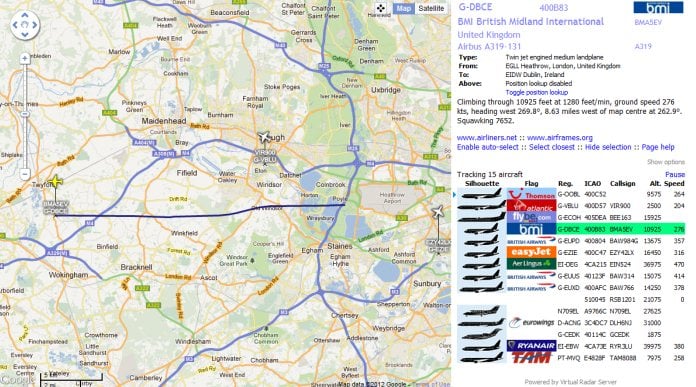
Virtual Radar Server is a free program which will display ADS-B data on a Google Maps window. With the RTL-SDR, use in conjunction with an ADS-B decoder.
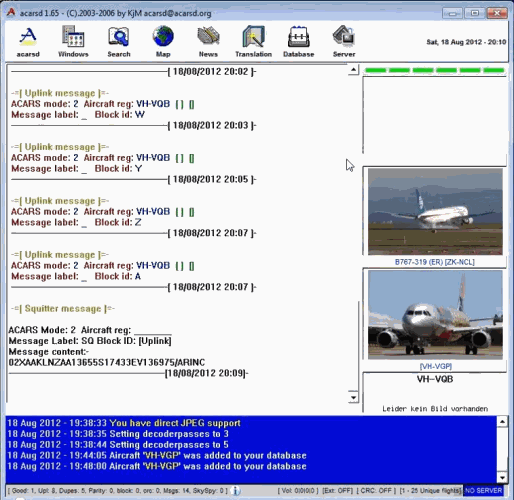
Acarsd is a free ACARS decoder program. It contains a database of aircraft and will display their images if they exist. Use in conjunction with a general purpose SDR receiver and pipe the audio output to Acarsd.
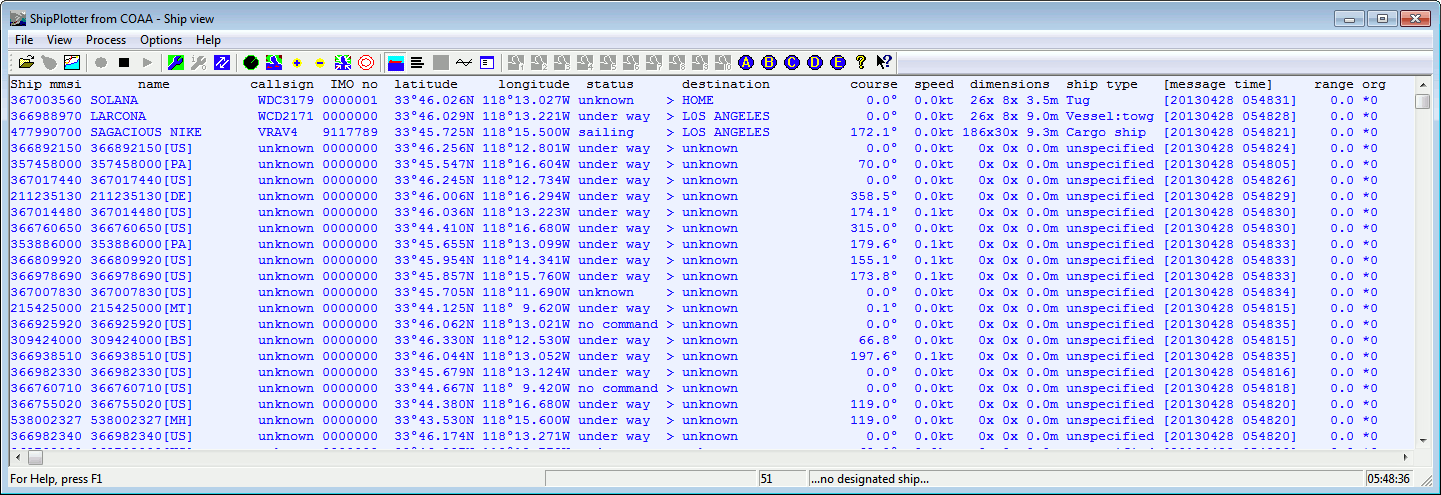
ShipPlotter is a commercial program which can plot ship positions on a nautical map or Google maps from decoded AIS datastreams. It has a 21-day free trial. Use in conjunction with a general purpose SDR receiver and pipe the audio output to ShipPlotter.
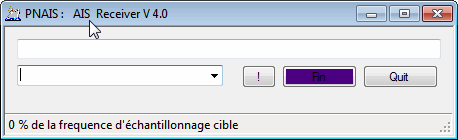
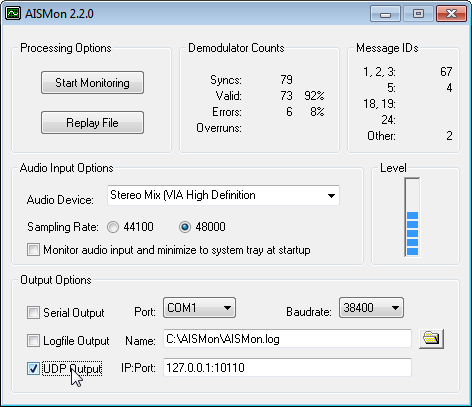
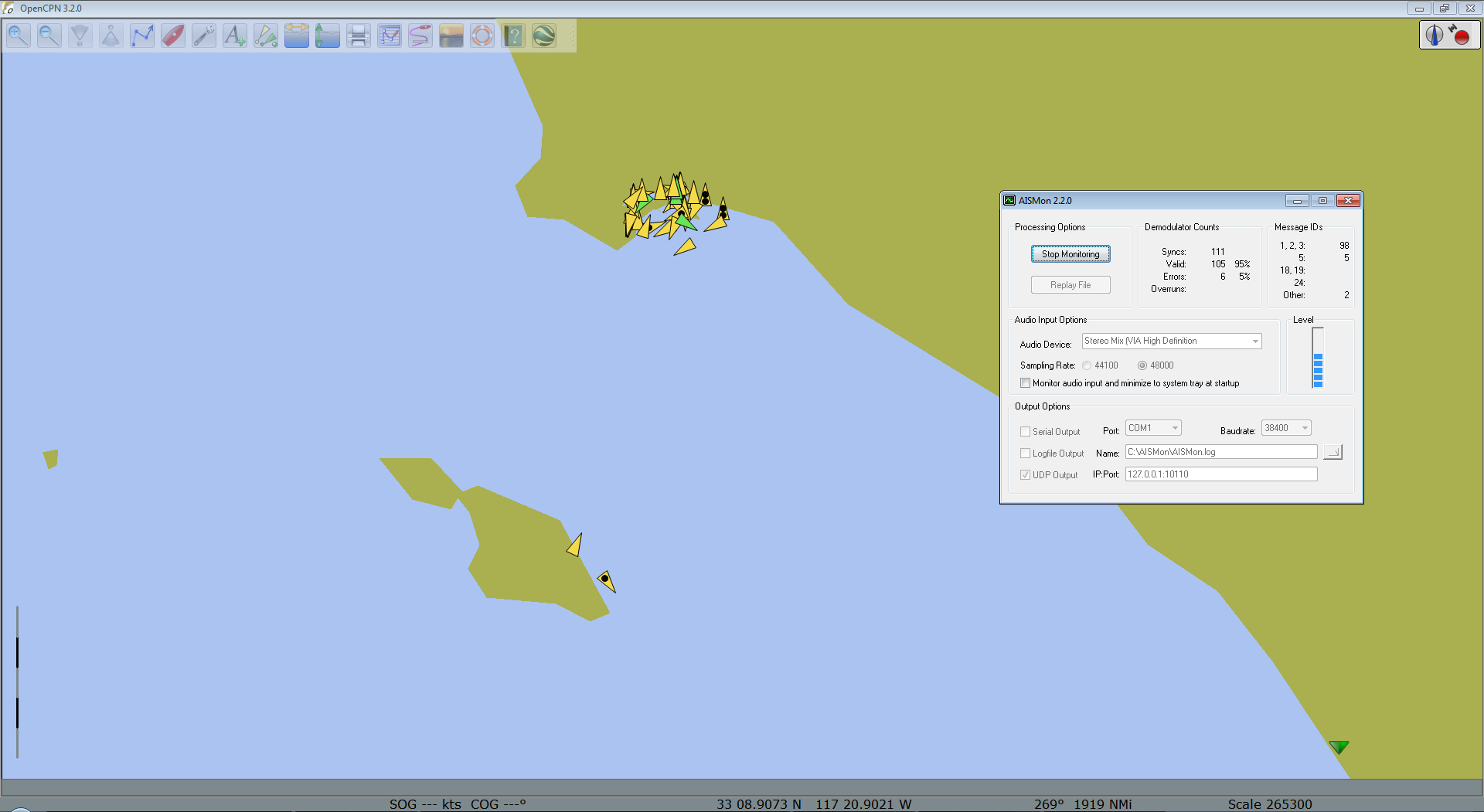
AISMon is a free AIS data decoder. It can output decoded AIS data through a UDP stream for use in other programs that display the ship positional data such an OpenCPN. Use in conjunction with a general purpose SDR receiver and pipe the audio output to ShipPlotter.
OpenCPN is a free nautical AIS mapping tool which can display ship positions on a map using AIS data. Use this software in conjunction with a program that decodes AIS data, such as AISMon.
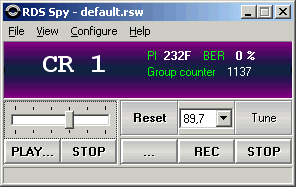
RDS Spy is a free and very sensitive Radio Data System (RDS) decoder. Use in conjunction with a general purpose SDR receiver and pipe the audio output to RDS Spy.
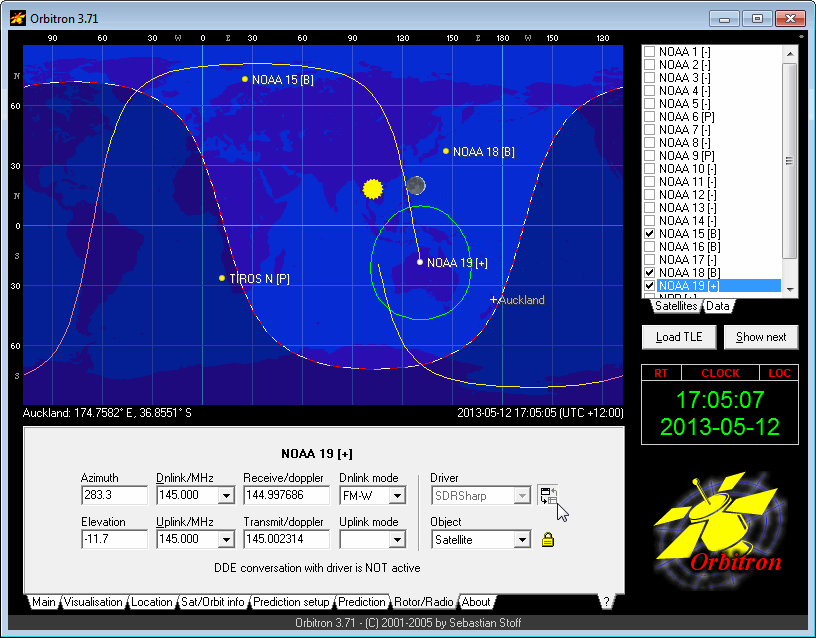
Orbitron is a free satellite tracker. With a plugin, Orbitron can be made to control the tuned frequency in SDR# allowing for automatic satellite tracking, and doppler effect correction. Use in conjunction with the Orbitron SDR# plugin.
AFSK1200 is an AFSK1200 decoder. This mode is used by APRS radio hobbyists. Use in conjunction with a general purpose SDR receiver and pipe the audio output to AFSK1200.
This is a program designed to decode the Funcube satellite telemetry data. Use in conjunction with a general purpose SDR receiver and pipe the audio output to the dashboard.
A general purpose voice services system. Is used to control a repeater tower. Using RTL-SDR's allows you to add extra receiving frequencies to the repeater.
Spectrum Lab is a free specialized audio analyzer, filter, frequency converter, hum filter, data logger. It is usually used in the field of radio astronomy for things like meteor detection. Use in conjunction with a general purpose SDR receiver and pipe the audio output to Spectrum Lab.
Baudline is a free audio spectrum analyzer usually used to analyze radio data signals. Use in conjunction with a general purpose SDR receiver and pipe the audio output to Baudline.
HROFFT is a specialized audio analysis software program designed for monitoring meteor scatter signals. Use in conjunction with a general purpose SDR receiver and pipe the audio output to HROFFT.
multiPSK(Windows) (Free for non-commercial use) - Ham digital mode decoder
multiPSK is a popular ham digital mode decoder and supports a very wide range of digital modes. It also directly supports connecting to the RTL-SDR via RTL_TCP.exe. You will need to download the rtlsdr official Windows release, and copy the rtl_tcp.exe, rtlsdr.dll, pthreadVC2-w64.dll and libusb-1.0.dll into the same directory as multipsk.exe to use this option. Otherwise you can simply pipe the audio from a general purpose SDR receiver into multiPSK.
Fldigi (Windows/Mac/Linux) (Free) - Ham digital mode decoder
Fldigi is a free software program capable of decoding various ham radio digital data signals such as CW, Contestia, Domino, Feld Hell, Olivia, MT63, PSK, RTTY, Thor and WEFAX. Use in conjunction with a general purpose SDR receiver and pipe the audio output to Fldigi.
multimonNG (Windows/Mac/Linux) (Free) - Ham digital mode decoder
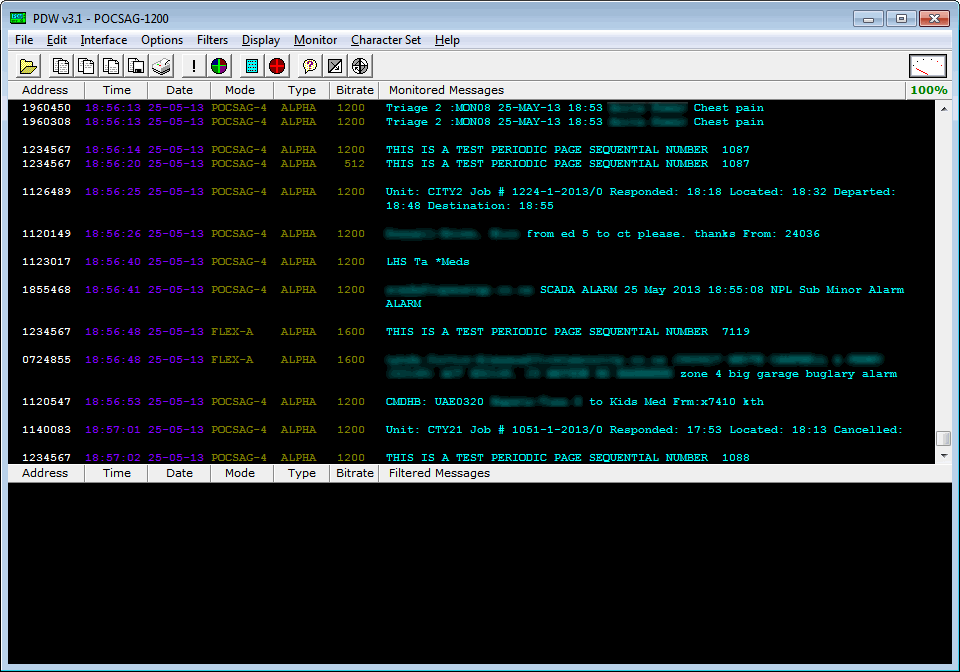
multimonNG is a fork of the multimon software. It is a general purpose decoder capable of decoding POCSAG512, POCSAG1200, POCSAG2400, EAS, UFSK1200, CLIPFSK, AFSK1200, AFSK2400, AFSK2400_2, AFSK2400_3, HAPN4800, FSK9600, DTMF and ZVEI. Use in conjunction with a general purpose SDR receiver and pipe the audio output to MixW.
MixW is a free software program used for decoding various digital ham radio signals. It is capable of decoding CW, BPSK31, QPSK31, FSK31, RTTY, Packet, Pactor, Amtor, MFSK, Throb, MT63, Hellschreiber, WEFAX and SSTV. Use in conjunction with a general purpose SDR receiver and pipe the audio output to MixW.
Sorcerer is a free software program capable of decoding a wide range of ham radio signals. Sorcerer is known for its decoder support for rarely used signals, but it is mostly used to decode STANAG 4285 signals. Use in conjunction with a general purpose SDR receiver and pipe the audio output to Sorcerer.
Rivet(Windows/Mac/Linux) (Free) - Ham digital mode decoder
Rivet is a free open source decoder for various spy agency and numbers station related HF signals such as Baudot, CCIR493-4, CIS36-50, CROWD36, FSK200/500, FSK200/1000, FSK, GW FSK, XPA and XPA2.
CWSkimmer is a Morse code (CW) decoder. It is generally regarded as one of the best CW decoders available. Use in conjunction with a general purpose SDR receiver and pipe the audio output to CWSkimmer.
Taxidecoder is a free mobile data terminal (MDT) decoder. It will only work in countries that use MDT data signals that taxi decoder supports. Use in conjunction with a general purpose SDR receiver and pipe the audio output to taxidecoder.
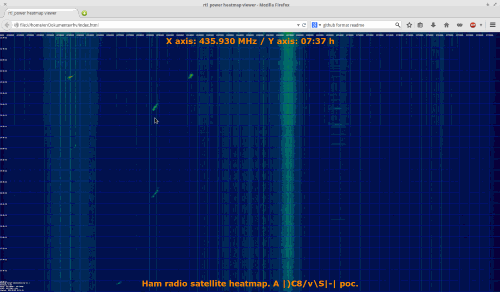
Software that allows you to visualize the output of a rtl_power scan using a generated waterfall image in a web browser. Shows the current frequency and time wherever the mouse is.
Not something you use via piping, but has can be useful for making timelapse waterfall recordings when a program does not have that feature by default. See the related post for more info.
A tool for converting rtl_power scans in csv format into a nice HTML based waterfall graph. Also takes data from sigidwiki.com and overlays it on top of the waterfall.
A decoder for ATCS signals that come from trains. Can be used to track train track status and positions of trains. Compatible with the signals used in the USA. Note that to download the software you will need to join the ATCS Monitor Yahoo! Group.
A lightweight DVB-S decoder for receiving Digital Amateur TV like HamTV from the International Space Station. Can also be used to decode the L-band Outernet signal.
Hi,
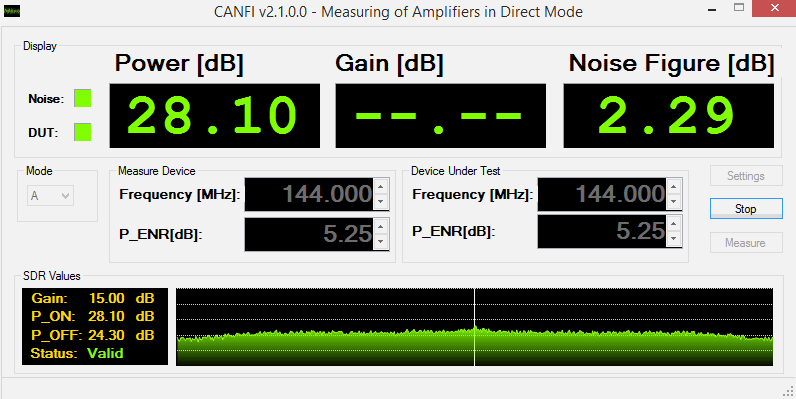
I would be happy if it’s possible to add the SATSAGEN application to this list, it supports RTL-SDR and includes many features, like a spectrum analyzer, noise figure and gain analyzer, Radio with AM, FM, SSB demodulation, and so on. More information at the download page https://www.albfer.com/en/satsagen-download-page/#content
Thank you
Regards
Alberto
5
Reply
Jeffrey Hall
1 year ago
#255220
I haven’t seen a mention of Windows 11 compatibility, but am assuming it’s good to go. I just got it loaded successfully on a Win10 machine, but that machine is going bye-bye, hence the new Win11 machine.
i need sdrangel v4.14.19 for windows with bp in it my email is [email protected] thanks
0
Reply
Smokeandsteamxsw
2 years ago
#249842
I have 2 rtl sdr recievers. I bought the second one so i would have a clean place to work and do some more detailed accessories. I just want to download the community plugins to run on my sdr. I have a old pc running windows ten. Ok. I followed the instructions to install the sdr. I install it. Now comes zadig. How do i get the community plugins added into installation. Any takers? I am old. 68. I would like to get this up and running before i die. I run the rtlsdr version studio and get good performan ce.
You’re 68, not 168, relax.
For starters you need to watch a tutorial on how to setup the RTL-SDR Drivers, if you’ve already set up the first, the second is the same.
Secondly, take a deep breath and make sure you’re writing for posterity, because your post is unintelligible. Which “community plugins”? SDRuno’s? SDRSharp? either way, most of them have the README files that explain how to install that. Just relax and take your time.
5
Reply
Frantisek
2 years ago
#247129
I have big problems with installation I have RTL SDR dongle. Config: RTL 2832U + R820TZ RTL 08HF.Dont work no one sdr program on my PC.I have try praticaly oll.No more buy RTL SDR.I am disapointed. Frantisek
-10
Reply
Jeegoos
2 years ago
#240423
I feel like you should put sdr++ above sdr# since nowadays it’s just a cluttered closed source mess. The sdr# UI is a massive clunky mess now.
Not that SDR++ is any better, i think that both are good to learn how to use SDRs, but then you’re better off using other programs like SDRAngel
2
Reply
Curt
2 years ago
#239929
Just a heads up to you ATCS Monitor junkies and “Foamers” out there.
I recently offered to stream Norfolk Southern’s Lake Erie District telems to light up the map in the Buffalo, NY area.
They responded very quickly that NS, as many others have, is ABANDONING the ATCS system in lieu of other systems that cannot and should not be used for primary train control …because let’s expand on what doesn’t work right all the time.
But anyway…
Within a year or so, ATCS will be dead, nationwide.
Both are 100% written in assembly, are as simple, basic and functional as possible and should run on any version of Widows going back to 32-bit XP (Tested on multiple machines from 32-bit Windows XP / T4400 to 64-bit Windows 10 Pro / i9-10900).
-5
Reply
Ilkay Demirhan
3 years ago
#234743
Hello, I’m looking for a waterfall that can work on raspberry pi for my own SDR. I will plug the SDR (I made myself) into the external sound card and the sound card into the Raspberry pi’s USB. Is it possible?
I appreciate you penning this write-up and the rest of the website is very good.
Thanks for ones marvelous posting! I really enjoyed reading it, you may be a great author.
Thanks to post it here!! Thanks to you, I’ve tested it on a really old netbook (EeePC 901) that have a Intel Atom n270, and it is working very well ! I’m really impressed!
No wonder it works on old computers – it’s a software close to the metal. The best around. Great work Viol.
Again, I’m wondering is there a way to contact you directly. So many questions in mind.
I created this video when I realized that people not familiar with SdrGlut were having problems –
An Introduction to SdrGlut (A software defined radio) https://youtu.be/JEXK-r6PvmA
SdrGlut V1.23 Adds native support for Apple’s M1 devices. SdrGlut (a Software Defined Radio) can now run the Apple M1 devices in native mode. SdrGlut in native mode runs at near double the speed of the intel version running under Rosetta 2. It really improves performance while running several RTL devices simultaneously.
Could you include licensing information about each of these software, i.e. whether the software is open source (GPL, BSD etc.) or closed-source freeware? For example the license of SDR# is very hard to find anywhere.
0
Reply
dave
4 years ago
#205811
Hello :I have downloaded winzip25, but when i go to install the program its telling me that zip.exe file will not extract from your file download???
0
Reply
J. Hince
4 years ago
#204705
How do I actually het to the site where i can download some of this free software?
Especially the electromagnetic frequency analyse type of software?
Thanks.
0
Reply
Joe Sanders
4 years ago
#203867
Is there a thread on installing software on Mac Big Sur 11.1?
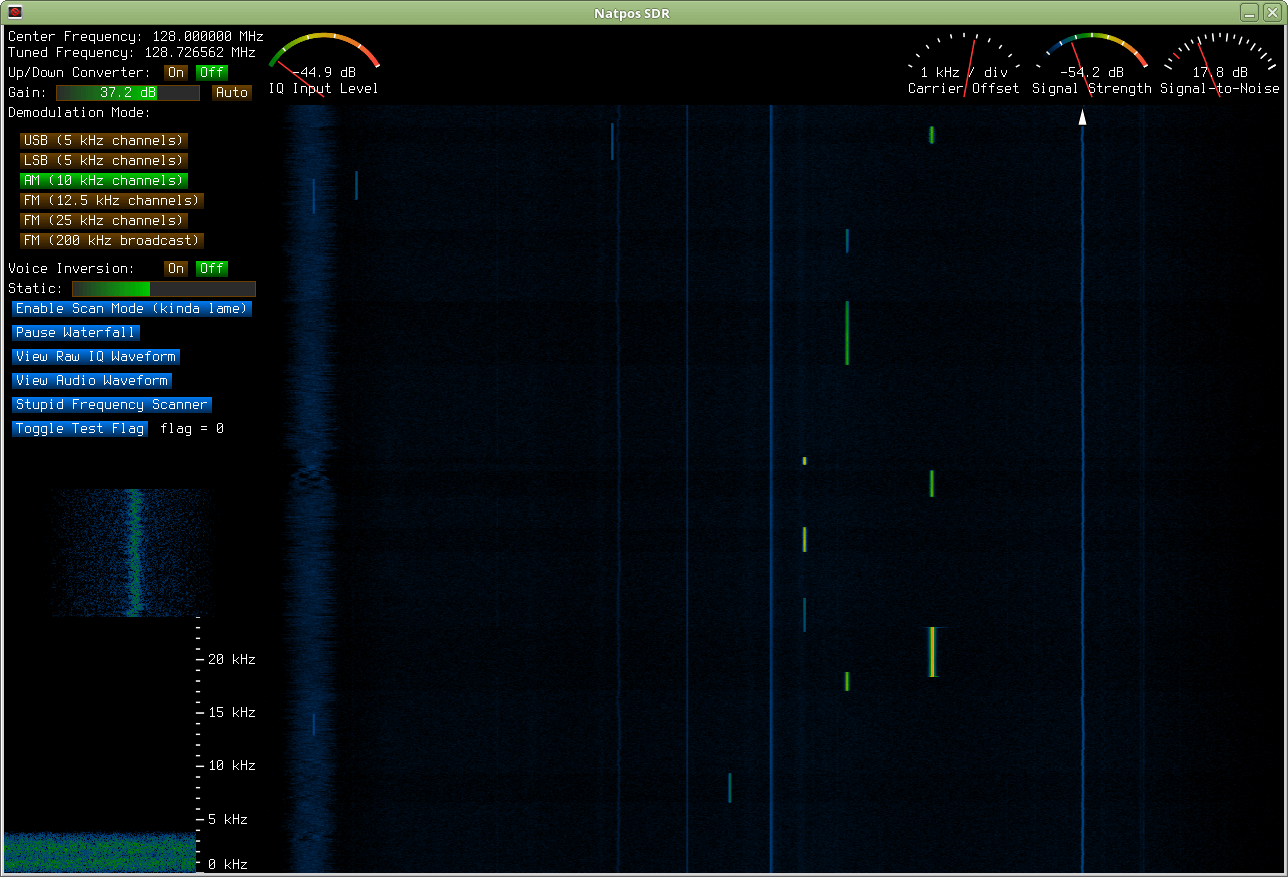
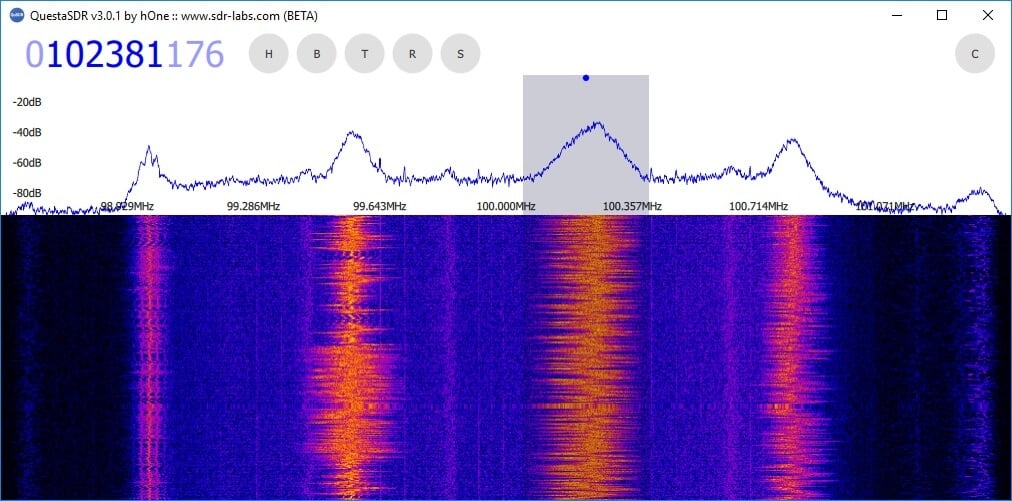
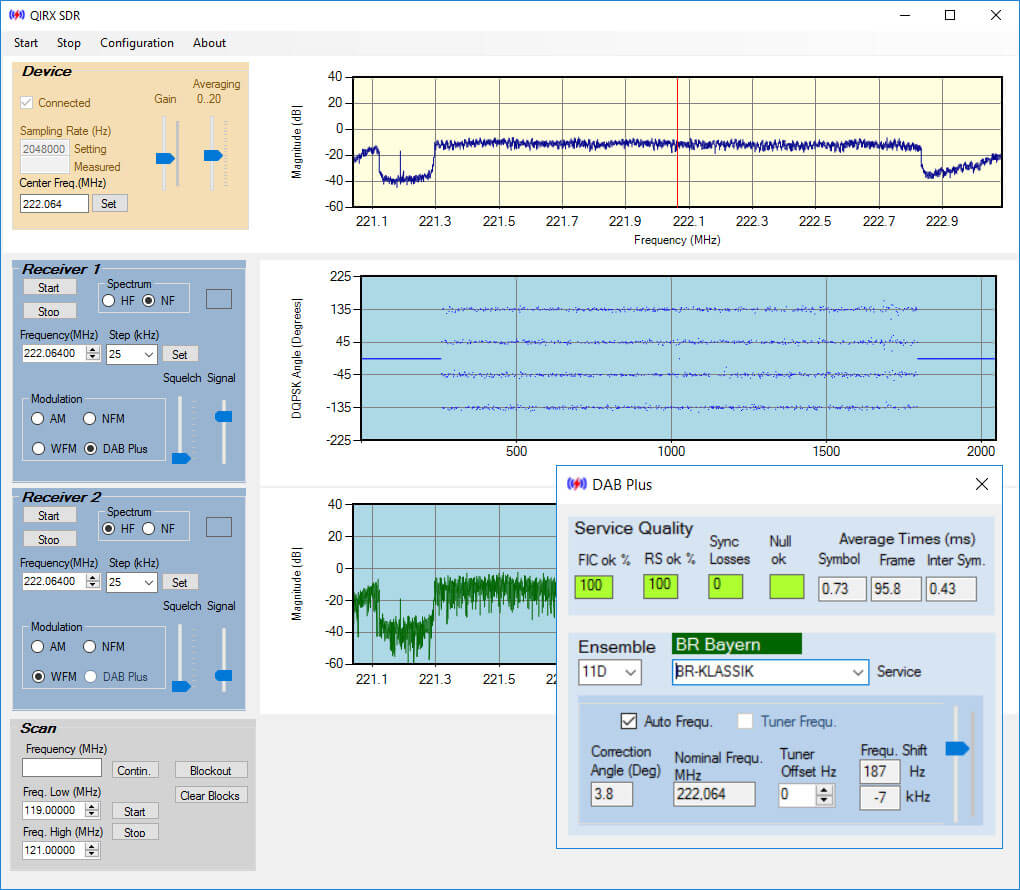
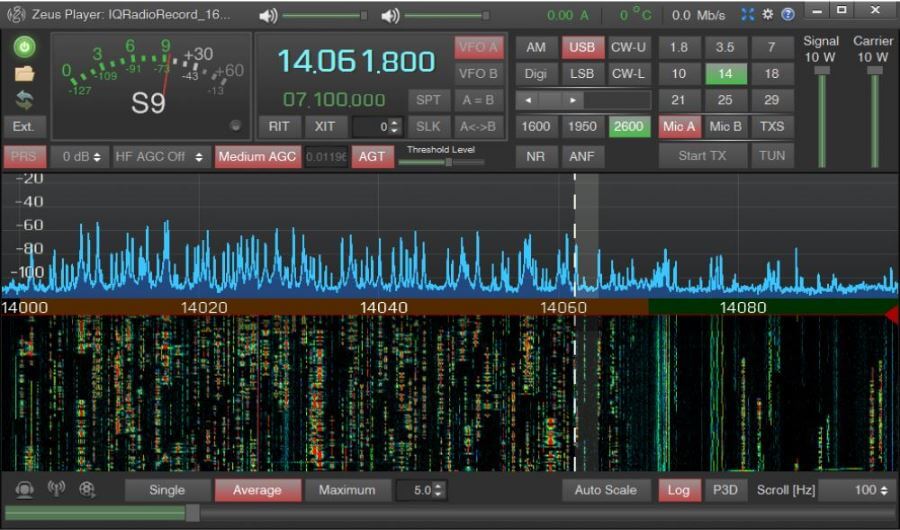

Please add this AIS-Catcher tool
https://github.com/jvde-github/AIS-catcher
thanks
Hi,
I would be happy if it’s possible to add the SATSAGEN application to this list, it supports RTL-SDR and includes many features, like a spectrum analyzer, noise figure and gain analyzer, Radio with AM, FM, SSB demodulation, and so on. More information at the download page https://www.albfer.com/en/satsagen-download-page/#content
Thank you
Regards
Alberto
I haven’t seen a mention of Windows 11 compatibility, but am assuming it’s good to go. I just got it loaded successfully on a Win10 machine, but that machine is going bye-bye, hence the new Win11 machine.
Win 11 is fine.
The dream would be a program with as many demodulators and functionality as SDRAngel, and with the UI and practicality of SDR Console V3 (or SDR++).
I found a version of OpenWebRx that I really like. It’s called OpenWebRx+. It’s based on the openwebrx.de version, but has more features.
If you want to play with it, try my scripts for running it in Docker with the RTL-SDR Blog driver.
i need sdrangel v4.14.19 for windows with bp in it my email is [email protected] thanks
I have 2 rtl sdr recievers. I bought the second one so i would have a clean place to work and do some more detailed accessories. I just want to download the community plugins to run on my sdr. I have a old pc running windows ten. Ok. I followed the instructions to install the sdr. I install it. Now comes zadig. How do i get the community plugins added into installation. Any takers? I am old. 68. I would like to get this up and running before i die. I run the rtlsdr version studio and get good performan ce.
You’re 68, not 168, relax.
For starters you need to watch a tutorial on how to setup the RTL-SDR Drivers, if you’ve already set up the first, the second is the same.
Secondly, take a deep breath and make sure you’re writing for posterity, because your post is unintelligible. Which “community plugins”? SDRuno’s? SDRSharp? either way, most of them have the README files that explain how to install that. Just relax and take your time.
I have big problems with installation I have RTL SDR dongle. Config: RTL 2832U + R820TZ RTL 08HF.Dont work no one sdr program on my PC.I have try praticaly oll.No more buy RTL SDR.I am disapointed. Frantisek
I feel like you should put sdr++ above sdr# since nowadays it’s just a cluttered closed source mess. The sdr# UI is a massive clunky mess now.
Not that SDR++ is any better, i think that both are good to learn how to use SDRs, but then you’re better off using other programs like SDRAngel
Just a heads up to you ATCS Monitor junkies and “Foamers” out there.
I recently offered to stream Norfolk Southern’s Lake Erie District telems to light up the map in the Buffalo, NY area.
They responded very quickly that NS, as many others have, is ABANDONING the ATCS system in lieu of other systems that cannot and should not be used for primary train control …because let’s expand on what doesn’t work right all the time.
But anyway…
Within a year or so, ATCS will be dead, nationwide.
THEY in the previous post is RailStream.net
I’m looking for a waterfall that can work on raspberry pi for my own SDR
How I actually het to the site where i can download some of this free software?spesifically in the electromagnetic frequency analyse type of software?
Two new Windows applications for SDRPlay:
1. SDR P25 Digital Scanner — http://www.micosyen.com/p25sdr.php
2. Analog/Digital SDR Scanner — http://www.micosyen.com/sdrradio.php
Both are 100% written in assembly, are as simple, basic and functional as possible and should run on any version of Widows going back to 32-bit XP (Tested on multiple machines from 32-bit Windows XP / T4400 to 64-bit Windows 10 Pro / i9-10900).
Hello, I’m looking for a waterfall that can work on raspberry pi for my own SDR. I will plug the SDR (I made myself) into the external sound card and the sound card into the Raspberry pi’s USB. Is it possible?
sdr angel works on pi, and can use soundcard sink for input
Which of these programs can both send and receive data? Do you recommend one?
The rtl-sdr-scanner-cpp also is easy to install & use linux SDR with scanning and if present recording function.
https://github.com/shajen/rtl-sdr-scanner-cpp
Does anyone else have probelms with SDR# crashing on Windows 10 64 bit?
YES
But which are the TOP 5 best SDR softwares to download and us.
I appreciate you penning this write-up and the rest of the website is very good.
Thanks for ones marvelous posting! I really enjoyed reading it, you may be a great author.
SDRangel could be added https://github.com/f4exb/sdrangel
There seems to be a properly maintained fork of OpenWebRX (seems they’ve ported is to Python 3):
https://github.com/jketterl/openwebrx
https://www.openwebrx.de/
Hello! Presenting
uSDR
New lightweight SDR receiver software
https://sourceforge.net/projects/u-sdr/
Thanks to post it here!! Thanks to you, I’ve tested it on a really old netbook (EeePC 901) that have a Intel Atom n270, and it is working very well ! I’m really impressed!
No wonder it works on old computers – it’s a software close to the metal. The best around. Great work Viol.
Again, I’m wondering is there a way to contact you directly. So many questions in mind.
Erik Skyes
I created this video when I realized that people not familiar with SdrGlut were having problems –
An Introduction to SdrGlut (A software defined radio)
https://youtu.be/JEXK-r6PvmA
Looks like SdrDX is missing: https://fyngyrz.com/?page_id=995
SdrGlut V1.23 Adds native support for Apple’s M1 devices. SdrGlut (a Software Defined Radio) can now run the Apple M1 devices in native mode. SdrGlut in native mode runs at near double the speed of the intel version running under Rosetta 2. It really improves performance while running several RTL devices simultaneously.
https://github.com/righthalfplane/SdrGlut/releases/tag/v1.23
Could you include licensing information about each of these software, i.e. whether the software is open source (GPL, BSD etc.) or closed-source freeware? For example the license of SDR# is very hard to find anywhere.
Hello :I have downloaded winzip25, but when i go to install the program its telling me that zip.exe file will not extract from your file download???
How do I actually het to the site where i can download some of this free software?
Especially the electromagnetic frequency analyse type of software?
Thanks.
Is there a thread on installing software on Mac Big Sur 11.1?
Good site for Mac users:
https://www.k0pir.us/category/mac-in-the-shack/
Mac specific:
https://www.wr5e.net/amateur-radio/mac-amateur-radio-digital-applications
PC and others softwares:
https://www.dxzone.com/catalog/Software/
You welcom, HB9HNU