
With an Amazon Echo device and the Alexa app, using Amazon’s home assistant is convenient and easy to set up. If you already have an Echo device, and you’d like to change its connection settings, or if you’re setting up a new Echo, we’ll show you how to get into setup mode.
What Is Amazon Echo Setup Mode?
An Amazon Echo device is your gateway into the Alexa home assistant. You can put any Echo device in setup mode to change some basic and advanced settings. For example, you could connect your Echo device to your Wi-Fi network, or you can do things like connect your device to the Alexa app.
Instructions may vary depending on your device model. If your device has previously been set up, a good first step is to say, "Alexa, enter setup mode." Alexa may say something like, "To set up the device, go to the device setup section of the Alexa app."
Non Echo Show Options
If you don't have an Echo Show, there are two basic methods, depending on your preference. The first method is to use the button on the device.
- Press and hold the Volume down and Microphone off buttons.
- Hold the buttons until the light ring turns on and off again.
- Your Echo device light turns orange.
- Your device has entered setup mode.
You can decode the different Echo display lights, but if the light is orange, you know you are in setup mode.
Echo Show

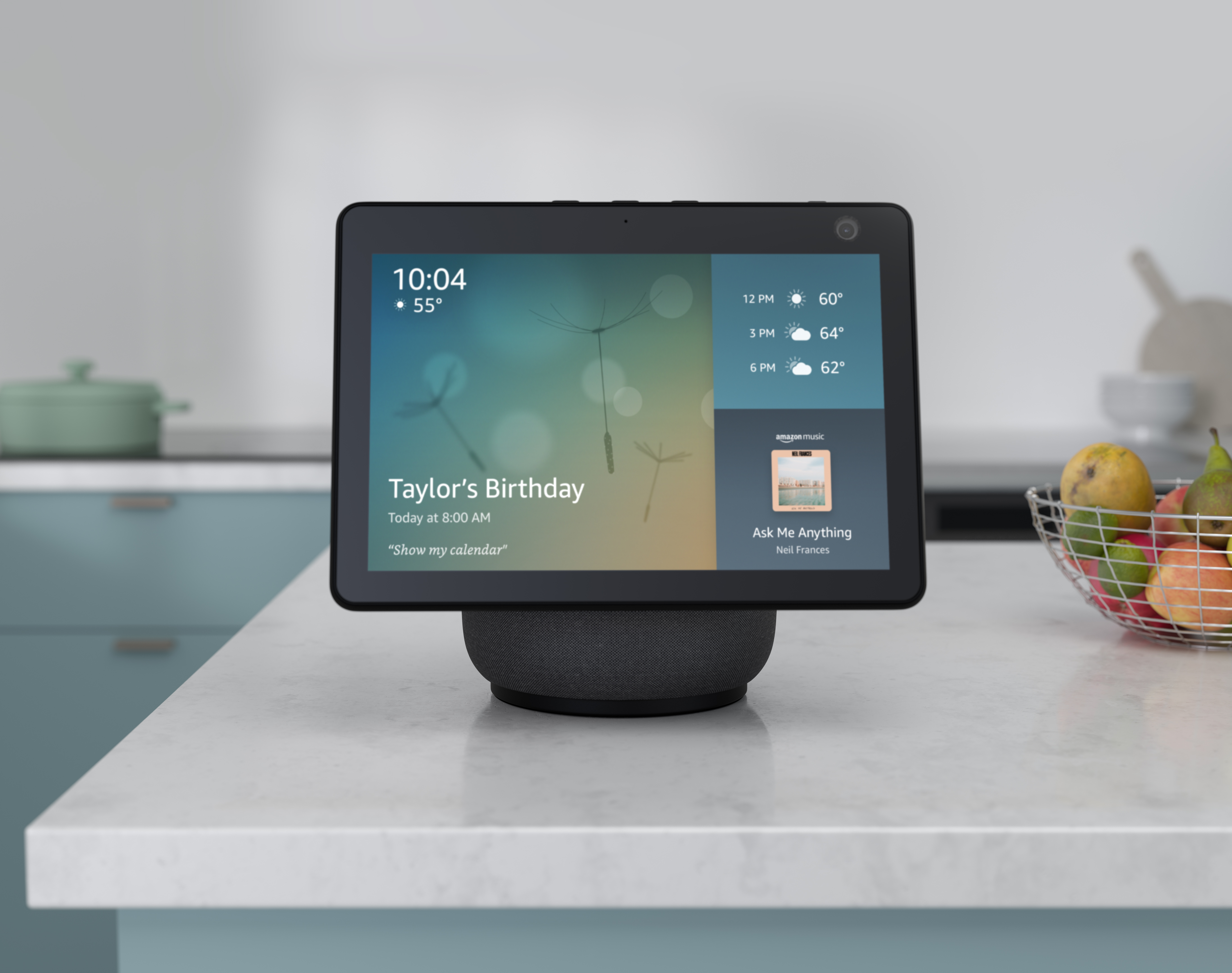
Regardless of which Amazon Echo Show device you might buy, the following steps will typically help you enter setup mode.
- Plug in the device.
- Turn on the Echo Show.
- Wait for its light to shine orange.
- Press and hold the action button for five seconds.
If you need to get a previously-used Echo Show into setup mode, you can factory reset it.
Setting Up an Echo Couldn’t Be Easier
There’s a world of convenience a voice command away when you own an Amazon Echo device. Depending on your preference, just use the button on the device or ask Alexa how to enter setup mode.
Now that your device is set up, you're free to use the many useful Alexa skills.