Jonathon Jachura is a mechanical engineer with over 12 years of HVAC industry experience who specializes in translating complex home systems into practical advice for everyday homeowners. His background spans technical sales and product management for major manufacturers, combined with hands-on experience as a two-time homeowner who has tackled everything from system installations to troubleshooting repairs. Jon focuses on helping readers make confident decisions about their homes through clear, actionable guidance that saves both time and money.
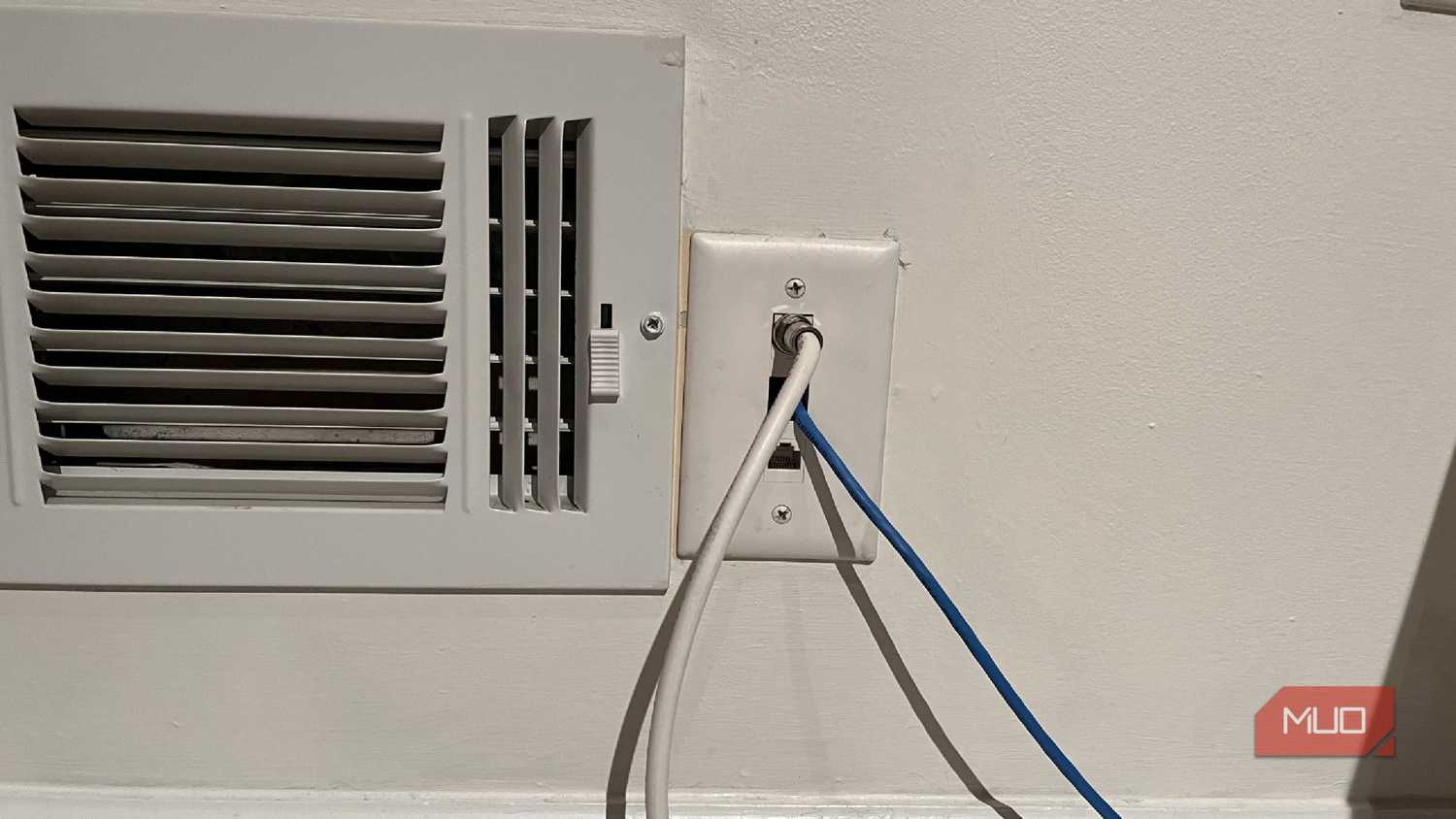
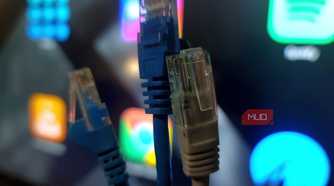
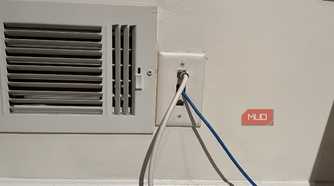
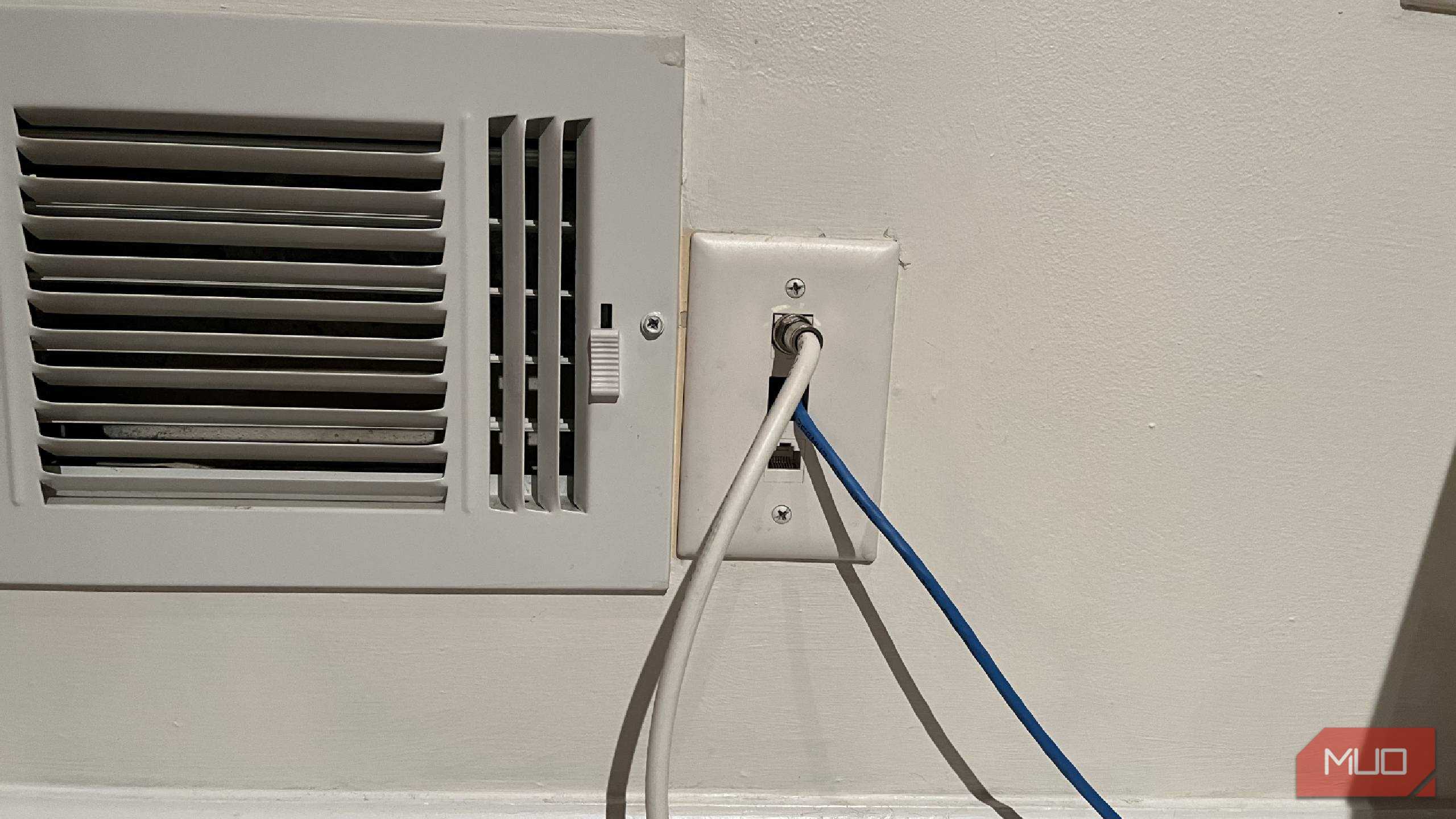
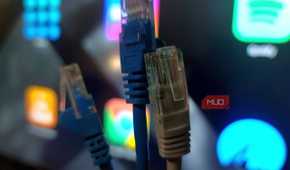
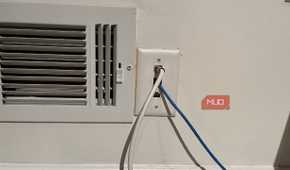
At 9 a.m., campus Wi-Fi is fine. Nobody's on it. Then the whole building comes back at night, and by 10 the same network can't hold a video call together for two minutes straight. The fix costs about 20,ドル and it isn't a signal booster or a mesh kit. It's a USB-C to Ethernet adapter and a patch cable, plugged into the jack that has been sitting in the dorm wall the whole time.
Most students walk past that port for four years without touching it. I did. I went through college using only Wi-Fi and never once considered the alternative, and I've spent the years since running Cat6A through my own walls because wired connections hold steady when everything else buckles.
Housing fees cover the network. At the University of Colorado, every residence hall room has at least one activated Ethernet jack, and students can request additional jacks be turned on free of charge. Almost nobody asks. The University of Arizona goes a step further and tells students directly to pick up a USB-C to Ethernet adapter and a cable from the campus store when Wi-Fi gets flaky.
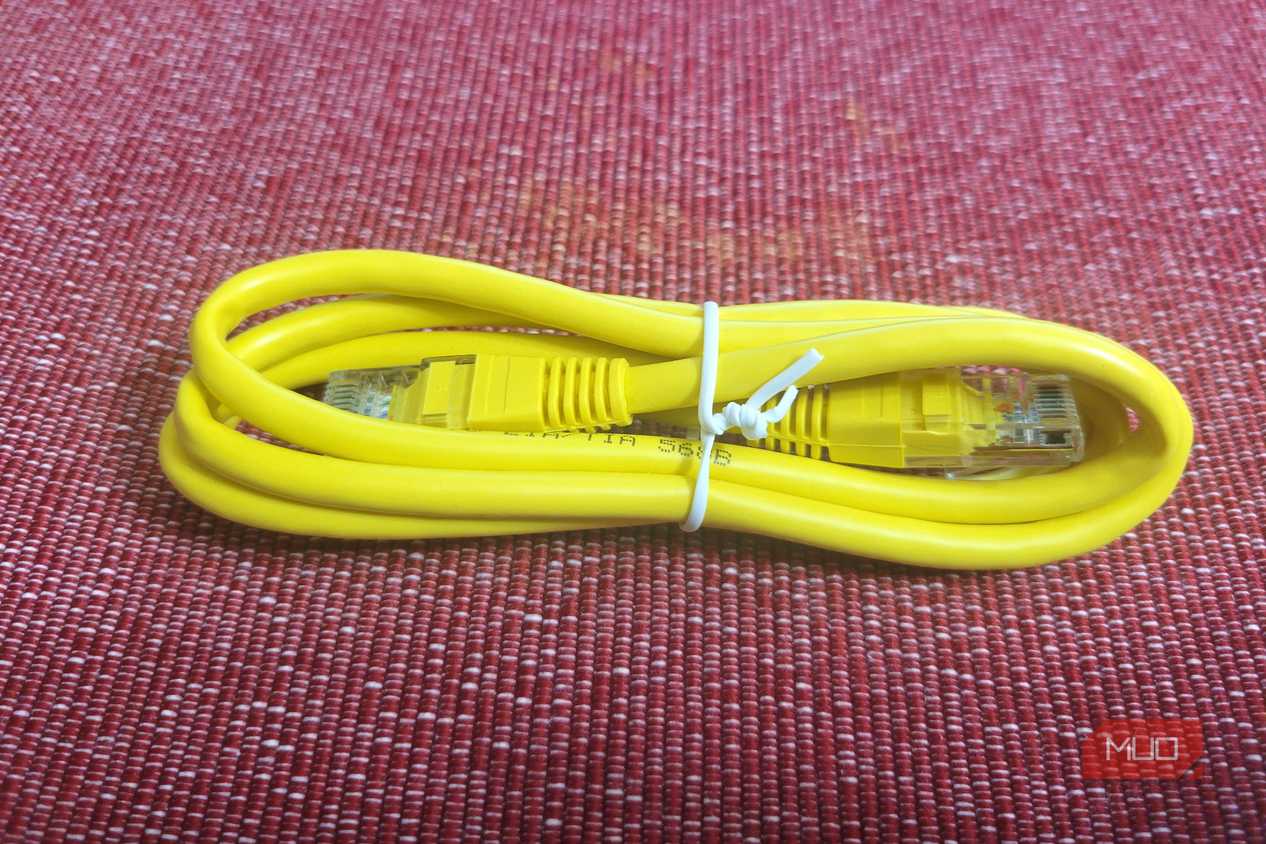
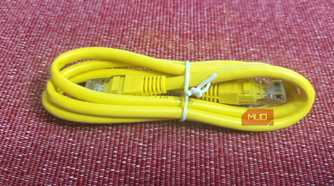
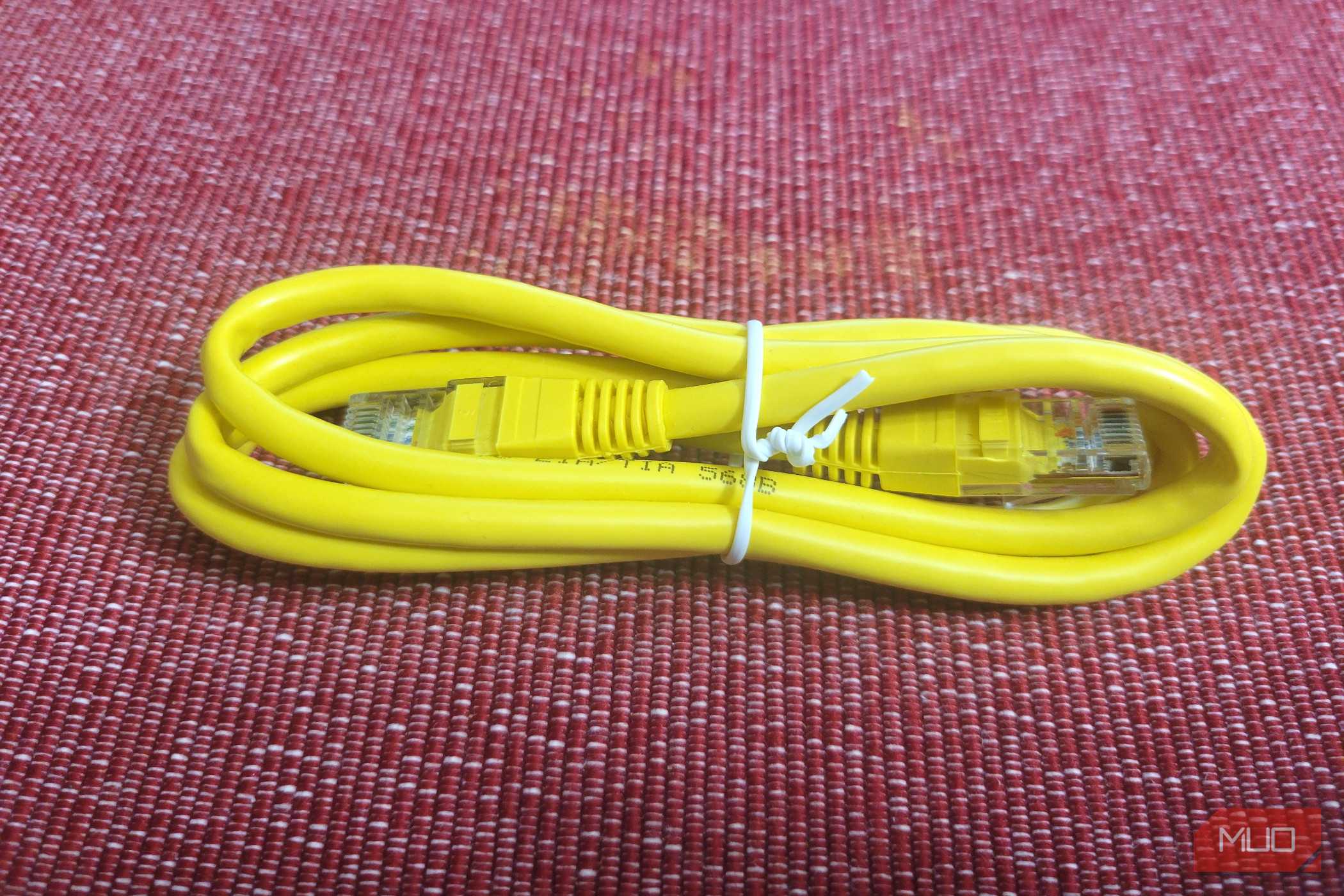
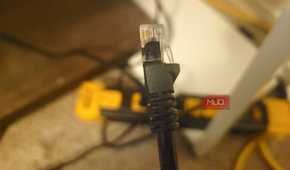
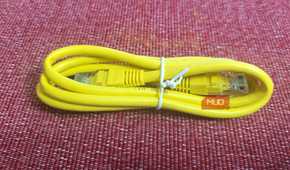
The hardware is cheap. A 1.0Gb USB-C adapter from Anker runs 15ドル–25,ドル and faster models cost a little more than that. A Cat6 patch cable long enough to reach from the jack to a desk adds under 10ドル. That's the entire purchase. Compare it against the laptop, the headphones, and the power bank on every back-to-school list, and it's the smallest line item on the receipt.
Wi-Fi makes everyone share. Radios can't talk over each other, so devices take turns, and one access point in a residence hall might be juggling a few hundred of them at once. Your laptop stands in that line like everything else. After dinner, the line gets long. Arizona's own troubleshooting guidance says as much, telling students that a saturated wireless network slows down and that moving to a less crowded part of the building helps. It also points out the part that matters here: a wired connection isn't affected by that saturation at all.
My house runs a UniFi Dream Machine, a PoE switch, and several access points on a 1200 Mbps line, and anything that can take a cable gets one. The wired devices behave the same at 10 p.m. as they do at noon. The wireless ones don't, and no amount of gear changes that. Ethernet handles a surprising amount of work in a home, and it can even deliver power to the devices on the other end.
Not every school kept its wired network current. Arizona notes that its dorm Ethernet ports have not been upgraded, so they may be slow or not connected at all. The University of Pennsylvania skipped in-room Ethernet entirely in its newest residence hall, which administrators described as a business decision based on years of usage data showing students preferring wireless.
So ask two things before ordering. First, is the port in the room active. Second, does the wired network require registration. Arizona's wired connection runs on 802.1x and needs a NetID login, which means a port that looks dead may simply be waiting for credentials. Thirty seconds of asking saves an afternoon of assuming the adapter is broken.
Plenty of students try to solve bad Wi-Fi by bringing their own router, and it backfires. Colorado's IT office prohibits personal routers and switches on the campus network, and explains why: they interfere with the building's access points and degrade service for everyone nearby. Even a wireless printer can behave like a rogue access point without its owner realizing it.
The adapter is the version of that instinct that campus IT actually wants you to have. It takes one device off the air instead of adding another transmitter to it.
The same adapter works long after move-in day
Commuters, high schoolers, and crowded home networks
Dorms aren't the only place this pays off. Four people in a house will do it too. Add a smart TV that never fully sleeps, a console pulling down a 90GB update, and however many phones are in the building, and the kid trying to upload a paper at 11 p.m. is stuck behind all of it. One cable from the router to the desk removes that competition entirely.
It travels well, too. The thing is barely bigger than a car key and disappears into a laptop sleeve. Tablets and phones with USB-C ports can use it, and it will still be earning its keep in a first apartment three years from now. Cheap gear outlasts flashy gear more often than anyone expects, which is why a handful of cheap desk upgrades changed my setup more than any single expensive piece ever did.
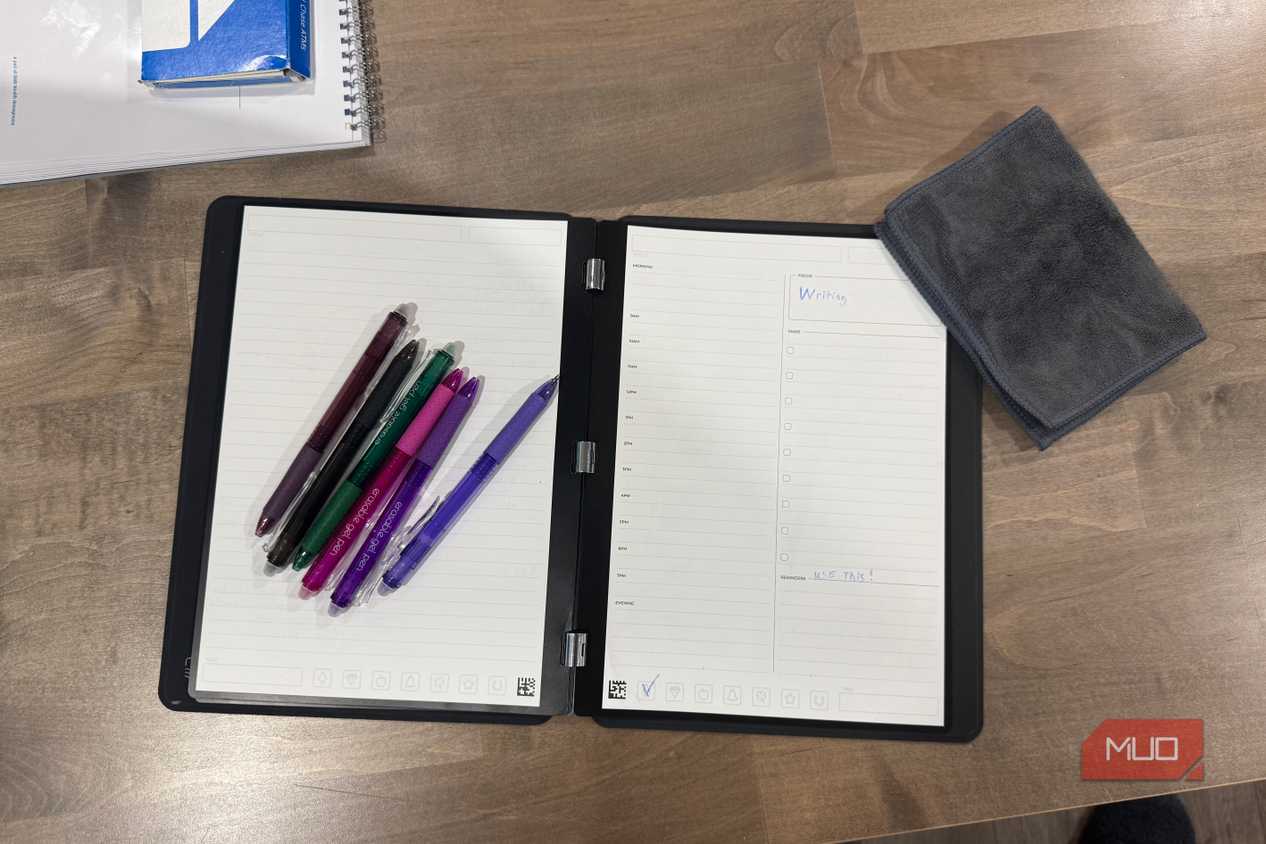
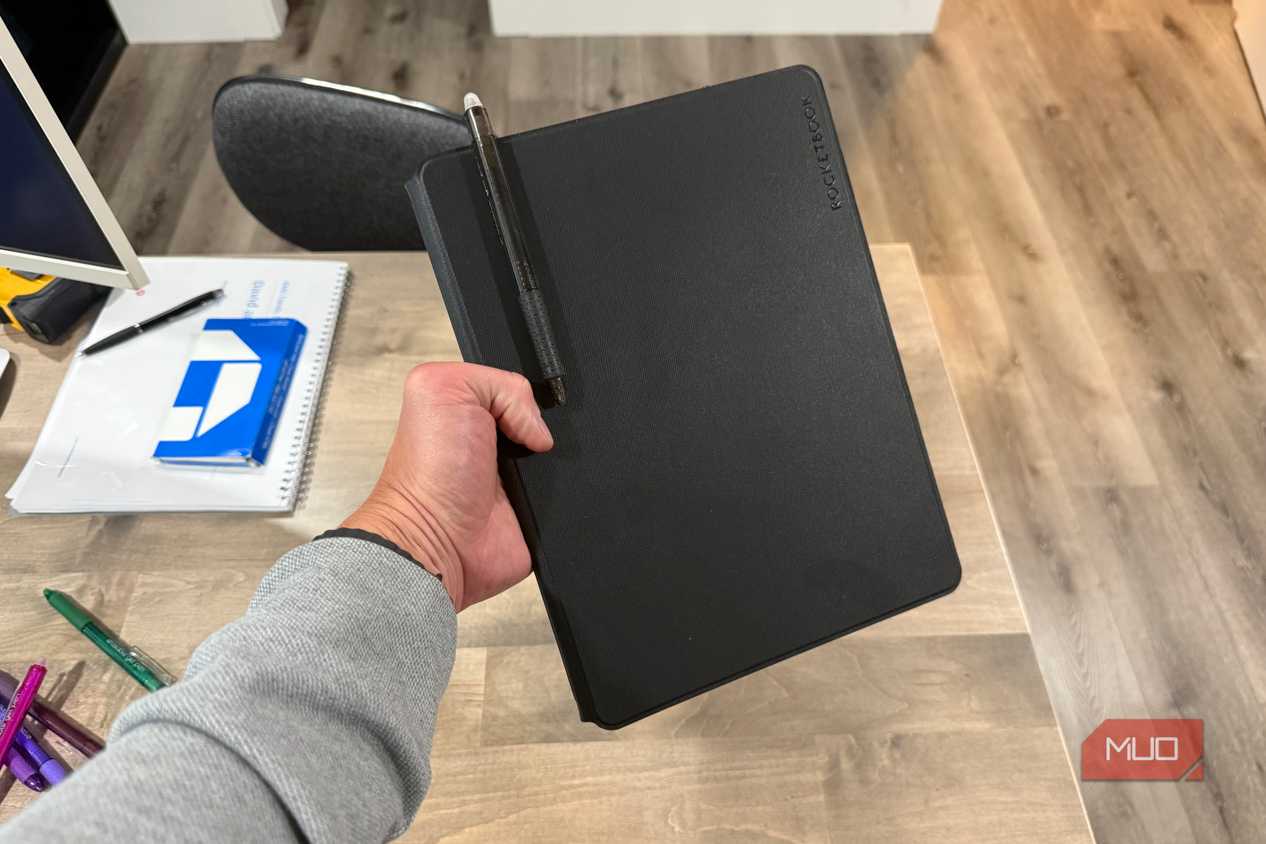
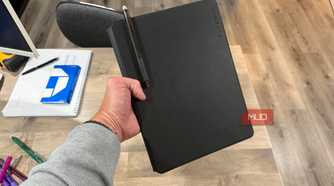
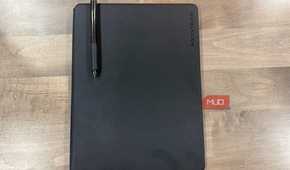
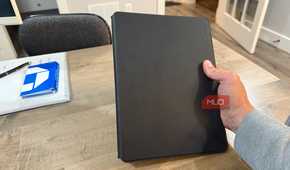
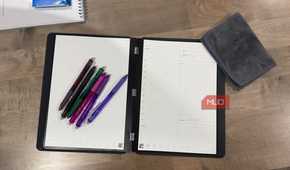
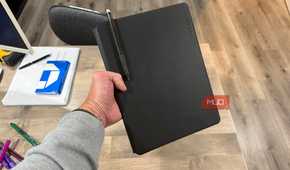
One more pick worth the money: the Rocketbook Pro 2.0
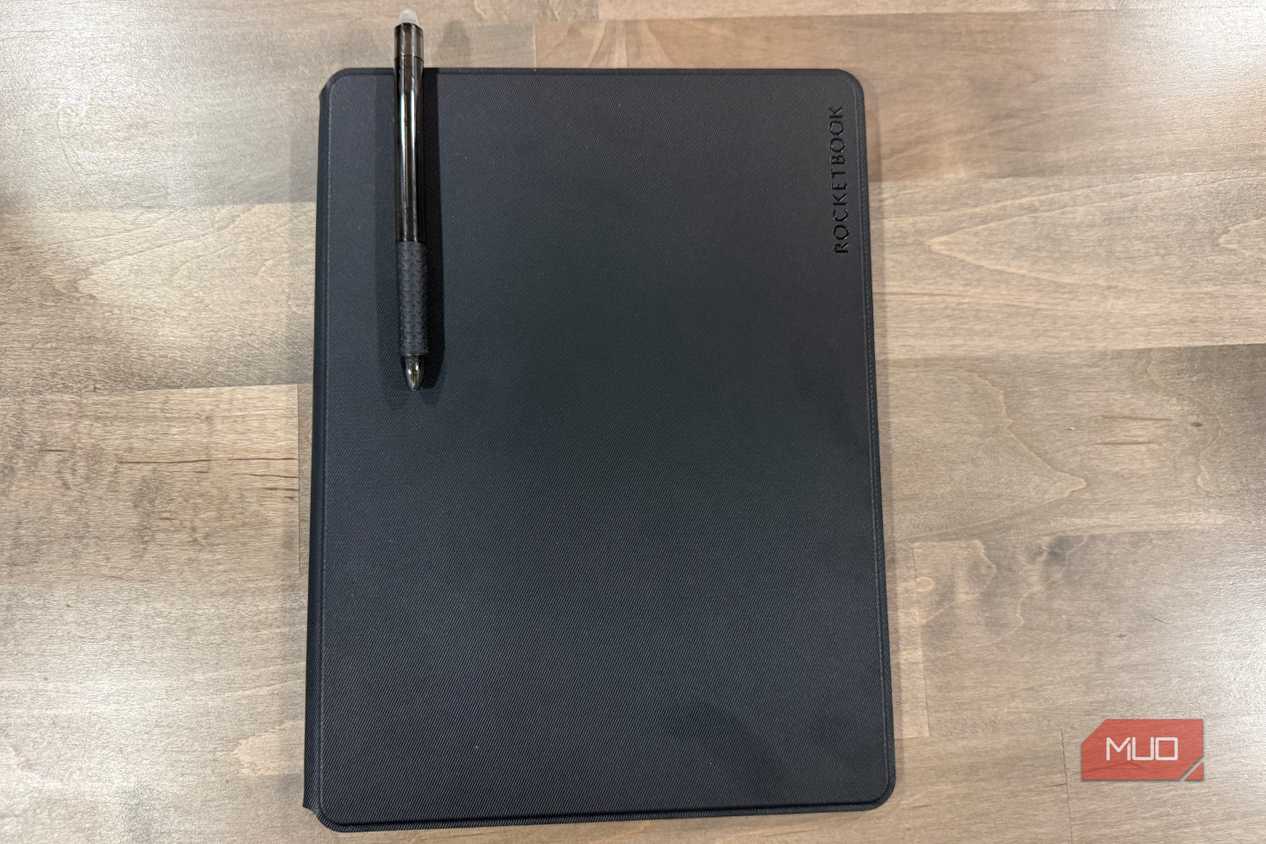
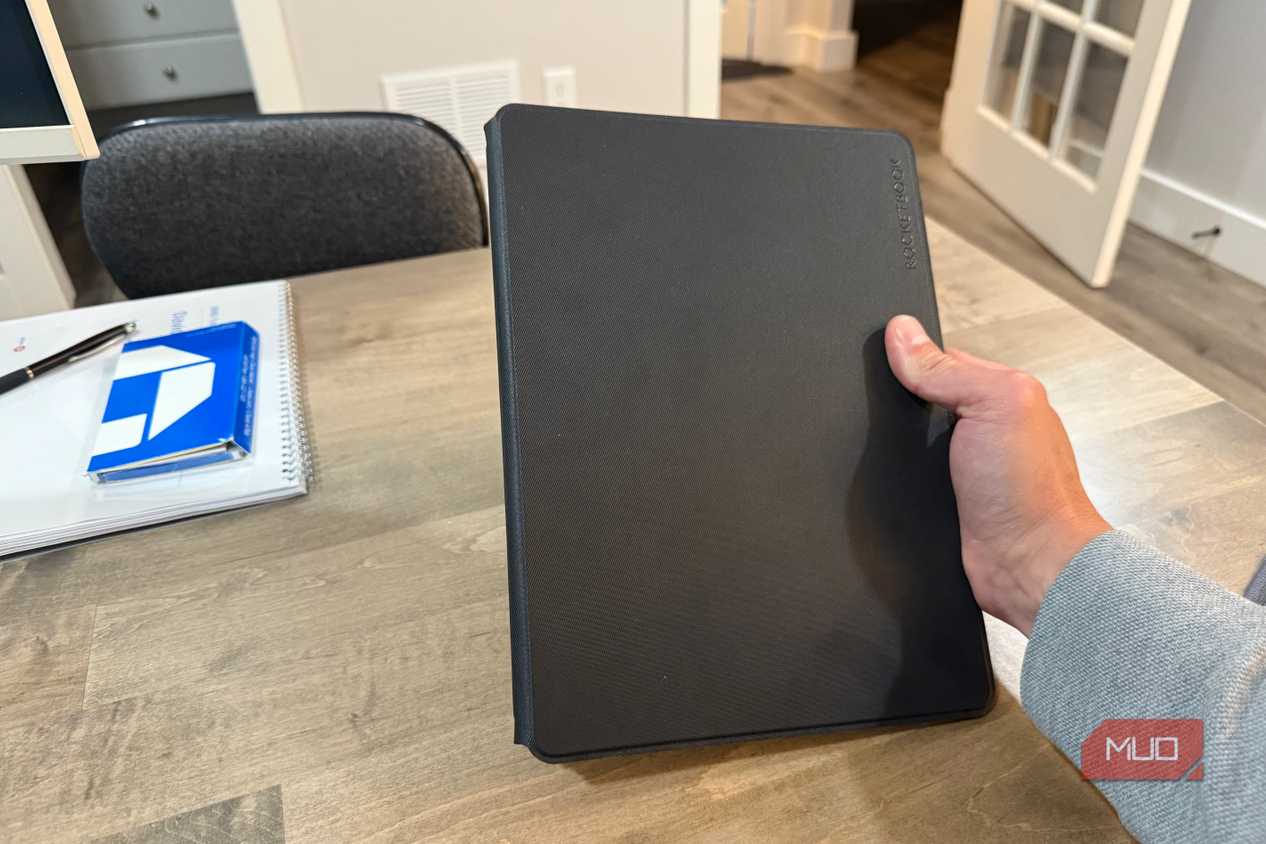
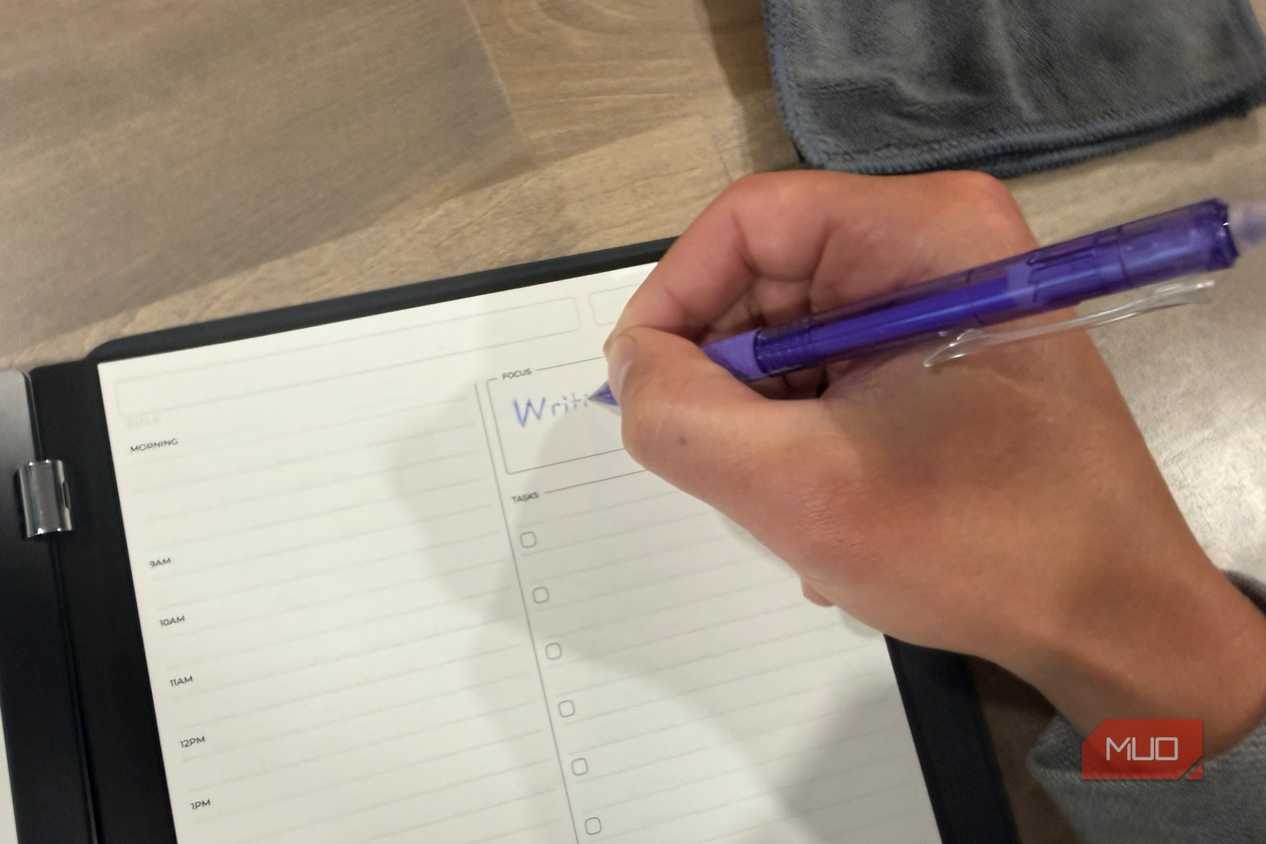
Every August brings a stack of college-ruled notebooks. Most of them die by October. This one runs 60ドル and never runs out, because the pages take a Pilot FriXion pen and then wipe clean under a damp cloth. Scan a filled page with the app first, and the handwriting lands in Google Drive or Apple Notes as text you can search. That pays off at the end of the semester, when a keyword pulls up the lecture you half remember instead of you flipping through a binder for 20 minutes. Mine has survived months of daily use, which is why it replaced my paper notebook habit.
Twenty dollars buys back the fastest connection on campus
Money goes where the marketing is. Laptops, headphones, a tablet nobody asked for. Nothing in that budget goes toward the connection all of it depends on, even though the fix is already sitting in the wall doing nothing. Confirm the port is live, register the connection if the school asks for it, and plug in. Group projects, video lectures, and 2 a.m. submissions all stop being a gamble on how many neighbors are streaming. It's the cheapest upgrade on the list and the one most likely to still matter in April.