
Overview
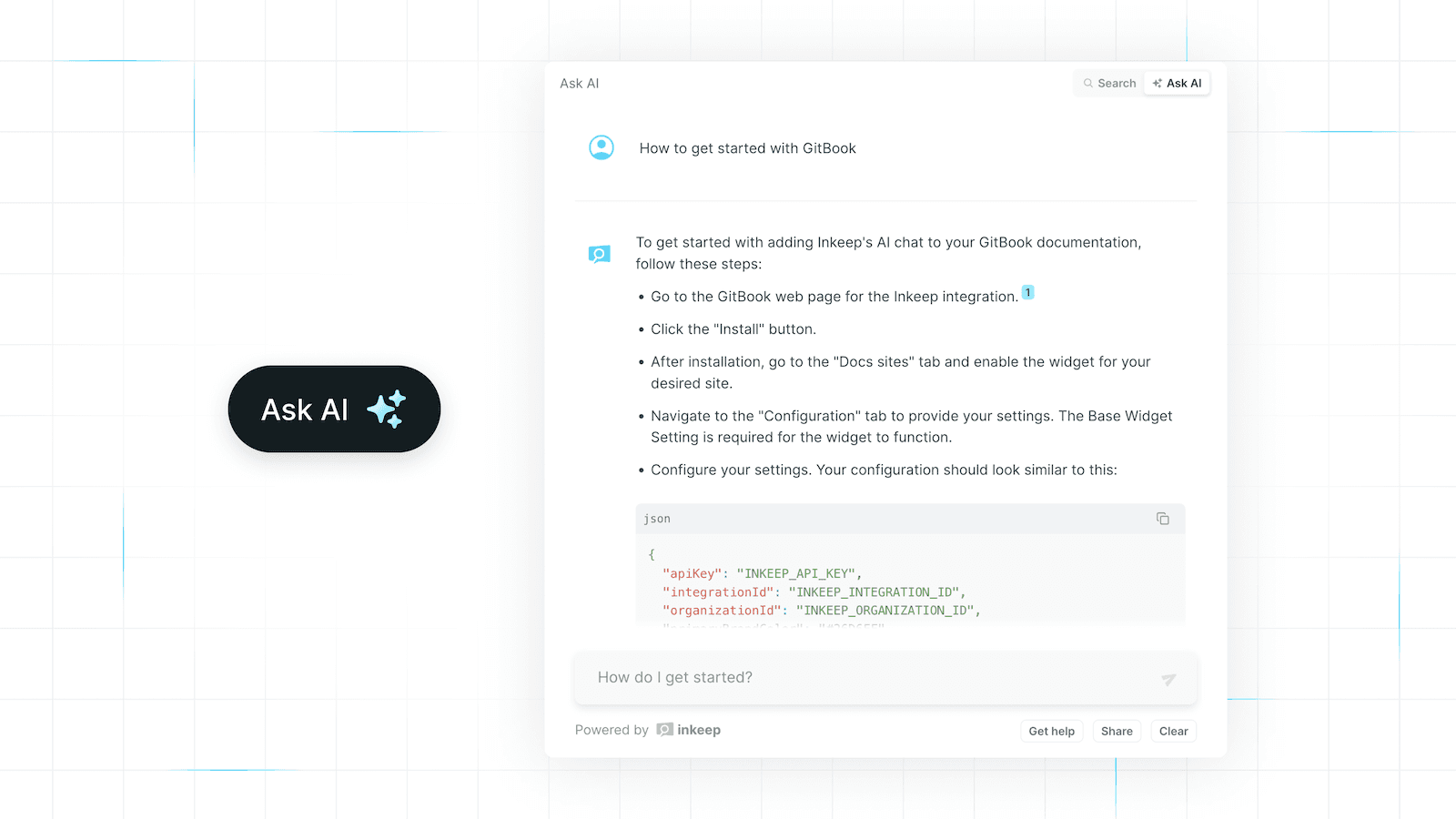
The Inkeep Chat Widget integration for GitBook enhances your documentation by allowing users to chat with your docs and self-troubleshoot issues.
How it works
After configuring the chat widget, it is automatically added to your published GitBook pages. Visitors can initiate a chat by clicking on the widget element and interacting with the chatbot.
With little configuration, Inkeep can automatically answer customer questions, provide code snippets, and even troubleshoot issues.
Configure
You can configure integrations for one or more public spaces by going to the integrations section in your organization's settings. To complete the customization, specify an Inkeep configuration.
Detailed documentation can be found at [Inkeep Chat Button Documentation](https://docs.inkeep.com/ui-components/js-snippet/chat-button).
"We can use our documentation for prospects, not just customers. Finding a certain page in Google is just way easier with GitBook."
Roman Musatkin
,
Head of Product & Design
Swarmia
"We can use our documentation for prospects, not just customers. Finding a certain page in Google is just way easier with GitBook."
Roman Musatkin
,
Head of Product & Design
Swarmia
"We can use our documentation for prospects, not just customers. Finding a certain page in Google is just way easier with GitBook."
Roman Musatkin
,
Head of Product & Design
Swarmia
Build knowledge that never stands still
Join the thousands of teams using GitBook and create documentation that evolves alongside your product
Build knowledge that never stands still
Join the thousands of teams using GitBook and create documentation that evolves alongside your product
Build knowledge that never stands still
Join the thousands of teams using GitBook and create documentation that evolves alongside your product
Documentation
© 2025 Copyright GitBook INC.
440 N Barranca Ave #7171, Covina, CA 91723, USA. EIN: 320502699
Documentation
© 2025 Copyright GitBook INC.
440 N Barranca Ave #7171, Covina, CA 91723, USA. EIN: 320502699