Integration

Front
Add the Front chat widget to your published GitBook content.
Overview
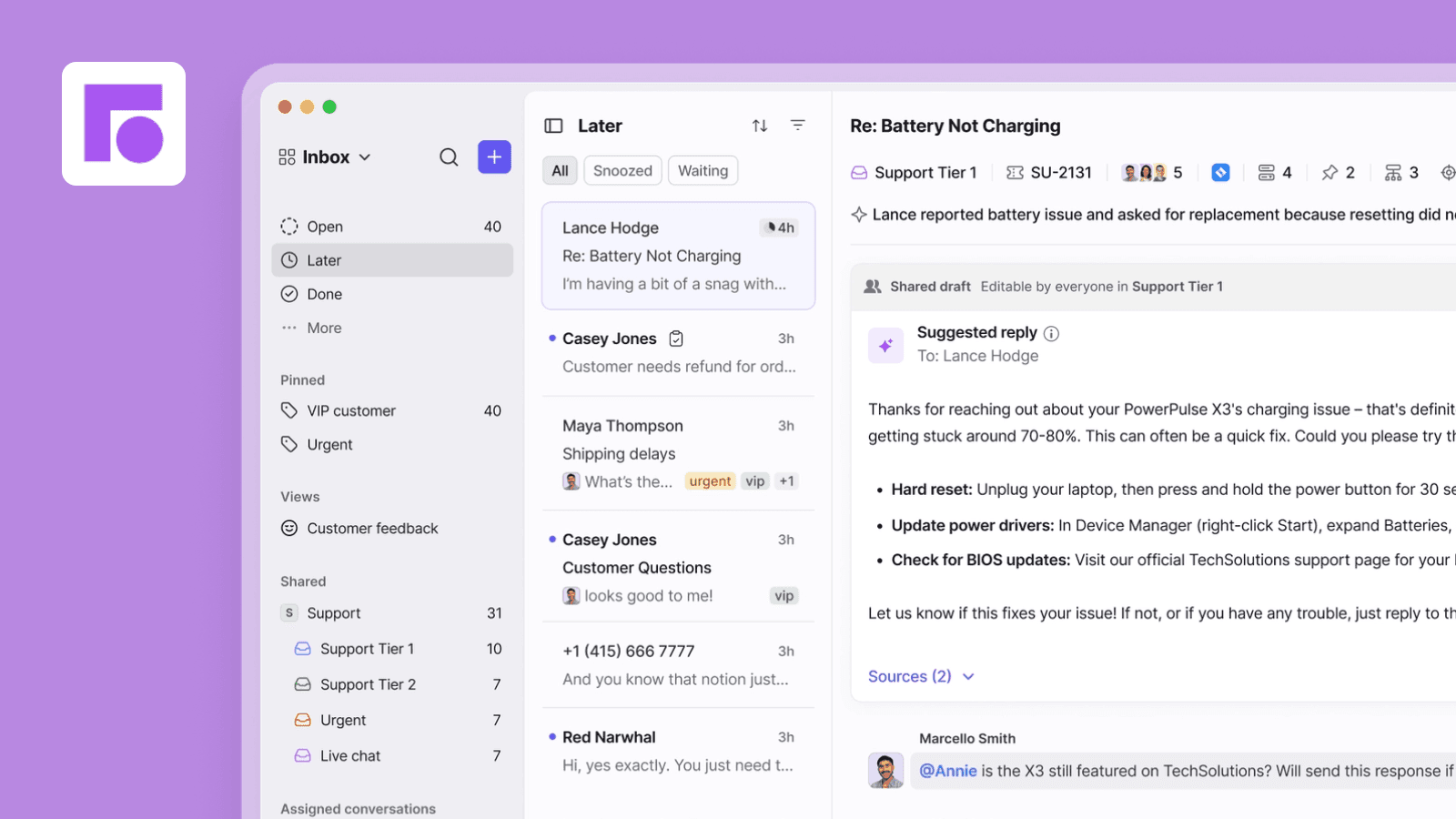
The Front integration for GitBook allows you to display the Front chat widget on your public documentation to connect and interact with your readers.
How it works
Automatic chat widget on your documentation: Each of your connected GitBook spaces will fetch the Front chat widget script and inject it in your published content.
Configure
You can install and configure this integration across multiple sites. To complete the setup, you’ll need to provide the Front Chat ID, which you can find in your Front dashboard.
1. In Front, go to Settings > Channels and click your Chat channel.
2. Open the Installation tab.
3. In the Widget code snippet section, copy the `chatID` value from the code.
"We can use our documentation for prospects, not just customers. Finding a certain page in Google is just way easier with GitBook."
Roman Musatkin
,
Head of Product & Design
Swarmia
"We can use our documentation for prospects, not just customers. Finding a certain page in Google is just way easier with GitBook."
Roman Musatkin
,
Head of Product & Design
Swarmia
"We can use our documentation for prospects, not just customers. Finding a certain page in Google is just way easier with GitBook."
Roman Musatkin
,
Head of Product & Design
Swarmia
Build knowledge that never stands still
Join the thousands of teams using GitBook and create documentation that evolves alongside your product
Build knowledge that never stands still
Join the thousands of teams using GitBook and create documentation that evolves alongside your product
Build knowledge that never stands still
Join the thousands of teams using GitBook and create documentation that evolves alongside your product
Documentation
© 2025 Copyright GitBook INC.
440 N Barranca Ave #7171, Covina, CA 91723, USA. EIN: 320502699
Documentation
© 2025 Copyright GitBook INC.
440 N Barranca Ave #7171, Covina, CA 91723, USA. EIN: 320502699