这是一个分享于 的项目,其中的信息可能已经有所发展或是发生改变。
netgraph 是一个 Go 语言编写的跨平台的 B/S 架构的 HTTP 抓包工具,方便在 Linux 服务器上直接查看 HTTP 包。
[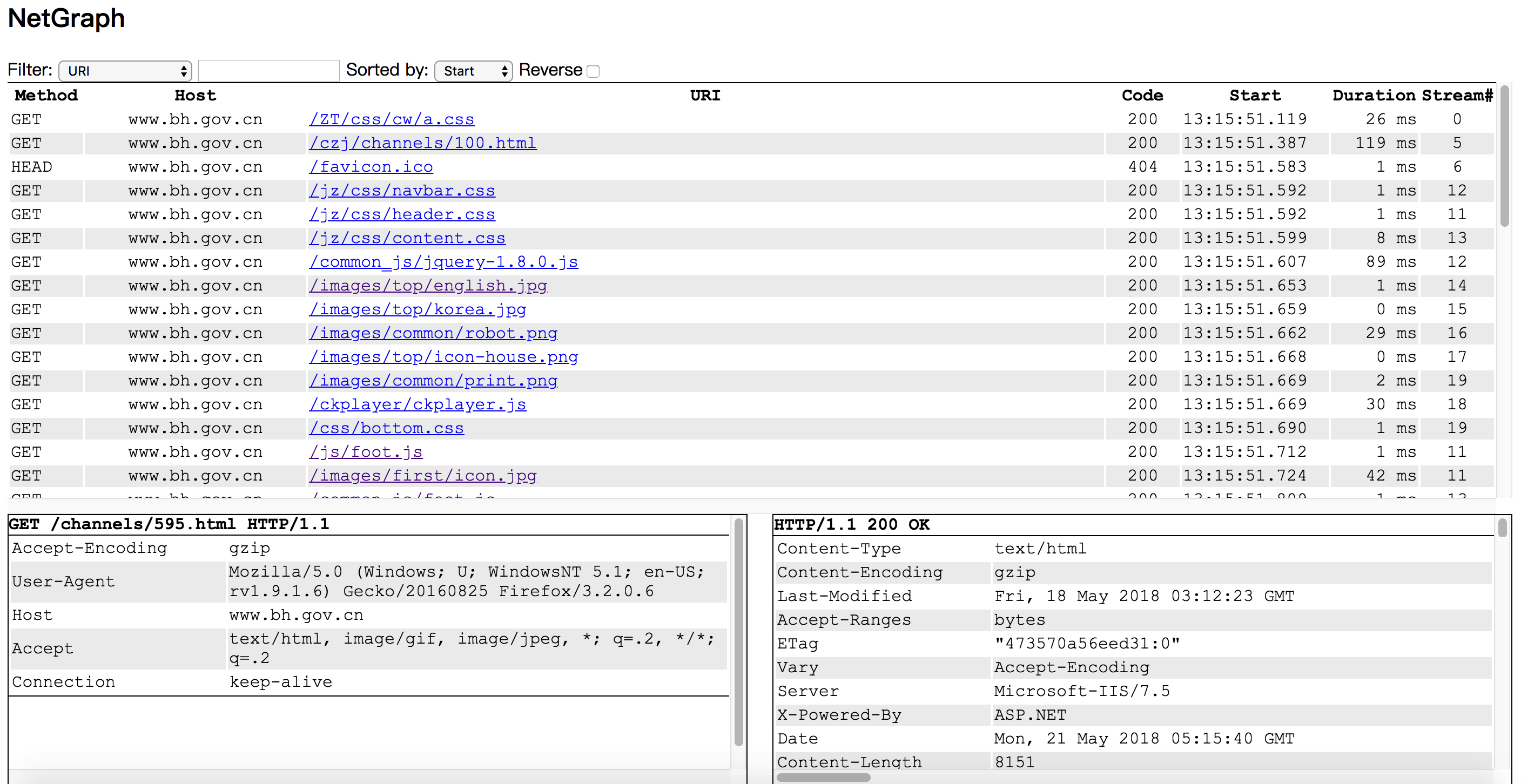](https://raw.githubusercontent.com/ga0/netgraph/master/screenshot.png)
请确保你的浏览器支持 websocket。
### 编译,安装,运行
<pre class="brush:shell;toolbar: true; auto-links: false;"> 1. go get github.com/ga0/netgraph
2. 进入 netgraph 项目的根目录(netgraph会从client中取前端页面);
3. 执行 go build
4. 执行 ./netgraph -e 网卡名称(比如eth0) -p 服务器端口(默认9000);
5. 用浏览器打开运行 netgraph 的服务器地址(比如 http://localhost:9000)。</pre>
### 选项
<pre class="brush:shell;toolbar: true; auto-links: false;">-bpf string
Berkeley Packet Filter (default "tcp port 80")
-f string
Open pcap file
-i string
Device to capture, auto select one if no device provided
-o string
Output captured packet to pcap file
-p int
Web server port (default 9000)
-s save network event in server</pre>
3342 次点击 ∙ 1 赞
添加一条新回复
(您需要 后才能回复 没有账号 ?)
- 请尽量让自己的回复能够对别人有帮助
- 支持 Markdown 格式, **粗体**、~~删除线~~、
`单行代码` - 支持 @ 本站用户;支持表情(输入 : 提示),见 Emoji cheat sheet
- 图片支持拖拽、截图粘贴等方式上传