
a lightly state layout for android.
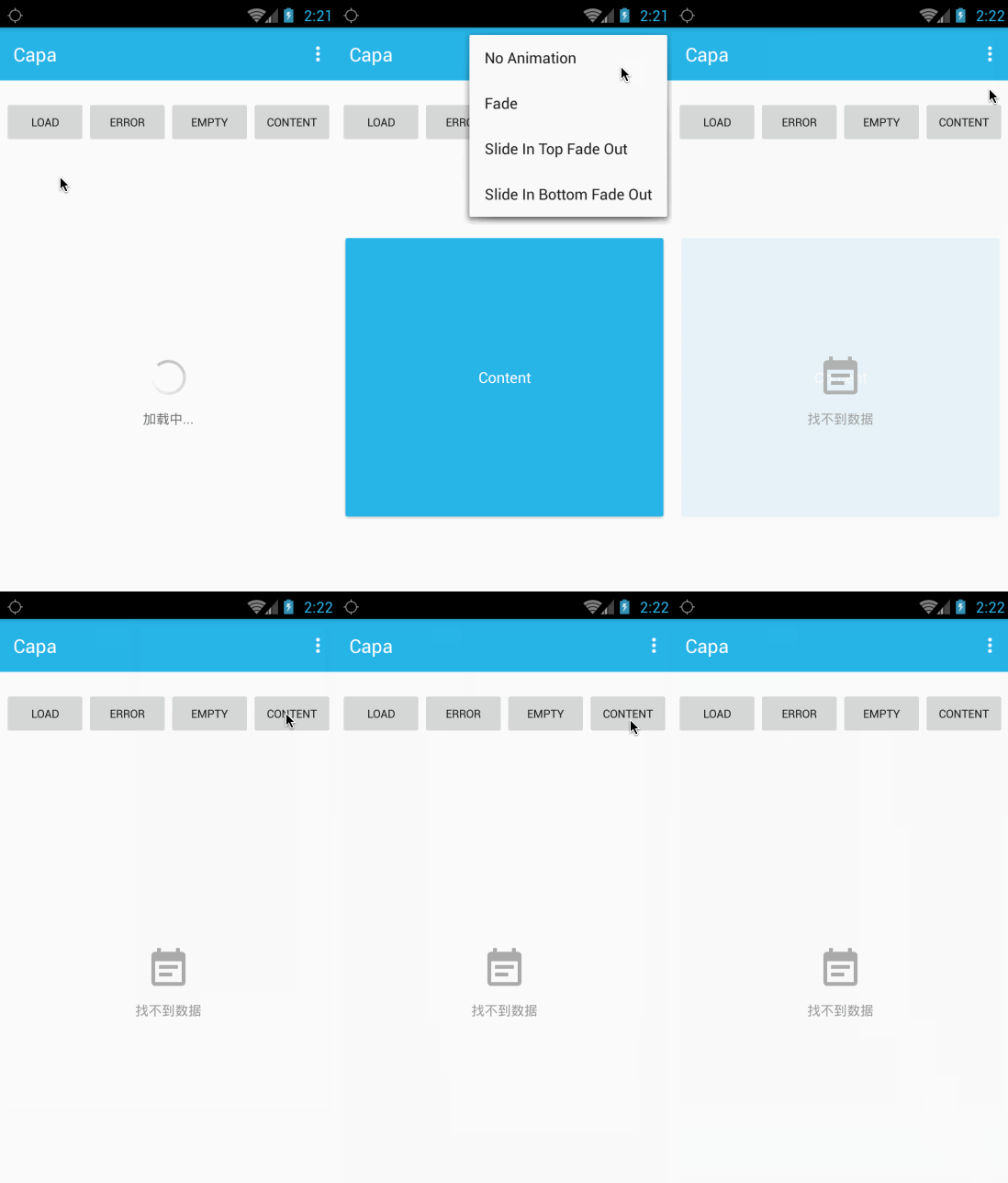
quick integration with 3 minutes
use jitpack in your module.
allProjects {
 repositories {
 maven { url "https://www.jitpack.io" }
 }
}
depend these in your build.gralde.
dependencies {
 compile "com.github.lsxiao.capa:1.0.5"
}use com.lsxiao.capa.CapaLayout to wrap your own content layout or view.
cp_state is the attribute for first show state layout
default is load state(load,empty,error,content)
<com.lsxiao.capa.CapaLayout
 android:id="@+id/capa_layout"
 android:layout_width="match_parent"
 android:layout_height="match_parent"
 app:cp_anim_in="@anim/capa_fade_in"
 app:cp_anim_out="@anim/capa_fade_out"
 app:cp_empty_layout="@layout/capa_empty_layout"
 app:cp_error_layout="@layout/capa_error_layout"
 app:cp_network_error_layout="@layout/capa_network_error_layout"
 app:cp_load_layout="@layout/capa_load_layout"
 app:cp_anim_enable="true"
 app:cp_state="load">
 <!-- your content layout or view-->
 <TextView
 android:layout_width="match_parent"
 android:layout_height="match_parent"/>
</com.lsxiao.capa.CapaLayout>
cataLayout.toLoad();
cataLayout.toEmpty();
cataLayout.toError();
cataLayout.toNetworkError();
cataLayout.toContent();
animation default is enabled.
use app:cp_anim_enable="false" to change,or use animNone() method in your code.
capaLayout.animNone();//not show animation.
capaLayout.animFade();
capaLayout.animeSlideInTop();
capaLayout.animeSlideInBottom();
capaLayout.animIn(...);
capaLayout.animOut(...);
or
app:cp_anim_in="..."
app:cp_anim_out="..."
capaLayout.getLoadView();
capaLayout.getEmptyView();
capaLayout.getErrorView();
capaLayout.getContentView();
capaLayout.getNetworkView();
welcome pr.
We use SemVer for versioning. For the versions available, see the tags on this repository.
- lsxiao - Android developer - lsxiao See also the list of contributors who participated in this project.
MIT