Pattern along Path errors out
| Affects | Status | Importance | Assigned to | Milestone | |
|---|---|---|---|---|---|
| Inkscape |
Fix Released
|
Medium
|
Alvin Penner | ||
| inkscape (Ubuntu) |
Fix Released
|
Low
|
Unassigned | ||
Bug Description
Binary package hint: inkscape
My particulars:
inkscape:
Installed: 0.47.0-2ubuntu2
Candidate: 0.47.0-2ubuntu2
Version table:
*** 0.47.0-2ubuntu2 0
500 http://
100 /var/lib/
-------
Ubuntu 10.04
-------
When trying to generate text along a curve via:
1. Select path of curve
2. Select path of text
3. Extensions > Generate from Path > Pattern along Path
And attempting to preview or apply with any or no settings at all, Inkscape informs me that:
Inkscape has received additional data from the script executed. The script did not return an error, but this may indicate the results will not be as expected.
Traceback (most recent call last):
File "/usr/share/
e.affect()
File "/usr/share/
self.effect()
File "/usr/share/
self.
File "/usr/share/
i,t=
File "/usr/share/
l=l % sum(self.lengths)
ZeroDivisionError: float modulo
-------
And then nothing happens.
Related branches
Not reproduced with Inkscape 0.47 and 0.47+devel r9602 on OS X 10.5.8
Could you attach a sample SVG file here with a path (curve) and text (converted to path) which cause the extension 'Pattern along Path' to fail with 'ZeroDivisionError: float modulo'?
I attempted to recreate this in a new SVG I could attach only to have it work.
I'd rebooted, purged my inkscape installation, checked for updates, tried to make new SVG files and nothing helped and for some reason it just works today. Sorry for the bug report.
FWIW I had been trying to produce a pattern along the path of a half circle made by breaking the nodes of a circle.
Not directly related to the bug, but to put text on path you should select a text object (not converted to path) and the path and then select "Put on Path" from the Text menu. This way the text will remain editable.
Regards, Krzysztof
- Description Edit (7.0 KiB, image/svg+xml)

i have the same problem when i select to paths (firs are small horizontal line the second are half ellipse path )
from path along pattern if i chose "Pattern is Vertical " the effect work but no that what i want ..i got totally deferent shape
Put when deselect it i got same error message ..and th pattern won't work .
- 604131-pattern test-group_as_pattern.svg Edit (49.2 KiB, image/svg+xml)
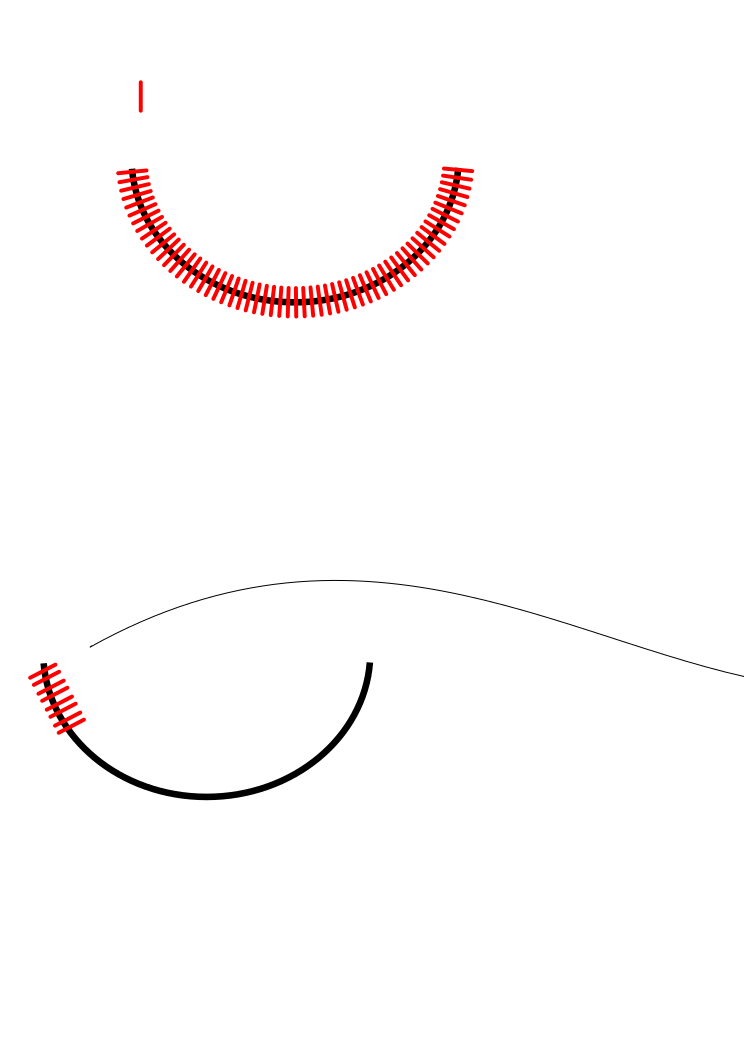
@Salim - convert the stroke of your pattern to path before applying the extension, or group it with an invisible rectangle to get a pattern with both dimensions > 0.
related: Bug #486920 "Extension 'Pattern along Path' python script fails"
<https:/
- 604131-pattern test-increase_spacing.svg Edit (54.9 KiB, image/svg+xml)

... increase the spacing between the copies.
attached is a quick and dirty patch which avoids this error message by putting a lower limit of 0.1 on the variable dx, where dx is the sum of the 'size of the object' plus the 'space between objects'
The patched script prevents failure/error if both the relevant dimension of the pattern and 'Space between objects' are '0.0'. However it hides from the user that the visual width of a stroke is not considered as one of the dimensions of the pattern and can lead to unexpected results if the pattern has a wide stroke set, the actual spacing however is set to 0.1 px in the script.
What about displaying a message that one of the two parameters needs to be > 0 instead of using an arbitrary threshold the user can't influence or override?
- pathalongpath.py Edit (11.1 KiB, text/x-python)
here is a modified version that raises an error message with some suggestions of what to do next.
Alvin's commit refers to r9721 in lp:inkscape
Affects translated string - tag removed.
removed: patch