Uncover software bugs when HTTP communication is involved. The Fiddler set of tools helps you promptly identify errors to effectively fix them. Easily.
Choose based on platform support, debugging workflow, and feature set.
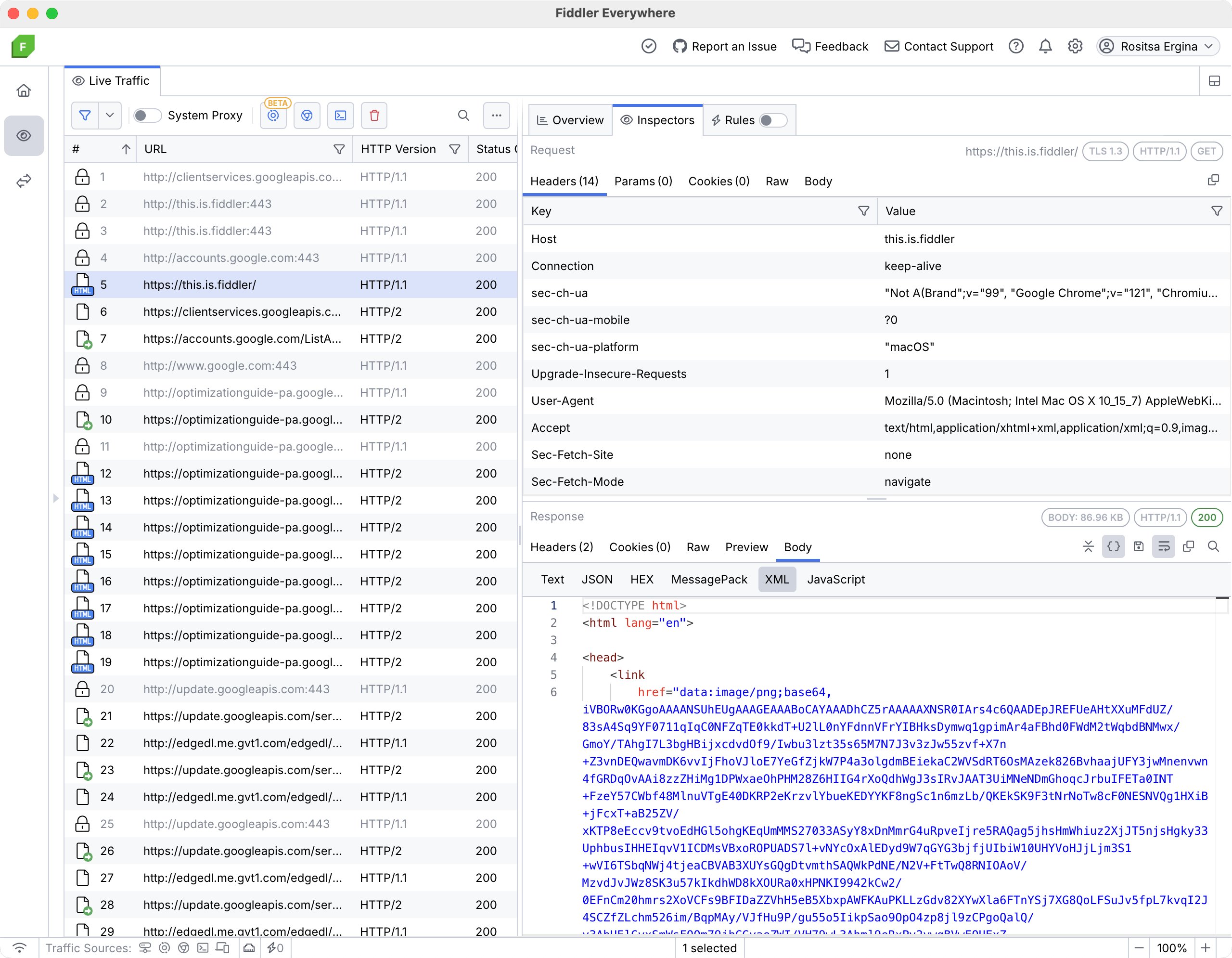
Enterprise-ready debugging and testing for MacOS, Windows, and Linux
* Fiddler Everywhere Reporter is part of Fiddler Everywhere for capturing and sharing web traffic logs for troubleshooting. No installation, login, or license required.
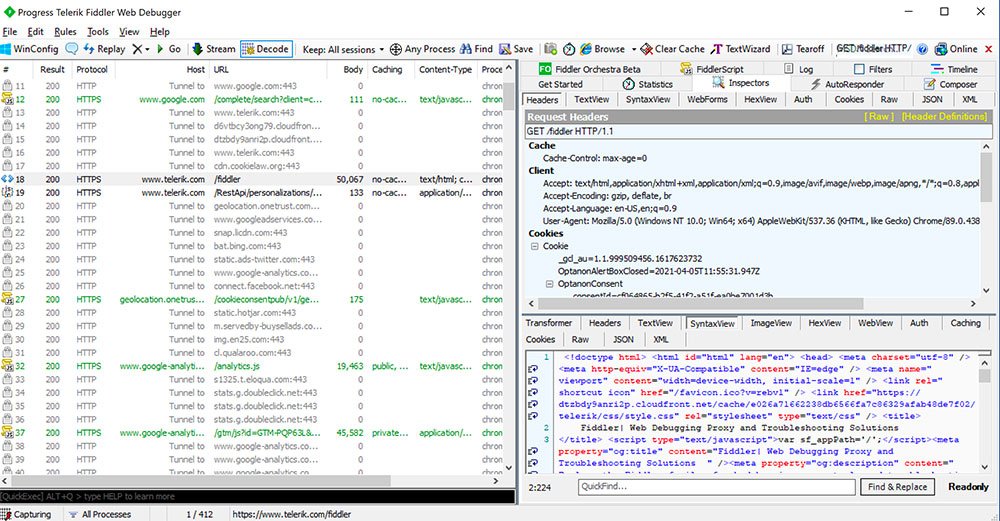
Manually inspect network traffic to diagnose issues for Windows
Embeddable .NET library
1 Try the Fiddler product(s) and the web debugger that aligns with your needs.
2 Integrate Fiddler into your workflow for rapid, elegant debugging and troubleshooting.
3 You’ll start realizing the high value of benefits of Fiddler through the acceleration of both your time and cost savings.
Join these companies and the 4 million developers who are already building, running, and debugging with Fiddler proxy tools.
Don’t just take our word for it. G2 Users have consistently rated Fiddler 4.4 out of 5 stars. G2 is a renowned peer-to-peer review site that aggregates user reviews for business software.
A web debugging proxy is a tool that sits between a client app (such as a browser or mobile app) and a web server to intercept, inspect, and modify the traffic exchanged between them. This allows developers and QA professionals to analyze the requests sent from the client and the responses received from the server, helping them identify issues such as errors, performance bottlenecks, security vulnerabilities, or incorrect data. By using a web debugging proxy, users can diagnose and troubleshoot problems in applications, APIs, and services more effectively. Fiddler Everywhere is a powerful web debugging proxy to facilitate your debugging efforts and optimize your processes.
Yes, you can use Fiddler Everywhere remotely to capture and analyze network traffic from basically any device (like a computer, console, smartphone, smart TV, and other smart devices) on the same network as the Fiddler Everywhere host machine. You can do this with the Remote Device Capturing feature and configure a remote device, which will allow you to monitor and debug traffic from the remote device.
Fiddler Everywhere offers a range of support options, including:
Thus, ensuring that users have the resources they need to effectively use the tool and resolve any issues that may arise.
Yes, Fiddler Everywhere can be used with mobile devices. By configuring your mobile device to route its network traffic through the machine running Fiddler Everywhere, you can capture and analyze HTTP/HTTPS traffic from mobile apps and browsers. This setup allows you to debug and monitor network requests and responses from your mobile device, making it a valuable tool to ensure that all communications run correctly.
The trial period allows users to fully explore Fiddler Everywhere’s capabilities before deciding on a subscription. During a period of 10 days, customers can access all the features of the paid version, including enterprise-level capabilities, allowing them to fully explore how the product integrates with their company workflows. Once the trial period expires, users can easily upgrade to a monthly or annual subscription plan, according to their needs.
Yes, you can use Fiddler Everywhere without an active internet connection. The core functionality of capturing and analyzing local network traffic will work offline, however, be aware that you might experience some limitations regarding certain features that rely on internet access. If you’d like to discuss a particular use case, please contact us at fiddler@progress.com.